


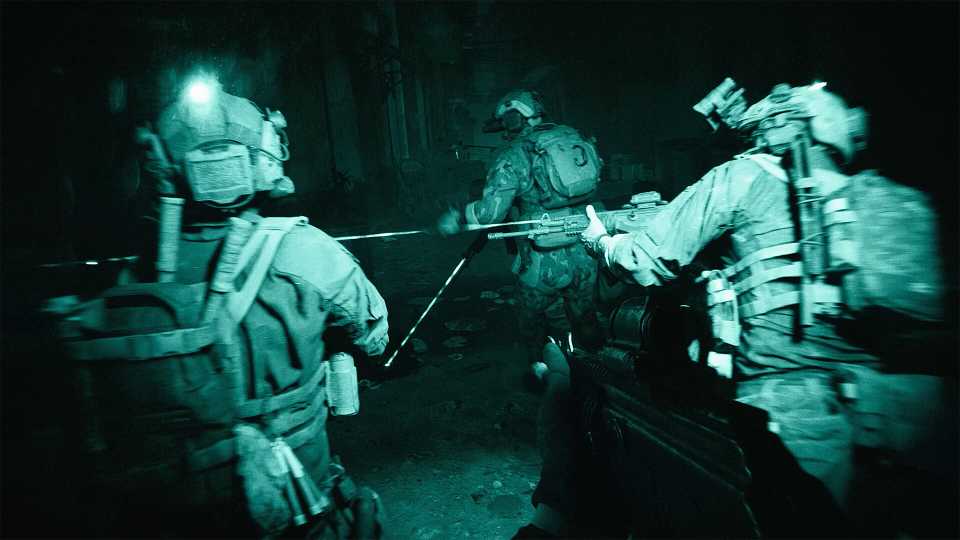
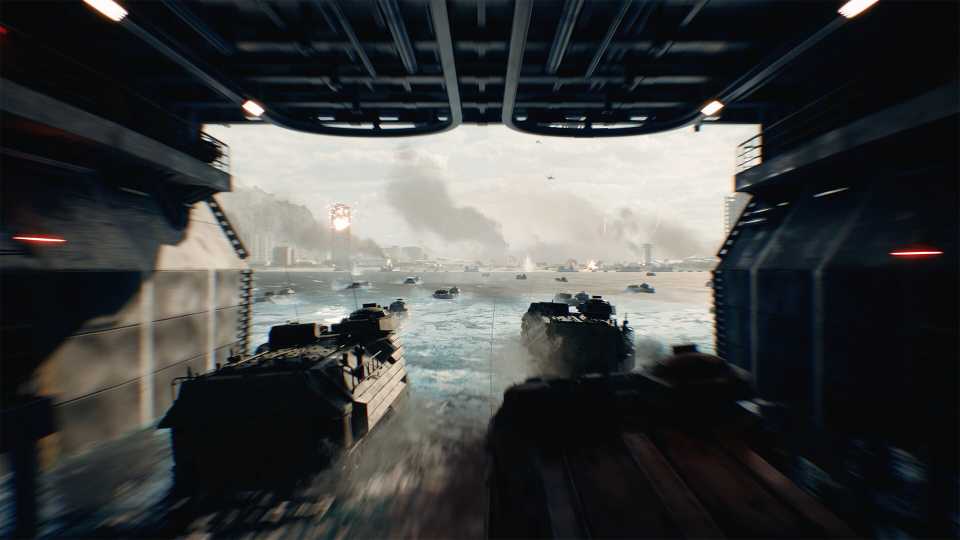
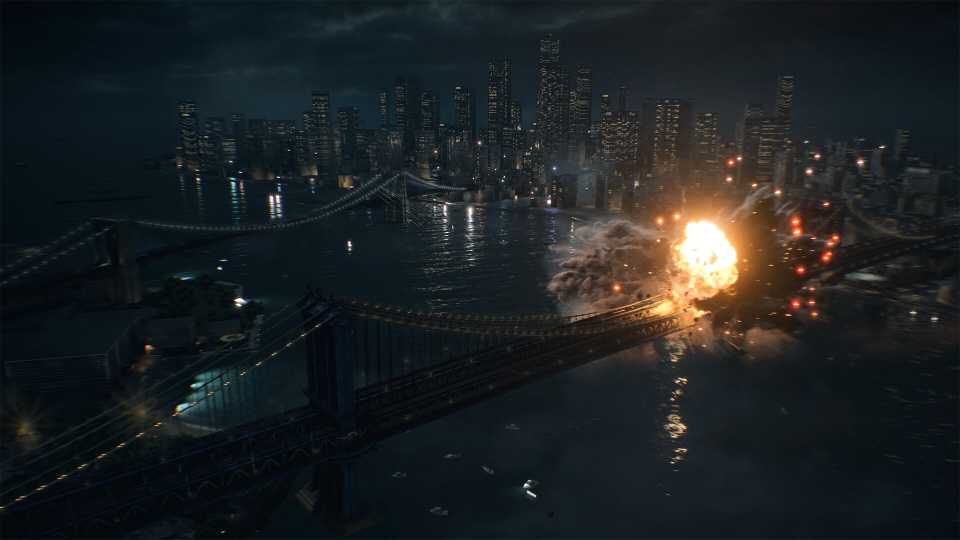
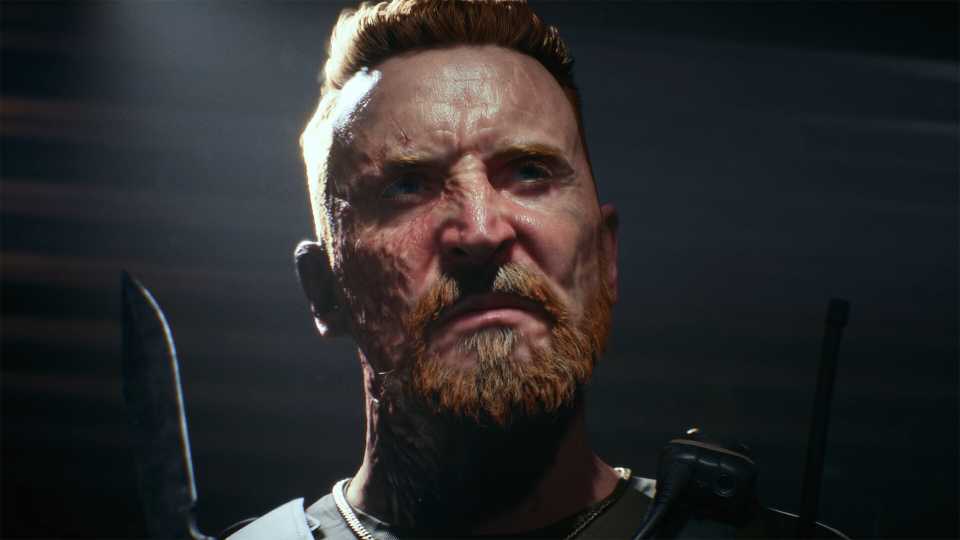
Many players suggest that keeping the SOVIS filter on in Battlefield 6 can greatly improve enemy visibility. Since its beta, Battlefield 6 has struggled with visibility issues, mainly due to its dynamic atmosphere and large player count on each map, which can make spotting enemies difficult.

Luckily, Battlefield 6 comes with a wide range of graphics settings, several of which can significantly enhance character reading in large maps. Players have reported that adjusting the game's brightness, along with the size, color, and opacity of icons, can make a noticeable difference. Others have drawn attention to a basic graphics option called the SOVIS filter as the most effective solution for spotting opponents.

How to Change Display Operator in Profile in Battlefield 6
Can't change the background operator in the Profile tab? Here's the solution in Battlefield 6.
Battlefield 6's Soldier Visibility Filter Can Help Spot Enemies
The Soldier Visibility filter, or SOVIS, disables realistic lighting for operators, preventing them from blending into the environment and contoured lighting. In other words, enabling this setting makes nearby soldiers stand out from the backdrops, as they are no longer affected by fog, dust, light, or other environmental effects. The filter also appears to have little to no impact on FPS, which adds to its popularity. To enable SOVIS, players can go to Battlefield 6's settings and find the toggle under the Graphics section.
How to Turn the SOVIS Filter On
- Go to Settings
- Select the Graphics tab
- Look for the HUD and interface section
- Toggle SOVIS on if it is not enabled by default
For those curious about how the SOVIS filter works, it seems to be quite similar to the Boost Player Contrast setting in Counter-Strike 2. In CS2, enabling this setting makes enemy operators stand out from the background, improving visibility at long distances. Battlefield 6's Soldier Visibility setting appears to work similarly, though EA's game applies the filter to all operators, whereas CS2's version mainly affected stationary targets.

While the SOVIS filter has its fans, many Battlefield 6 players recommend turning it off. They argue that it can cause overexposure and excessive brightness, creating a different visibility issue. The debate, however, has no clear winner, and whether to enable the filter often comes down to personal preference. Players seeking a more realistic shooter gameplay tend to leave it off, while those aiming for a competitive edge usually keep it on. That said, it's best for players to test the filter across different maps to see if it genuinely improves their gameplay before deciding whether to keep it on or off.


Battlefield 6



-
 OpenCritic Reviews
- Top Critic Avg: 83 /100 Critics Rec: 90%
- Released
- October 10, 2025
- ESRB
- Mature 17+ / Blood and Gore, Intense Violence, Strong Language, In-App Purchases, Users Interact
- Developer(s)
- Battlefield Studios
- Publisher(s)
- EA



WHERE TO PLAY





- Multiplayer
- Online Multiplayer, Online Co-Op
- Cross-Platform Play
- All platforms
- Cross Save
- Via EA Account
- Franchise
- Battlefield
- Number of Players
- Single-player
- Steam Deck Compatibility
- Unsupported
- PC Release Date
- October 10, 2025
- Xbox Series X|S Release Date
- October 10, 2025
- PS5 Release Date
- October 10, 2025
- Platform(s)
- PlayStation 5, Xbox Series X, Xbox Series S, PC
- OpenCritic Rating
- Strong
- How Long To Beat
- 6 hours
- X|S Optimized
- Yes
- File Size Xbox Series
- 87.44 GB
