


Elden Ring is one of the most popular games to play on Steam Deck, so it makes sense that its multiplayer spinoff, Elden Ring Nightreign, is a huge hit with handheld players. Unlike the original Elden Ring, however, Nightreign is only marked as playable on Steam Deck and not verified.
That doesn't mean you can't get a solid experience playing Elden Ring Nightreign on Steam Deck, though. Despite some hiccups, the game can maintain a steady frame rate with a few graphical tweaks. The roguelike formula is perfect for pick-up-and-play handheld sessions on Steam Deck, too.

Elden Ring Nightreign: All Map Symbols & What They Mean
To efficiently navigate the world and understand map markers, Nightreign players should follow this guide to every map symbol.
Best Elden Ring Nightreign Steam Deck Settings

Elden Ring Nightreign runs best on Steam Deck with a mixture of low and medium settings.
- Resolution: 1280x720
- Texture Quality: Medium
- Antialiasing Quality: High
- SSAO: Medium
- Depth of Field: Low
- Motion Blur: Low
- Shadow Quality: Low
- Lighting Quality: Medium
- Effects Quality: Low
- Volumetric Lighting Quality: Low
- Reflection Quality: Low
- Shader Quality: Low
- Global Ilumination Quality: Low
- Grass Quality: Medium
With these settings, Elden Ring Nightreign will run at 30-40 FPS. There's no in-game frame rate limiter, but you can use the Steam Deck's built-in frame limiter to change the screen's refresh rate and enjoy a locked 30 FPS. You can try to get a 40 FPS experience by lowering a few additional settings, but Nightreign's frame rate fluctuates quite a bit between 30 and 40 during gameplay, so you'll encounter some judder. A 30 FPS cap is the way to go for Nightreign.
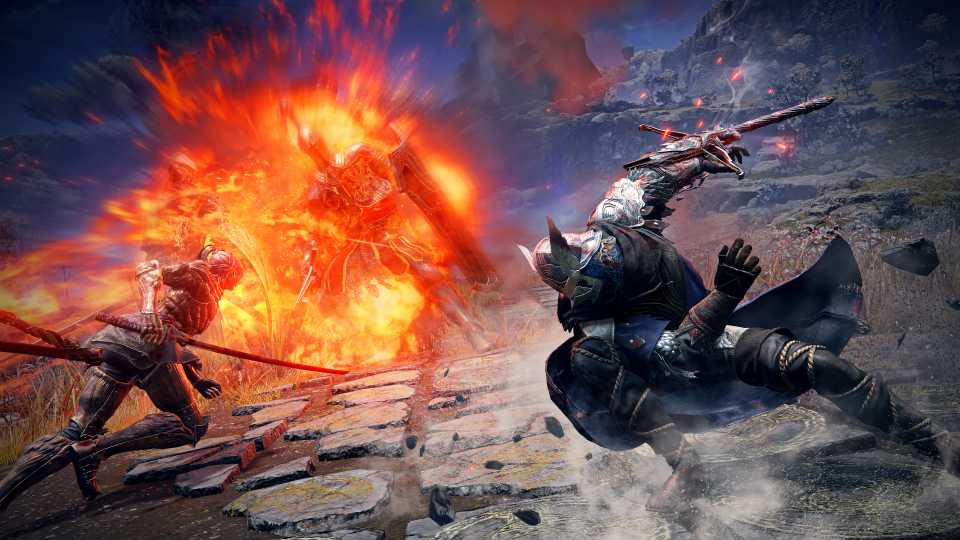
Of course, the frame rate will vary depending on what's on the screen, and some of the boss fights in Elden Ring Nightreign have flashy effects that can cause some stutters. If you're taking damage during battles because of performance issues and not skill issues, changing Lighting Quality and Texture Quality from medium to low should stabilize things during busier scenes.
Optimzations will surely come for Elden Ring Nightreign once post-launch updates start rolling out, and the game will hopefully attain the coveted green check mark of Steam Deck verified status, just like the original game. Nightreign's PC port has some issues at launch, not just on Steam Deck, and FromSoftware has issued a warning to PC Nightreign players regarding unexpected frame rate issues.


Elden Ring Nightreign



-
 OpenCritic Reviews
- Top Critic Avg: 80 /100 Critics Rec: 78%
- Released
- May 30, 2025
- Developer(s)
- From Software
- Publisher(s)
- Bandai Namco Entertainment, From Software









WHERE TO PLAY


- Genre(s)
- Action RPG, Soulslike, Roguelite
