


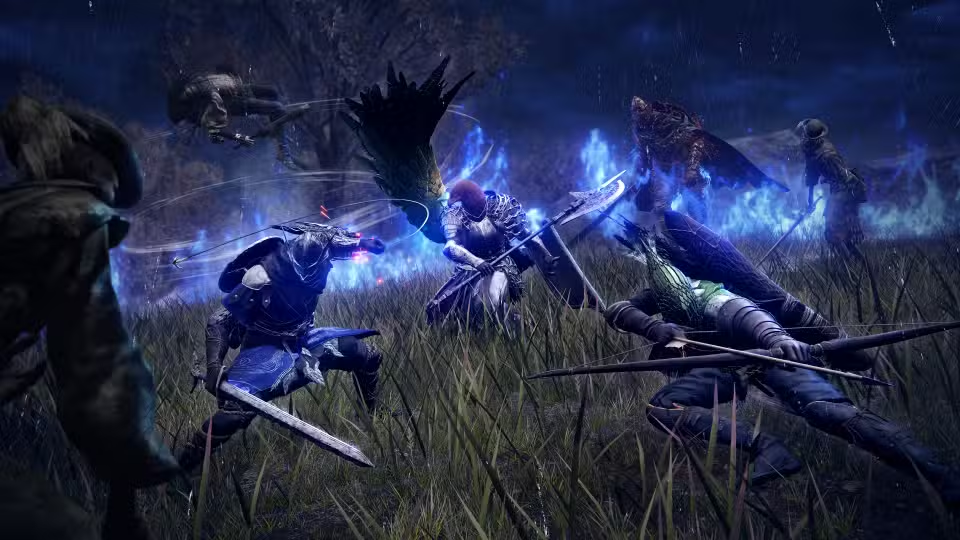
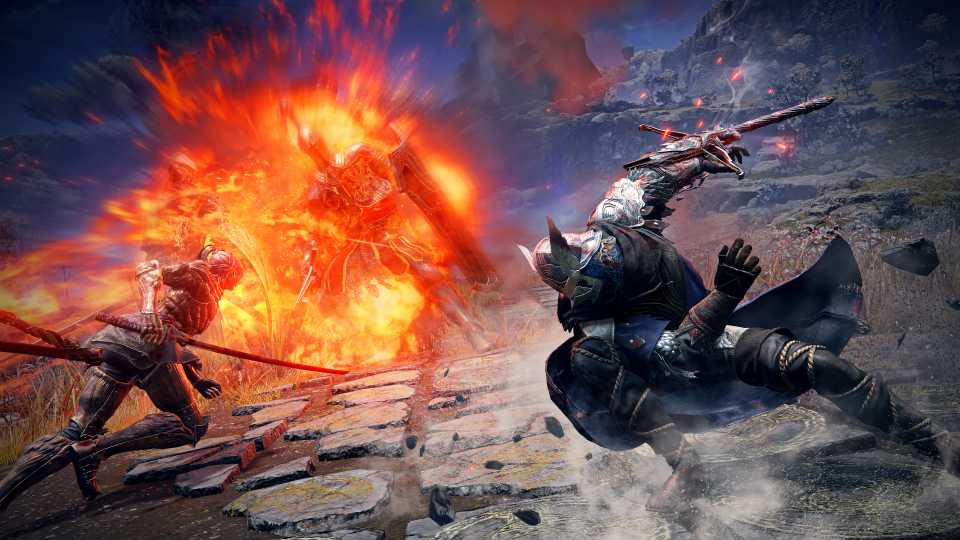
Elden Ring: Nightreign is a roguelike action RPG that changes up the formula compared to its predecessor, in favor of a more fast-paced action. Players will encounter various locales and unique monsters that are designed to perfectly embody the dread you'll feel during your first encounter with a Nightlord. But let's not get ahead of ourselves, and try to optimize the game settings to get the best performance on your PC, without sacrificing all the visual quality ER Nightreign offers.

How To Get & Use Gestures and Emote in Elden Ring Nightreign
Gestures in Elden Ring Nightreign can be acquired fairly early on. Here's how players can use them during their runs.
Best Settings for Elden Ring Nightreign on PC

The visual settings for Elden Ring Nightreign are divided into two sections: display and graphics settings. While the display section contains some basic settings to help adjust how your game works, the graphics settings are where you'll be able to adjust how the game looks and plays.
Although the FPS for Nightreign is locked at 60, it's always a great idea to adjust your graphics settings to avoid any FPS drops when surrounded by enemies or a lot of particle effects.
|
Setting Type |
Setting Name |
Best Preset |
Notes |
|---|---|---|---|
|
Display |
Screen Mode |
Borderless Windowed |
Although Fullscreen is advised for the best performance, it's better to use Borderless Windowed mode instead to make transitioning between in-game to desktop smoother. |
|
Resolution |
Native |
Playing at any resolution lower than what your monitor natively supports will make the in-game textures blurry. |
|
|
Auto-Detect Best Rendering Settings |
Off |
We'll be customizing each graphics setting for the game, so there's no need to use game-determined presets. |
|
|
Advanced Settings |
Texture Quality |
Depends on VRAM |
3GB VRAM: Low, 6GB VRAM: Medium, 8GB+ VRAM: High-Maximum |
|
Antialiasing Quality |
High |
Helps smooth out the edges of textures like enemies and foliage. |
|
|
Screen Space Ambient Occlusion (SSAO) |
High |
Enhances the appearance of environments, especially the darker areas hit by light. |
|
|
Depth of Field |
Maximum |
It does not cost any reduction in FPS, but adds a cinematic Bokeh effect that looks great in some scenes. It can be turned off if it causes a distraction in-game. |
|
|
Motion Blur |
Off |
Due to the fast-paced nature of the game, Motion Blur can cause the visuals to degrade, especially when in motion. Also, the effect is distracting during boss fights. |
|
|
Shadow Quality |
Medium |
The medium preset is a sweet spot for the shadows to look good, but not tax FPS too much. |
|
|
Lighting Quality |
High |
- |
|
|
Effects Quality |
Medium |
Some particle effects on screen can cause sudden FPS drops, especially during large-scale encounters. Best to tone effects down a bit to improve performance. |
|
|
Volumetric Lighting Quality |
High |
- |
|
|
Reflection Quality |
Low |
The higher presets can cause a bit of a stutter in-game, especially when you're in an area with a large number of reflective surfaces. |
|
|
Water Surface Quality |
High |
- |
|
|
Shader Quality |
Medium |
Taxes FPS, which leads to drops in performance in certain scenarios. Players with high-end GPUs can turn it up to high. |
|
|
Global Illumination |
High |
- |
|
|
Grass Quality |
High |
Limveld is filled with areas with overgrown foliage, so choosing a higher grass quality may lead to performance degradation over time. Medium is a great sweet spot. |
Well, here are the best settings to optimize the performance of Elden Ring Nightreign on PC. The game's pretty optimized, and the majority of players with PCs that match or exceed the game's recommended requirements will be able to run it smoothly. However, there are cases of performance degradation in certain areas that were detected in the testing.
The optimized settings above were tested on a laptop with an i9-14900HX CPU, Nvidia RTX 4080 GPU, and 32GB RAM. The average FPS were locked at 60 (the game's maximum), with 1% lows being at 49 FPS. Although there aren't any signs of a potential memory leak issue with the game, these little hitches in performance will hopefully be patched out in the coming days.


Elden Ring Nightreign



-
 OpenCritic Reviews
- Top Critic Avg: 80 /100 Critics Rec: 78%
- Released
- May 30, 2025
- Developer(s)
- From Software
- Publisher(s)
- Bandai Namco Entertainment, From Software







WHERE TO PLAY


- Multiplayer
- Online Co-Op
- Number of Players
- 1-3
- Steam Deck Compatibility
- Unknown
- PC Release Date
- May 30, 2025
- Xbox Series X|S Release Date
- May 30, 2025
- PS5 Release Date
- May 30, 2025
- Genre(s)
- Action RPG, Soulslike, Roguelite
- Platform(s)
- PlayStation 5, PlayStation 4, Xbox Series X, Xbox Series S, Xbox One, PC
