


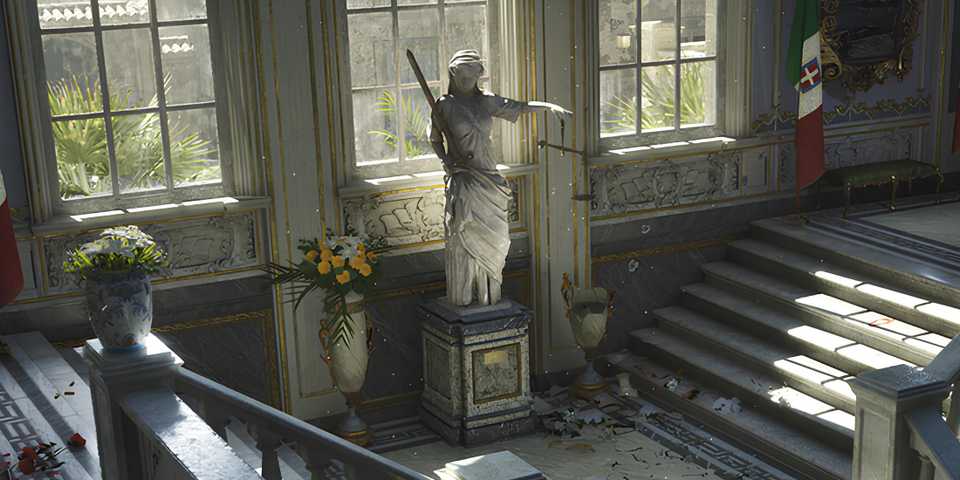
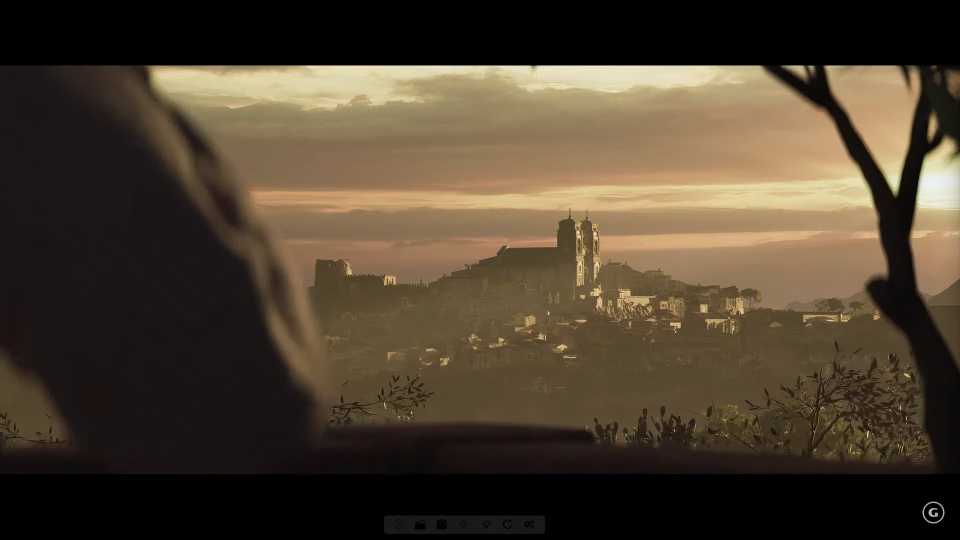
Mafia: The Old Country utilizes the latest Unreal Engine 5 to bring early 20th-century Sicily to life, featuring breathtaking vistas and character designs. While the game spares no detail when it comes to visuals, the performance can take a hit on certain PC configurations, leading to issues like low FPS. Even though the game's optimization is much better compared to other recent releases that use UE5, these best settings can optimize the performance of Mafia: The Old Country even further.

Mafia: The Old Country PC Settings and Performance Review
The Best War Games dives into the PC version of Mafia: The Old Country, exploring its stunning visuals, performance quirks, and graphics options.
Best Graphics Settings for Mafia: The Old Country on PC

Mafia: The Old Country offers a decent amount of graphics that can be tweaked to adjust its visual quality and get the performance you want. The game also features all the AI upscalers like DLSS and FSR, which will uplift its performance on a wide range of PC configurations. While the game optimization isn't terrible, here are the best combinations of settings that you should try to improve its performance even further.
|
Type |
Setting Name |
Best Preset |
Notes |
|---|---|---|---|
|
Display Settings |
Screen Mode |
Borderless Fullscreen |
While the game does not feature an exclusive fullscreen option, borderless works just as fine. |
|
Render Resolution |
Native |
It's best to select the native resolution of your monitor here, and later use an upscaler to improve performance instead of choosing a lower base resolution. |
|
|
V-Sync |
Off |
It's best if you use Gsync or Freesync, instead of the in-game VSync option, as it'll increase the input latency when paired with FG. |
|
|
Gameplay Frame Rate |
Preference |
Since Mafia: The Old Country is a linear story game, most players might target 60 FPS. However, choosing unlimited is a viable option for players who prefer higher frame rates. |
|
|
Cinematic Frame Rate |
Preference |
It's best to match this frame rate with the Gameplay Frame Rate to make the transitions from gameplay to cutscenes smoother. It's preferable to make cinematics 60 FPS or Unlimited to make them smoother. |
|
|
Quality Preset |
Custom |
We'll fine-tune all the visual settings. So, there's no need to used a fixed preset. |
|
|
Anti-Aliasing & Upscaling |
Nvidia DLSS or AMD FSR |
For Nvidia RTX GPU users, select DLSS, and others can opt for FSR to AI upscale their resolution and get better frame rate. |
|
|
Upscaling Mode |
Balanced |
- |
|
|
Sharpness |
Preference |
If your textures look a bit blurry, use the slider anywhere between 0.2 to 0.5 to improve visual clarity. |
|
|
Frame Generation |
On |
If your GPU supports Frame Generation, it's recommended to turn it on to boost frame rate. However, if your game is already achieving 60 FPS without it, keep it off. |
|
|
Quality Settings |
Motion Blur |
Off |
- |
|
Global Illumination |
Epic |
There aren't any options besides Epic or High. Both look drastically different, with Epic being the better option visually. |
|
|
Shadows |
Medium |
Shadows on medium do a decent job. But if you've got performance to spare, it's recommended to switch to at least high. |
|
|
Reflections |
Medium |
Reflections will tax your performance in certain areas, so best keep it at medium. |
|
|
View Distance |
Far |
Choosing the Far option will reduce the texture pop-in issue. |
|
|
Textures |
GPU Dependant |
8GB: Medium/High, 12GB or more: Epic |
|
|
Foliage |
Medium |
Foliage takes a major toll on Mafia: The Old Country's overall performance. Best to keep it at medium, or high (if you have performance to spare). |
|
|
Effects |
Epic |
- |
|
|
Post Processing |
High |
- |
These were the best settings that you can use to increase the performance of Mafia: The Old Country on your PC. These optimized settings were tested on a laptop with an Intel i9-14900HX CPU, an Nvidia RTX 4080 GPU, and 32GB of RAM. At 1440p resolution, the game's FPS averaged around 70-85 FPS, with 1% lows being at 60 FPS in graphically intensive areas.
The game has a brief loading period in the starting mines section, where you'll get extremely low FPS. However, once the first cutscene ends and you gain control of the character, Mafia: The Old Country will run at proper frames.


Mafia: The Old Country



-
 OpenCritic Reviews
- Top Critic Avg: 74 /100 Critics Rec: 66%







WHERE TO PLAY



- Engine
- Unreal Engine 5
- Franchise
- Mafia
- Steam Deck Compatibility
- Unsupported
- PC Release Date
- August 8, 2025
- Xbox Series X|S Release Date
- August 8, 2025
- PS5 Release Date
- August 8, 2025
- Platform(s)
- PlayStation 5, Xbox Series X, Xbox Series S, PC
- X|S Optimized
- Yes
