


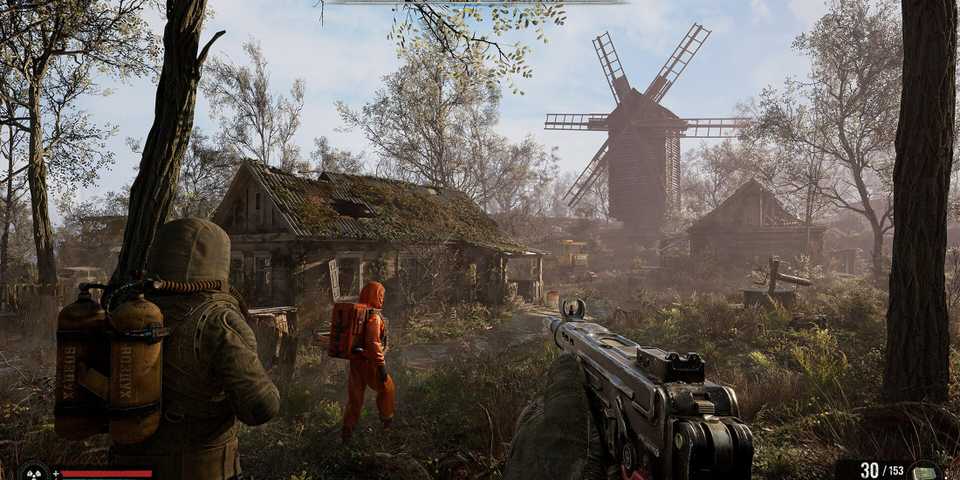
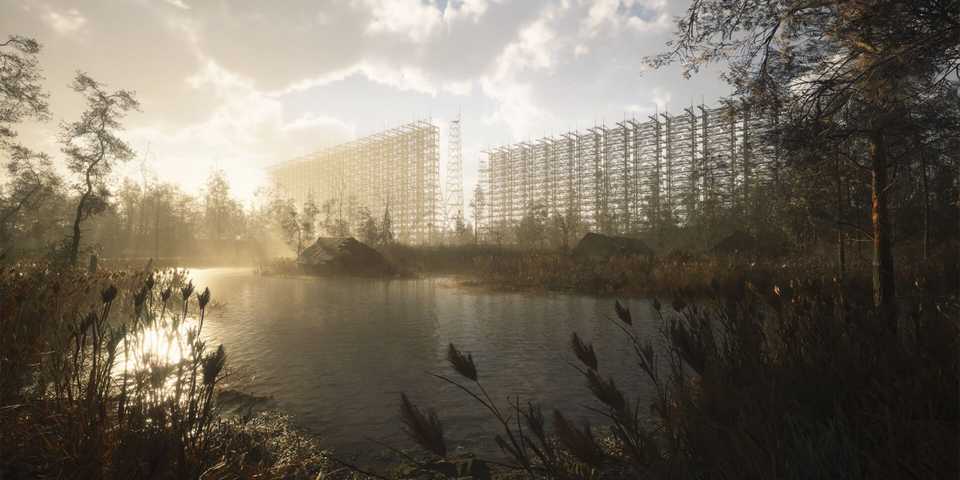
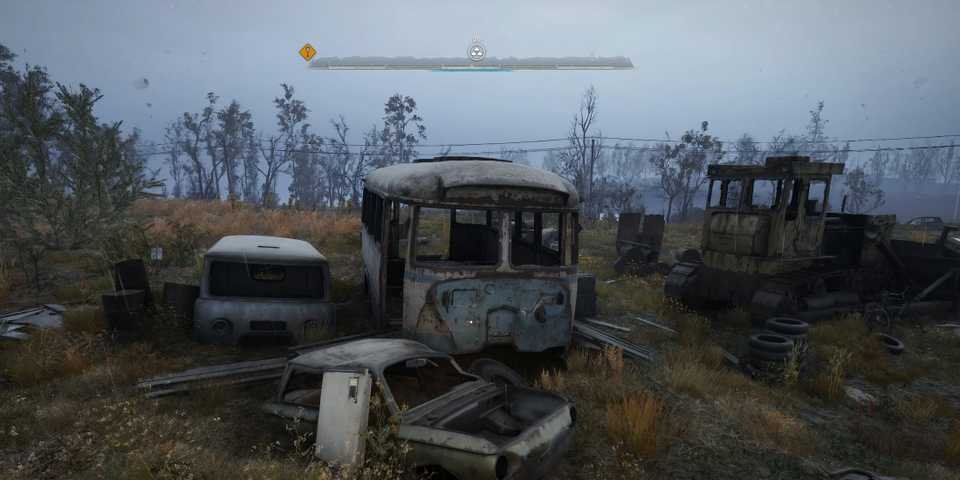
Stalker 2: Heart of Chornobyl is a massive game with detailed environments and a ton of NPCs inhabiting these locations. The game uses Unreal Engine 5, which makes everything from in-game object details to weather effects look amazing. However, due to these striking visuals, running Stalker 2 on your PC can become demanding. To run Stalker 2 with maximum performance on your PC, you'll need to tweak some of the in-game settings.

Stalker 2: Heart of Chornobyl - Burning Questions Answered
Find answers to key questions about Stalker 2: Heart of Chornobyl including platform availability, editions, where to buy it, and much more.
Best Settings for Stalker 2: Heart of Chornobyl
Stalker 2: Heart of Chornobyl lets players tweak several settings to adjust the visual quality and performance to their liking. Some settings impact performance significantly compared to others. So, let's fine-tune everything to come up with the best setting combination for Stalker 2: Heart of Chornobyl:
|
Setting Menu |
Setting Name |
Preset |
Note |
|---|---|---|---|
|
Display Settings |
Graphics Card |
Select Primary GPU |
- |
|
Display |
Select Primary Monitor |
- |
|
|
Screen Mode |
Fullscreen [Exclusive] |
Exclusive fullscreen mode lets you get the best performance in the game. |
|
|
Display Resolution |
Native |
Select your Native resolution to avoid blurry visuals. |
|
|
Aspect Ratio |
Auto |
- |
|
|
Field of View |
Personal Preference |
Avoid using too much FOV to avoid decreasing performance. |
|
|
V-Sync |
Off |
VSync causes input lag and should remain disabled. |
|
|
Framerate |
No Limits |
- |
|
|
Nvidia Reflex |
Enabled |
Nvidia Reflex will keep getting disabled on every boot. Instead of using the in-game feature, try enabling Nvidia Reflex Low Latency in the Nvidia Control Panel. |
|
|
Graphics Settings |
Overall Quality |
Custom |
We'll fine-tune all the settings, so no need to use predetermined quality presets. |
|
Texture Quality |
High |
High is great for GPUs with 8GB VRAM. For GPUs with higher VRAM, Ultra is preferred. |
|
|
Hair |
High |
It affects all NPCs. |
|
|
Object Details |
High |
- |
|
|
Effects Quality |
Medium |
- |
|
|
Materials |
High |
Affects the resolution of all the materials of in-game surfaces. |
|
|
Post Processing |
High |
- |
|
|
Antialiasing |
Medium |
This setting will be overridden by the selected upscaler. |
|
|
Motion Blur Strength |
0% |
Motion Blur isn't recommended, as it ruins the visual quality of Stalker 2. |
|
|
Depth of Field |
High |
- |
|
|
Light Shafts |
Enabled |
- |
|
|
Sharpness |
Personal Preference |
Depending on your required sharpness, this can be anywhere between 0% to 30%. Anything higher can make the game look oversharpened. |
|
|
Upscaling Method |
DLSS/FSR |
Nvidia's DLSS and AMD's FSR are a great choice as upscalers. |
|
|
Upscaling Quality |
Balanced |
The sweet spot between great visuals and performance. |
|
|
Resolution Scale |
100% |
This setting will be overridden by choosing DLSS or FSR upscalers. Other upscaling methods enable the Resolution Scale slider. |
|
|
FSR 3 Frame Generation |
Enabled |
The setting increases input lag slightly in Stalker 2 but also provides a nice boost in overall FPS. |
|
|
Shading Quality |
Medium |
- |
|
|
Global Illumination |
Medium |
- |
|
|
Reflections |
Low |
One of the most taxing settings in the game. |
|
|
Shadow Quality |
Medium |
- |
|
|
Clouds |
Medium |
- |
|
|
Fog |
High |
- |
|
|
Sky |
Low |
- |
|
|
Foliage Quality |
Medium |
- |
|
|
Environment Draw Distance |
High |
Setting the draw distance to low will increase texture pop-ins. |
These were all the best settings for Stalker 2: Heart of Chornobyl you should use on your PC. The game's optimization isn't currently great, and it'll receive performance passes in the future. Until that happens, these settings will give you a decent boost in performance.
The settings above were tested on a gaming laptop with an Intel i7-11800H CPU, Nvidia RTX 3070 GPU, and 32GB RAM. With these optimized settings, the FPS averaged around 60-75, which is a great number considering the high system requirements for Stalker 2: Heart of Chornobyl.
A Quick Performance Comparison of All Stalker 2 Graphical Presets




-
 OpenCritic Reviews
- Top Critic Avg: 75 /100 Critics Rec: 64%
- Released
- November 20, 2024
- ESRB
- Mature 17+ / Blood and Gore, Intense Violence, Strong Language, Use of Alcohol and Tobacco
- Developer(s)
- GSC Game World
- Publisher(s)
- GSC Game World




WHERE TO PLAY





- Engine
- Unreal Engine 5
- Franchise
- S.T.A.L.K.E.R.
- Platform(s)
- PlayStation 5, Xbox Series X, Xbox Series S, PC
- Genre(s)
- First-Person Shooter, Open-World, Post-Apocalyptic, Survival
