


DOOM: The Dark Ages is an incredibly demanding game with beefy system requirements, but that hasn't stopped people from trying to make the game run on Steam Deck and other handheld PCs. The Dark Ages isn't Steam Deck verified — it doesn't have a Steam Deck rating at all, actually — and that's never a good sign for handheld players.

How Doom: The Dark Ages Takes Player Freedom to the Next Level
Doom: The Dark Ages features some big gameplay deviations from its predecessors, with players having more freedom in terms of curating a playstyle.
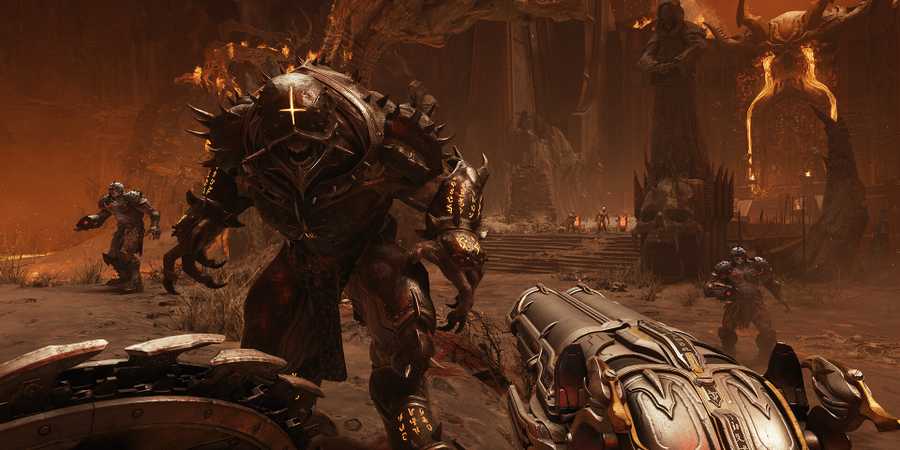
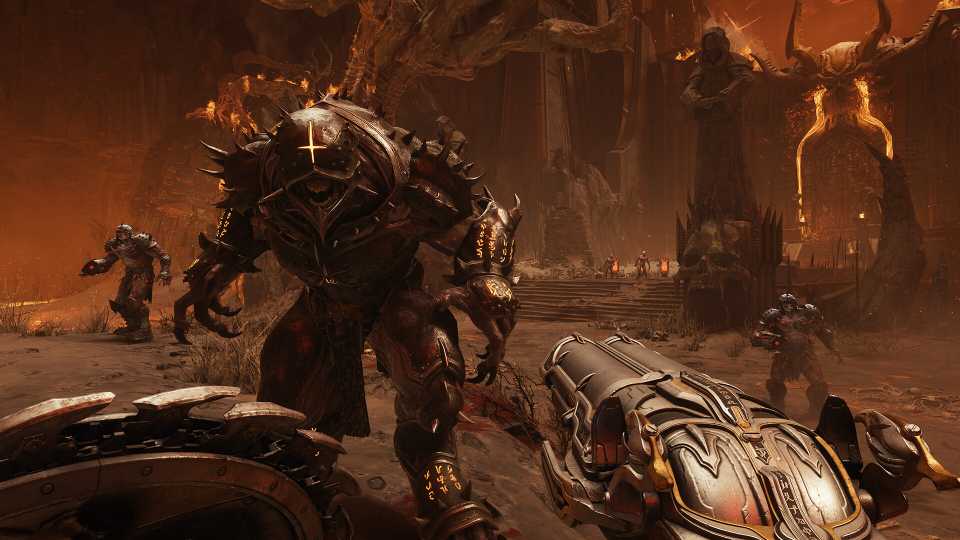
Still, DOOM: The Dark Ages can technically run on Steam Deck with a few settings tweaks. That doesn't mean the experience will be super enjoyable, though. DOOM: The Dark Ages on Steam Deck looks a lot like DOOM Eternal on Nintendo Switch, but The Dark Ages looks and runs even worse because of its ray tracing requirements and other technical advancements.
Best Steam Deck Settings For DOOM: The Dark Ages

These are the best graphics settings to achieve a playable frame rate in DOOM: The Dark Ages on Steam Deck.
- Resolution: 1280x720
- Field of View: 90
- Chromatic Abberation: Off
- Depth of Field: Off
- Sharpening: 1.00
- Film Grain: 0
- FSR: Performance
- FSR Sharpness: 0
- FSR Frame Generation: Off
- Motion Blur: Off
- Motion Blur Amount: Off
- Motion Blur Quality: Off
- Texture Pool Size: 1536
- Shadow Quality: Low
- Reflections Quality: Low
- Light Quality: Low
- Particle Quality: Low
- Decal Quality: Low
- Water Quality: Low
- Volumetrics Quality: Low
- Texture Filtering Quality: Low
- Geometric Quality: Low
- Shading Quality: Low
- Directional Occlusion: Low
- Directional Quality: Low
As you'd expect, the Steam Deck can only handle DOOM: The Dark Ages with everything set to low. Things wouldn't be even remotely close to playable without FSR upscaling, but the Performance setting brings the game close to 30 FPS. FSR frame generation can help bring the frame rate up a bit higher, but frame generation generally isn't advisable with such a low base frame rate. It just adds more problems than it's worth, plus it would degrade the already poor image quality even further.
Quite a few players have reported that DOOM: The Dark Ages has a crashing problem on Steam Deck, too, so save often and be prepared to restart often if you're planning on playing on Deck. Locking the Steam Deck's screen to 30 FPS is a good idea too, since you're not going to get much higher than that and stability is the most important thing here. Still, DOOM: The Dark Ages is a graphically demanding title, so don't expect an ideal experience on Steam Deck.


DOOM: The Dark Ages



-
 OpenCritic Reviews
- Top Critic Avg: 86 /100 Critics Rec: 95%
- Released
- May 15, 2025
- ESRB
- M For Mature 17+ // Blood and Gore, Intense Violence
- Developer(s)
- id Software
- Publisher(s)
- Bethesda Softworks


WHERE TO PLAY



- Genre(s)
- FPS, Action, Sci-Fi & Fantasy
- Platform(s)
- PC, Xbox Series X, Xbox Series S, PlayStation 5
