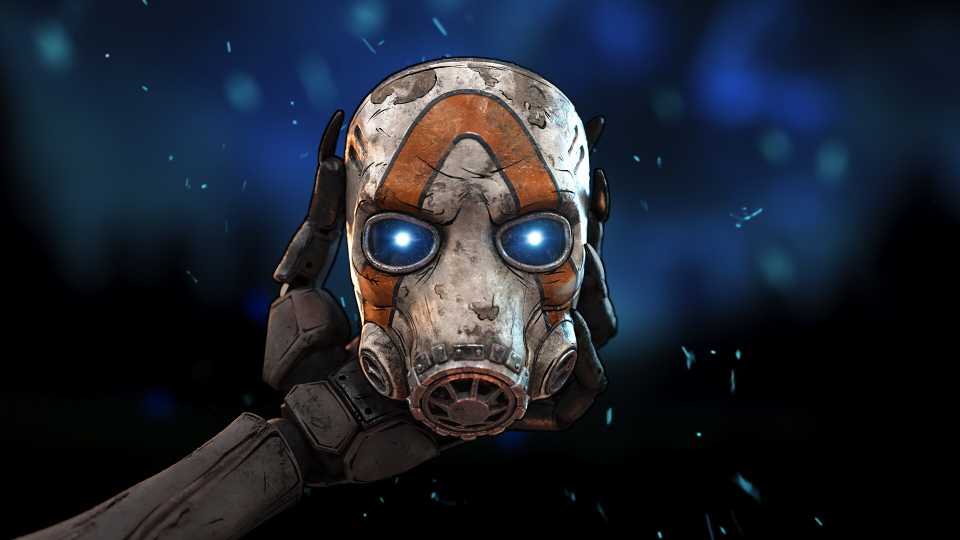
Claptrap makes a return in Borderlands 4, whether that's for better or worse. Everyone on Pandora seems to hate poor Claptrap, and it seems that the hate continues to spread even on a new world. Loud, enthusiastic, and a seemingly unaware murderer, Claptrap is a nuisance, but also a lovable thorn in the side of many players. However, for players jumping into Borderlands 4, they might be pleased to know that there's a way to mute Claptrap in-game, a gift from Gearbox Software that won't require players to use any mods and other tools just to silence this fiend once and for all.
How to Mute/Unmute Claptrap in Borderlands 4

Heading into the Options of Borderlands 4, players can access the Advanced Audio Settings, where they can scroll to the very bottom to find the tab titled: Claptrap? In order to mute Claptrap, simply adjust the volume level as you see fit from this audio tab. Players can keep him at his default sound levels, or they can lower him a tad just so he isn't constantly shouting in your ear. Alternatively, feel free to completely mute him so that Claptrap can never be heard from again. While Claptrap will still be present in the game, and his side missions will still be available, players aren't going to be able to understand whatever he's saying unless they have subtitles enabled, and for some Vault Hunters, that might be for the best.


Borderlands 4




-
 OpenCritic Reviews
- Top Critic Avg: 82 /100 Critics Rec: 88%
- Released
- September 12, 2025
- ESRB
- Mature 17+ / Blood and Gore, Intense Violence, Sexual Themes, Strong Language, In-Game Purchases, Users Interact
- Developer(s)
- Gearbox Software
- Publisher(s)
- 2K