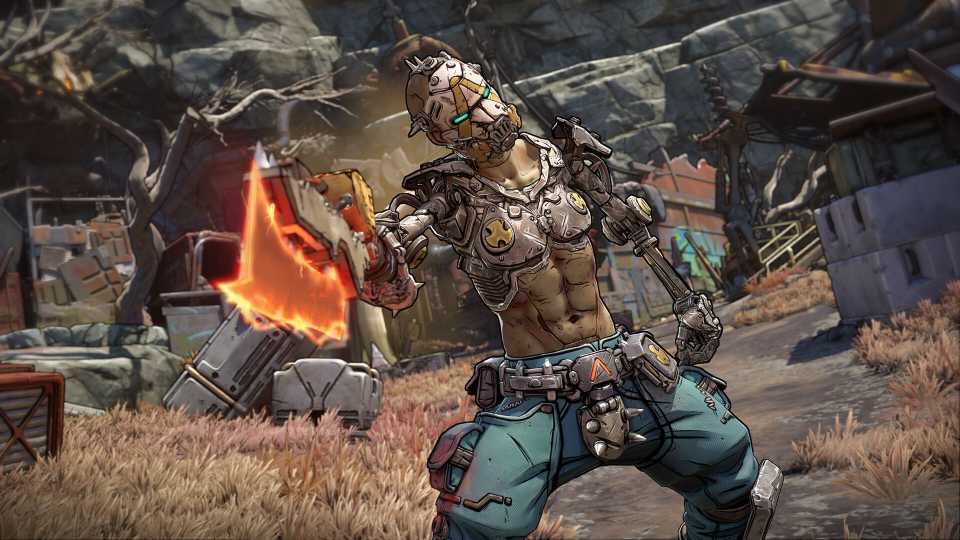
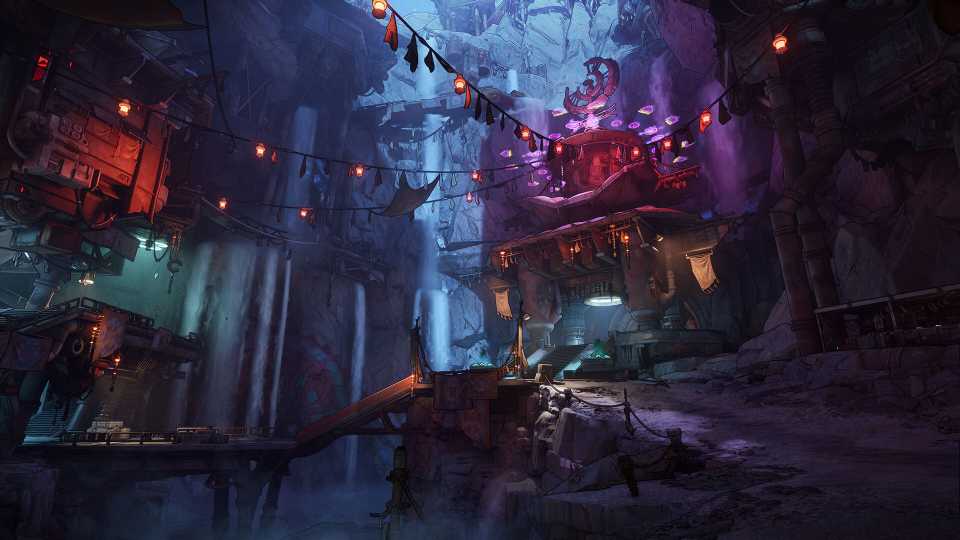
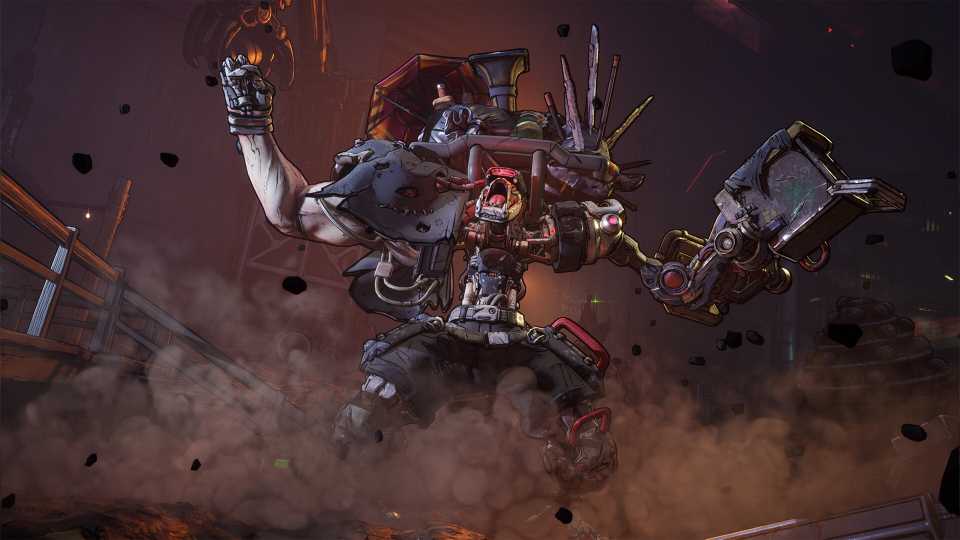
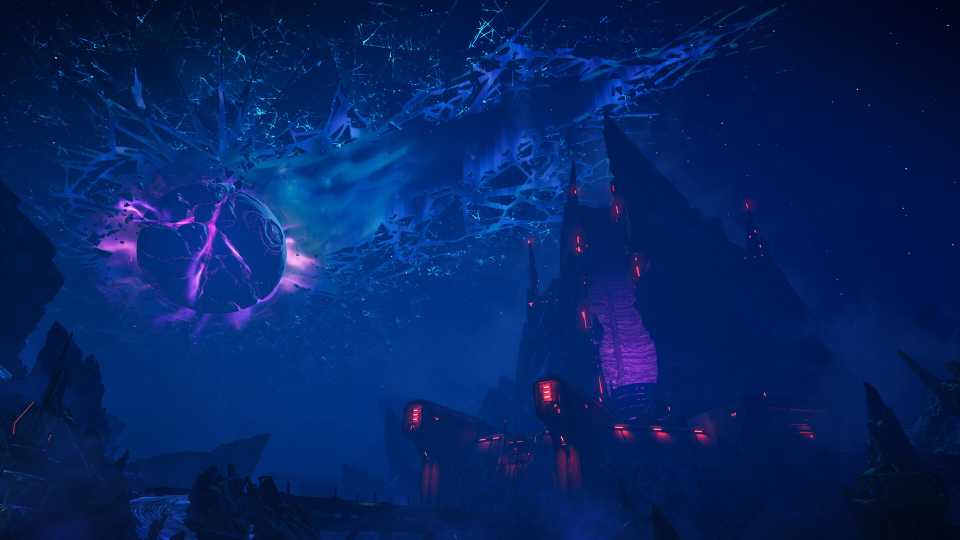
Borderlands 4 is a big hit, and the looter-shooter returns to bring players some incredibly powerful Legendary loot, a story with a serious tone with a dabble of humor, and gunplay that'll have you running around for hours and hours more. However, while Borderlands 4 is a lot of fun, there are still a few technical issues that players can experience during their gameplay across Consoles and PC. Below, we've outlined some of the biggest technical issues currently in Borderlands 4, with the hopes that Gearbox Software can provide official fixes for them to ensure everyone has a stutter and crash-free time in the mayhem of Kairos.

All Vault Hunter Cosmetics & How to Unlock Them in Borderlands 4
Here's a full list and look at all Vault Hunter cosmetics players can get in Borderlands 4, along with how players can unlock them.
Gearbox is more than likely addressing all of these issues, and preparing fixes and patches to ensure a smooth performance across Console and PC. The issues listed below are just ones we view as priorities.
Stopping Memory Leaks on Console
Long Play Sessions Require a Console Restart if Performance Worsens

If players on PlayStation 5 and Xbox Series X|S experience smooth gameplay with minimal lag and frame drops, only for the hours to pass and the performance to begin faltering, then it's likely because they're experiencing a memory leak. A memory leak just means that the game is running out of space to store memory during your current play session, so the performance is affected. While Gearbox CEO, Randy Pitchford, advises on X that players restart their console and boot up Borderlands 4 when experiencing these issues to see a performance increase. Other players report that playing in Local Mode helps with the performance. While these are nice temporary fixes, we hope that Gearbox will soon have an official patch to fix memory leaks so players can have lengthy play sessions without stuttering frames and the need to restart.
Turning Off Certain Volumetric Settings, Like Fog
Volumetric Options Can Be Graphically Demanding

One issue that players might face when it comes to performance is in the beauty of the world of Kairos. Players on minimum specs might be experiencing a multitude of frame drops, and for most games, the fix involves turning off settings like Volumetric Fog, Volumetric Cloud, Shadow Quality, Foliage Density, and more. These settings prevent graphically demanding instances and ensure everyone has a fair shot at running the game if their PC meets the minimum requirements. However, Borderlands 4 does not currently allow players to turn off Volumetric settings, and they can only set them to Low. It would really help if players could actually turn them off instead of having them on low, as settings like Volumetric Fog, can be extremely demanding. For now, try hitting Disable on Volumetric Cloud Shadows.

All Active Shift Codes for Borderlands 4 (& How to Redeem Them)
Borderlands 4 players can check in right here to find a list of all working SHiFT Codes so that they can grab some free Golden Keys and epic loot.
Using DLSS as a Crutch for Frame Gen That Some Players Can't Activate
Frame Gen Might Double Frame Rate, But It's Not Something Everyone Can Use

NVIDIA is always innovating its tech to provide players with smooth and graphically impressive games, but something that they've been experimenting with is Frame Generation, which is tech that basically creates an extra frame between 2 existing frames. Therefore, players can use this for demanding games to essentially stitch together a missing frame, which for most players, could double their frame rate. Heading into the Visual Advanced Options of Borderlands 4 on PC, players can select DLSS and hit Frame Gen, but for some, it's disabled. Some hardware isn't designed for Frame Gen, as it requires an RTX 40 series card, or players need to enable Hardware-accelerated GPU Scheduling in the Graphics Settings of Windows 10. While there are temporary fixes (found here), it would be great if Gearbox optimizes the game in a way that Frame Gen doesn't feel like a necessity for most.
Automatically Managing the Shader Cache Size
Stop the Lag of Compiling Shaders

One of the biggest problems that players can face when it comes to performance is the screen Compiling of Shaders, which occurs when players boot up and when they fast travel. The issue comes from the allocated Shader Cache Size, which seems to be reset every time players load up the game. This can really impact the performance of the game, and for players who want a buttery smooth performance, they need Borderlands 4 to allocate the appropriate amount of space for shaders. There's a workaround fix, where players can enter their NVIDIA Control Panel and select 3D Settings, Manage 3D Settings, and change the Shader Cache Size to 100 GB. This can make a world of difference for PC players, but further official optimization patches from Gearbox would really help to ensure that players don't have to manually make this change.

What to Do First in Borderlands 4
If players want to get the best start possible in Borderlands 4, then here's a list of things to keep in mind when they land in Kairos.
Field of View Sliders for PlayStation and Xbox
Stop Motion Sickness and Allow Players to Have a Better Field of Vision

FOV sliders are essential in modern first-person shooters, where players on Console and PC can enjoy adjusting where the camera is in position with their gun. This really helps with motion sickness and allows players to have an overall better field of view. Sadly, upon launch, FOV sliders were just for PC players, and console players were rightly annoyed by this. It's a big thing for technical terms and gameplay to have FOV sliders, and thankfully, Gearbox CEO Randy Pitchford has seen the complaints and assured fans that the team is working on bringing FOV sliders to consoles. Sadly, there's no fix for this currently, as it's something players will have to wait for with an update that is in development, but one that hopefully releases sooner rather than later.


Borderlands 4




-
 OpenCritic Reviews
- Top Critic Avg: 82 /100 Critics Rec: 88%
- Released
- September 12, 2025
- ESRB
- Mature 17+ / Blood and Gore, Intense Violence, Sexual Themes, Strong Language, In-Game Purchases, Users Interact
- Developer(s)
- Gearbox Software
- Publisher(s)
- 2K