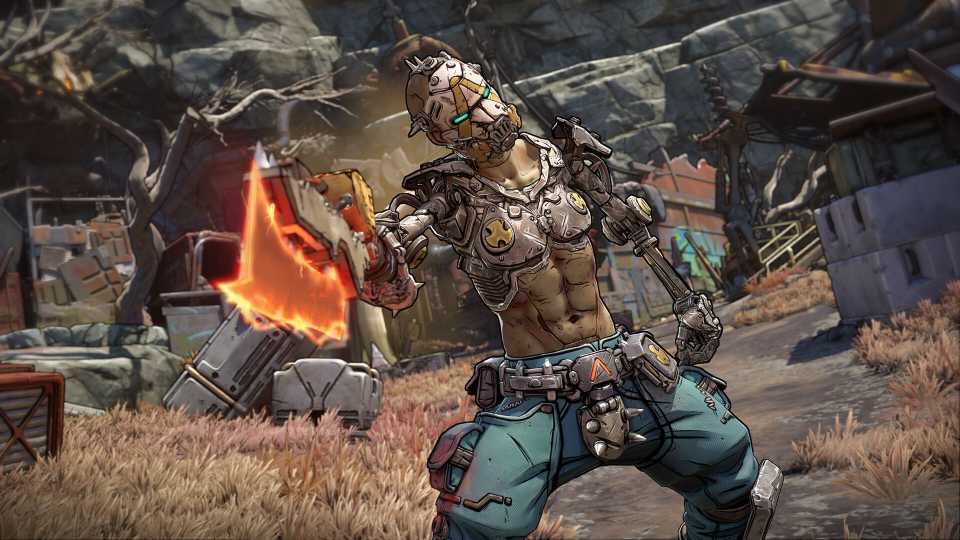
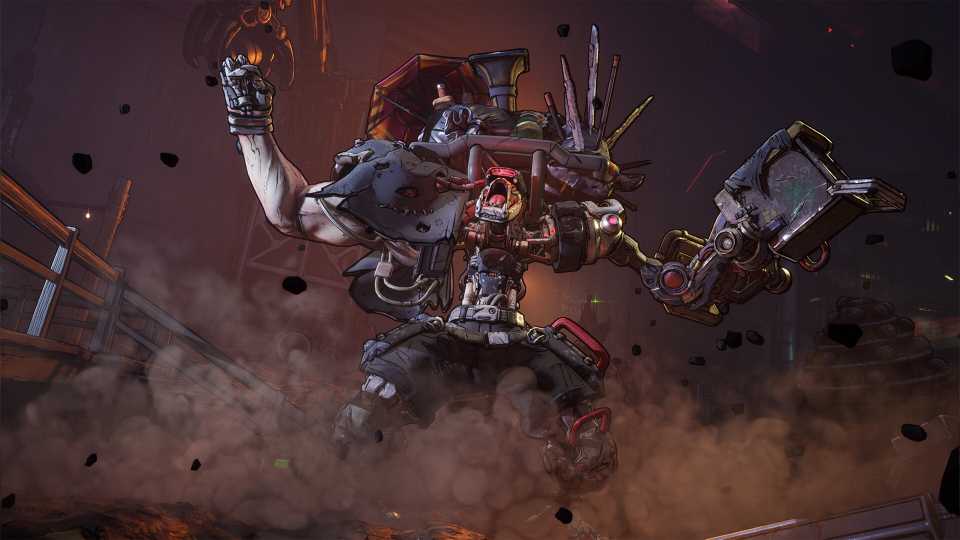
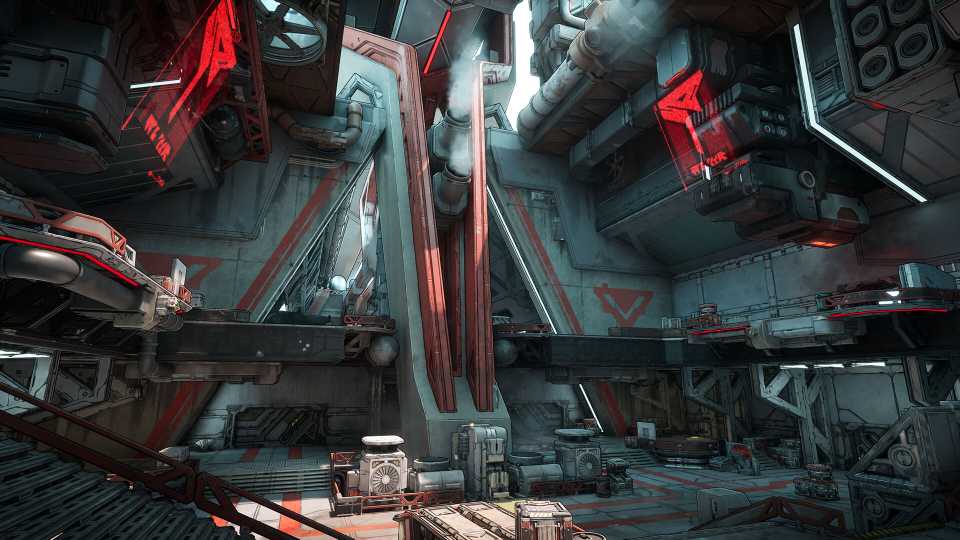
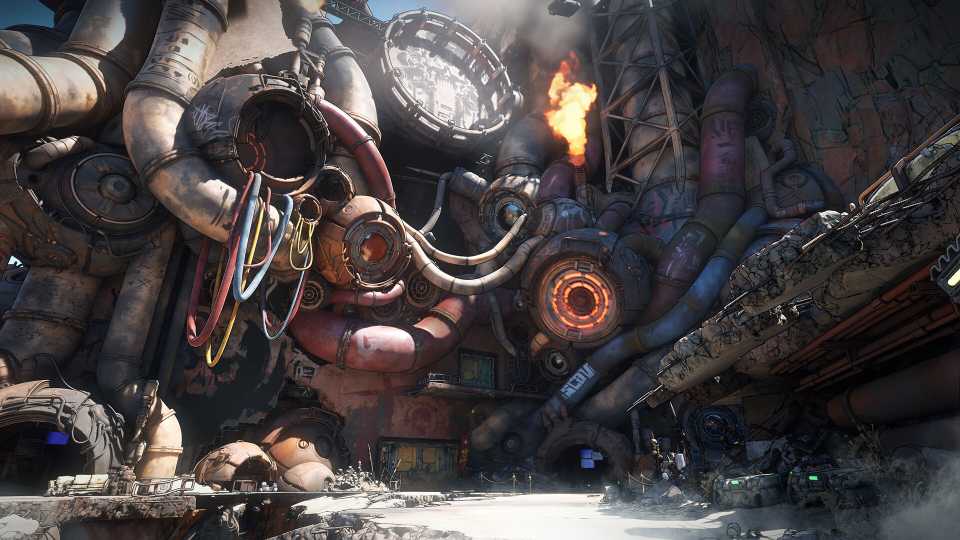
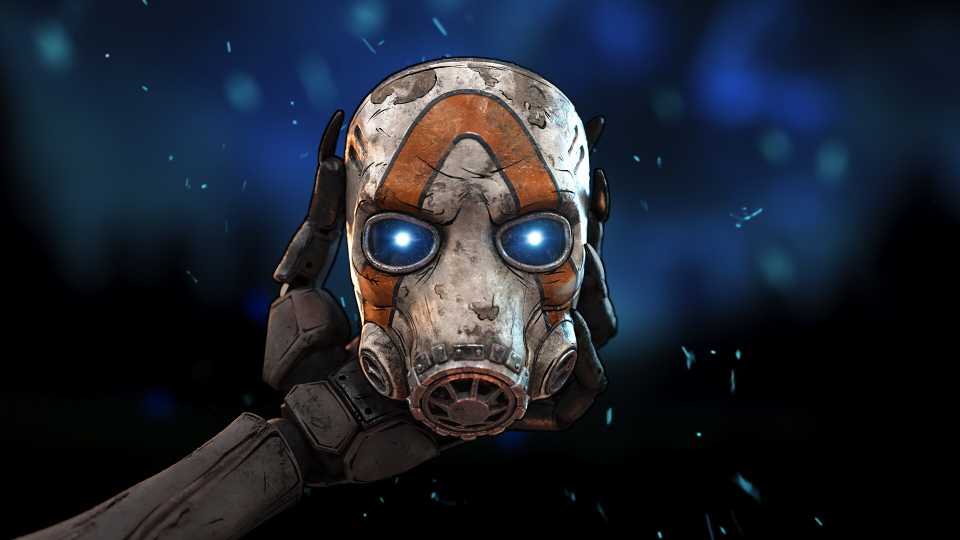
If there's one thing better than looting in Borderlands, it's getting additional cosmetics. Borderlands is no stranger to the wonderful world of expression with Heads and Skins, and it seems that Borderlands 4 is joining the party with a collaboration with Twitch. Players can unlock free customization options for their Vault Hunter and ECHO-4 through Twitch Drops, but it's best to hurry, as these Twitch Drops in Borderlands 4 aren't going to be active forever, so we've compiled how to get Borderlands 4 Twitch Drops, and what they are below.
How to Get Twitch Drops in Borderlands 4
In order to get Twitch Drops for Borderlands 4, you must first create and link your SHiFT Account with your Twitch Account. You can link your Twitch Account to SHiFT by signing into your SHiFT account, and selecting the Gaming Platforms tab on your Profile. After linking the 2 platforms, you will need to enter Twitch and watch any livestream in the Borderlands 4 category on the official Borderlands Twitch channel or Gearbox Twitch channel for 30 minutes. After 30 minutes, check your Twitch Notifications and claim the reward "Watch, Drop, and Roll," which is an ECHO-4 Drone Skin that will be available to select when you boot up Borderlands 4.


Borderlands 4




-
 OpenCritic Reviews
- Top Critic Avg: 82 /100 Critics Rec: 88%
- Released
- September 12, 2025
- ESRB
- Mature 17+ / Blood and Gore, Intense Violence, Sexual Themes, Strong Language, In-Game Purchases, Users Interact
- Developer(s)
- Gearbox Software
- Publisher(s)
- 2K