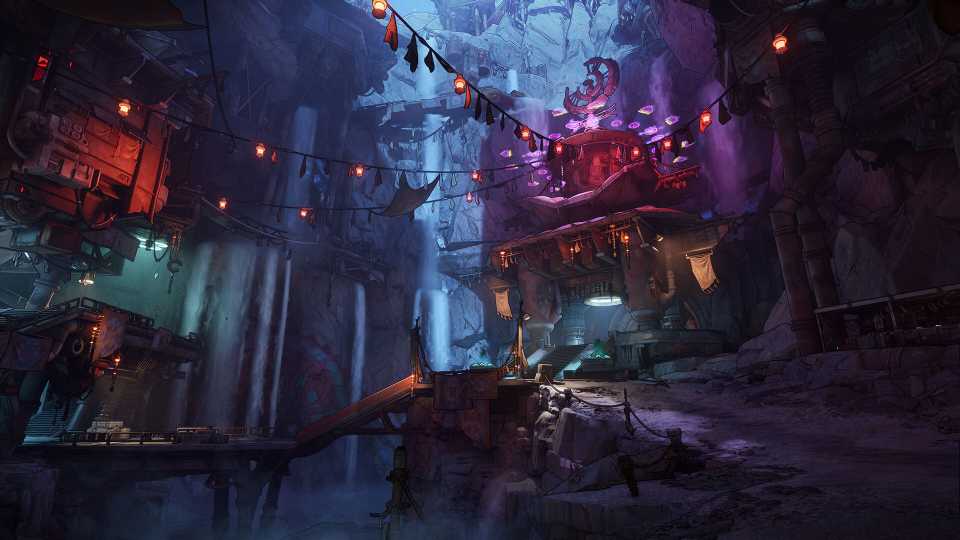
Shut-Eye Keep is one of the Safehouses that Borderlands 4 players will encounter, and they're always essential to activate when they're found across Kairos. With the Fadefields being so expensive, why not open a new Fast Travel Station with Shut-Eye Keep? The only catch is that players need to first locate the Datapad to unlock the Command Console. While the Datapad in Shut-Eye Keep might seem impossible to find at first, we'll showcase a video and description below that will have you shaking your head in disbelief when you find out where this Datapad has been hiding.
How to Unlock the Shut-Eye Keep Safehouse in Borderlands 4
Shut-Eye Keep Datapad & Command Console Locations
The video above details a full walkthrough of how to unlock the Shut-Eye Keep Safehouse!
Once players have arrived at Shut-Eye Keep, they are going to want to follow along to the east of the building to find a station riddled with Order troops. Feel free to ignore them and enter the small room with a lever. This room is an elevator, and once the lever is activated, players will be taken up to the top of Shut-Eye Keep.
Now, follow through the main room and exit through the left, and continue up the stairs, and then to the next left. Once you're in a large room, look up to find a grapple point. Use the grapple point to vault upwards and grab the Datapad. With the Datapad acquired, jump down the railing and activate the Command Console.


Borderlands 4




-
 OpenCritic Reviews
- Top Critic Avg: 82 /100 Critics Rec: 88%
- Released
- September 12, 2025
- ESRB
- Mature 17+ / Blood and Gore, Intense Violence, Sexual Themes, Strong Language, In-Game Purchases, Users Interact
- Developer(s)
- Gearbox Software
- Publisher(s)
- 2K