


Cash Cleaner Simulator throws you into the role of an unwilling cash cleaner for the criminal underworld. Kidnapped and forced into a dingy lab, your job is to take in dirty money – literally – and make it presentable to your shady clients. Dirty money comes in many forms: bags, boxes, or even stuffed into unexpected places, like mattresses.
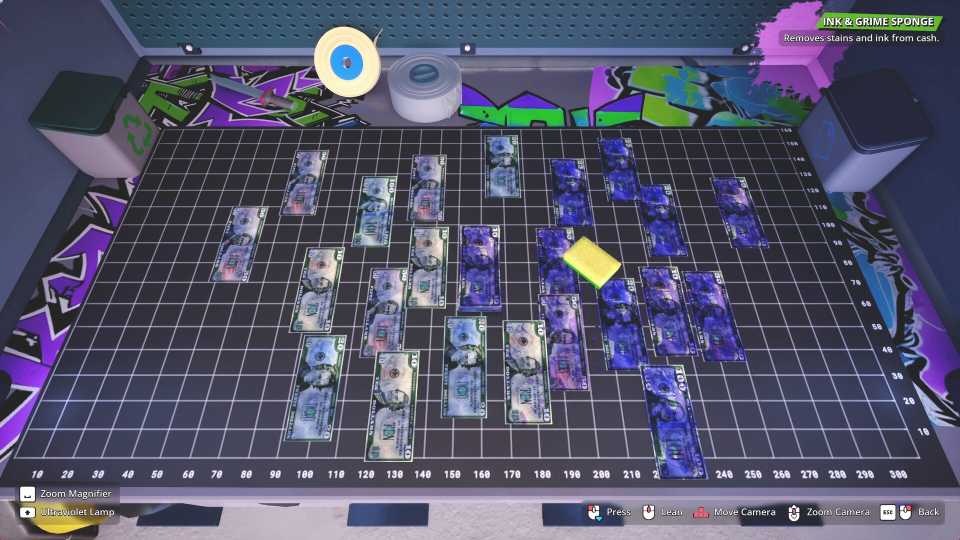
The cash can be filthy, stained with blood or dirt, or even contain counterfeit bills, and you’ll need to use different tools to clean it. All of this can start to feel overwhelming really quickly. To help you become a successful cash cleaner, this guide breaks down some of the best beginner tips and tricks for Cash Cleaner Simulator.

8 Best Medical Simulators On Steam, Ranked
There are a ton of great medical simulators on Steam, with the following games standing above the rest as most essential.
7 Prioritize Buying Essential Equipment

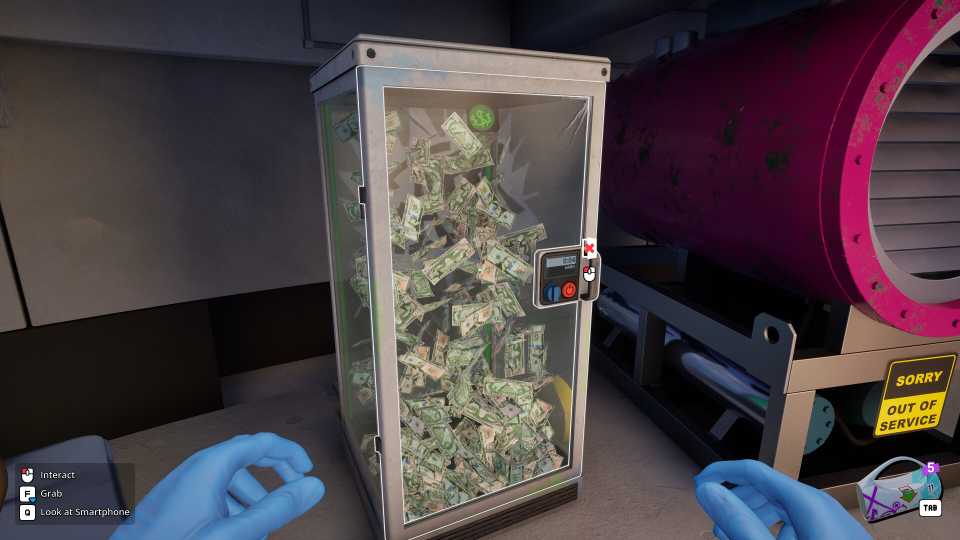
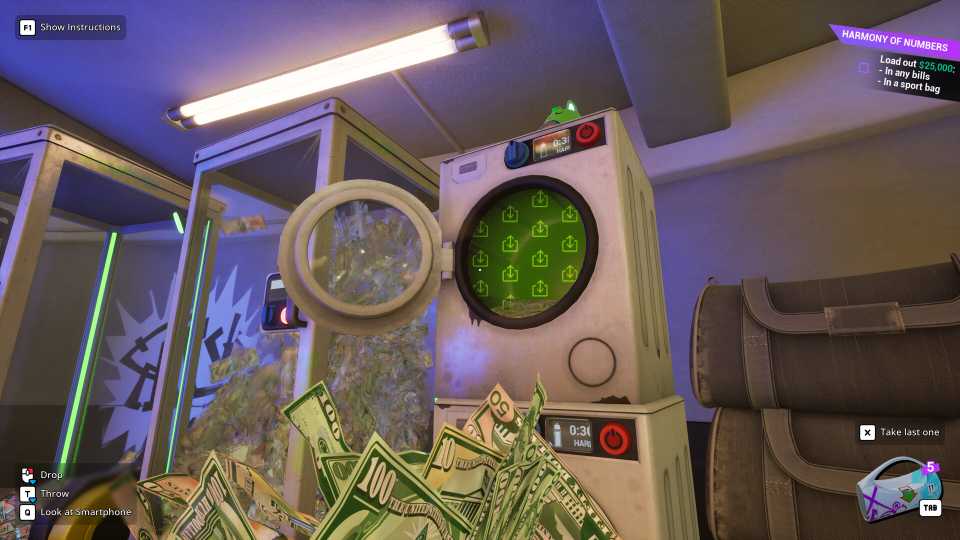
When you’re just starting out, don't rush to buy everything on the market. Start with the essentials, namely the washing machine, dryer, and counting machine. The washing machine is going to be your main tool for tackling the seriously soiled cash. Of course, wet money is useless, so the dryer is an important follow-up to the washing machine. Once the money is clean and dry, you need to know exactly how much you've got. The counting machine simplifies this process for you.
Once you’ve got the cleaning sorted, invest in the sorting machine. It is an absolute necessity when you’re separating different currencies, like dollars from euros. Getting the sorting machine early on prepares you for the inevitable increase in complexity as you take on more diverse and demanding jobs.
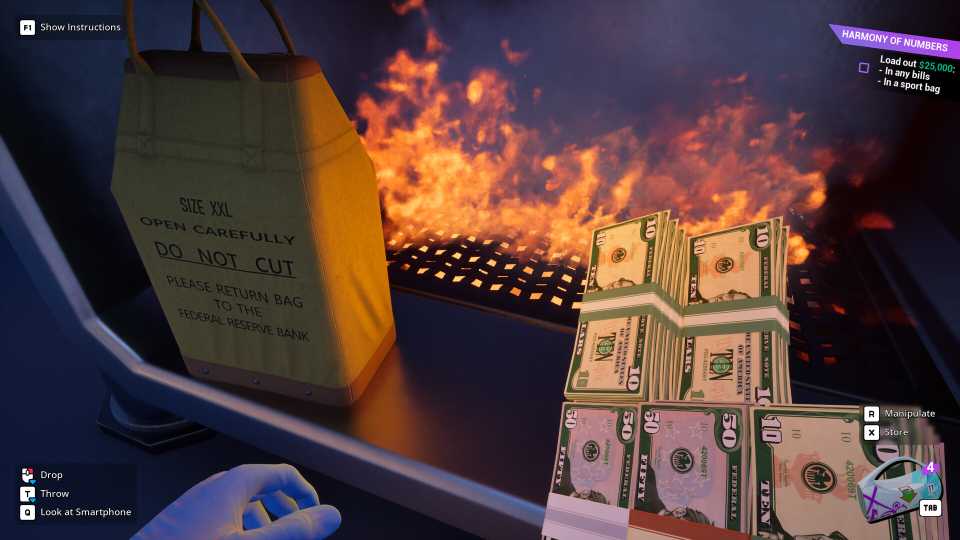
The Money Counter can only process loose, unbundled cash. To deal with this packaged cash, you'll need a knife. Head to the Black Market's Tools tab and grab the Stylish Steel Knife for 35 Crypto Currency as soon as you can. This knife can quickly convert pre-packaged money into loose bills that the Money Counter can process.
6 Spend Your Crypto Currency Wisely

While it's tempting to splurge on cosmetic items, you really need to be smart about how you spend your crypto. A new couch might make your forced confinement slightly more comfortable, but it offers zero benefit to your ability to clean and process cash efficiently. In the early to mid-game, every hard-earned Crypto Currency should be strategically invested in tools that directly improve your workflow.
One of the simplest and most effective early-game strategies to consistently earn extra Crypto Currency and Reputation points is to send the entire required delivery in one go. This means waiting until you have cleaned, sorted, and counted all the necessary cash before sending it through the conveyor belt in a single package.
5 Get the UV Lamp Early and Use It Often

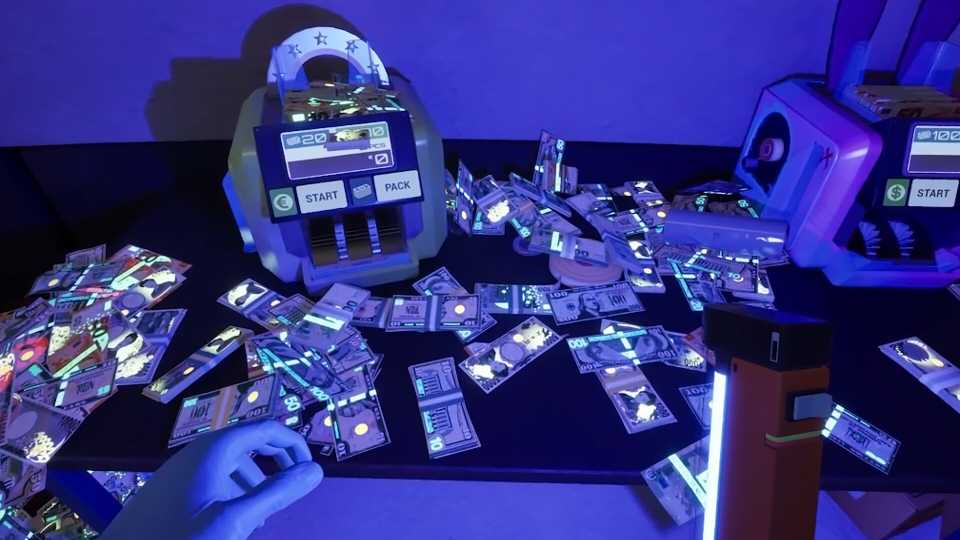
The UV Lamp is your very own forensic tool that can identify counterfeit and marked bills. In the criminal underworld, fake money is a constant risk, and your clients will not be happy if you pass it along. When you hold a stack of money near the UV lamp, genuine banknotes will display glowing, blue security markings. On the other hand, counterfeit bills will lack these markings and be completely blank.
You’ll also need the UV lamp to identify marked bills. These banknotes usually have red or black symbols marked on them by gangs or law enforcement for tracking purposes. Each client has specific criteria, with some requiring you to deliver only marked bills, only unmarked bills, or simply ensuring that no counterfeit currency is included in the final package. Make sure you pay close attention to the contract details and take your time to inspect each bill carefully.
To effectively check bills under UV light for markings and stamps, you need a dark area. You will typically need to wait until nighttime to use the UV Lamp. If you’re in a rush, you can use the black cushion found near one of the chemical tanks to skip the time to 10 PM or later, so that it’s dark enough to inspect the bills.
4 Resist The Urge To Throw Cash Around

Even though it sounds fun to throw stacks of cash in the air, this seemingly harmless action can quickly become inconvenient. Instead of settling realistically, thrown money will likely land in hard-to-reach place s. As such, you’ll have to painstakingly search for individual bills that have scattered and become lodged in awkward spots, like behind furniture.
Plus, keeping your workspace organized will improve your efficiency. Place dirty money in designated areas, and have a system for moving clean money to the counting and packaging stations. A cluttered lab leads to wasted time that could’ve been spent working on another quest.
3 Be Smart About Accepting Jobs To Save Time
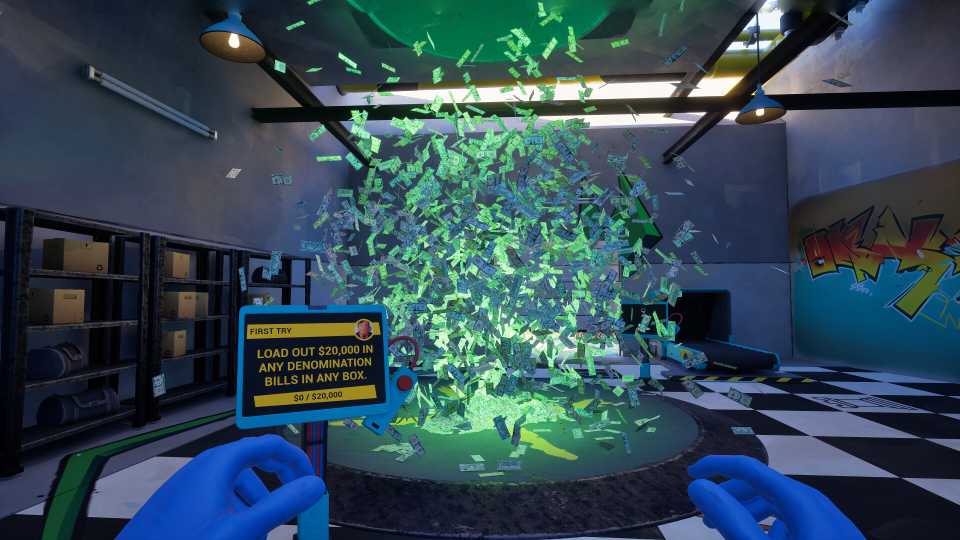
Early in "Cash Cleaner Simulator," you'll face missions where you need to wash and dry dirty or wet money using the Washing Machine and Dryer. Since these machines take a certain amount of time to process each batch, you'll often find yourself waiting. To avoid this downtime, try accepting a second quest that doesn't require any cleaning or drying, such as one asking for "any cash in a box." You can complete this quicker quest while your other money is being processed, effectively doubling up on your productivity and ensuring a constant flow of rewards.
While accepted quests don't have time limits (in most cases), unaccepted ones do, so make sure to grab that easy second job before it disappears.
Plus, don't treat each stage of cleaning as a separate, sequential task. Instead, look for ways to overlap activities. For example, while one batch of money is washing, prepare the next batch for cleaning or start drying the previous one. Getting into good habits early will set you up for smoother progress later on.
2 Regularly Check Your Phone

Your smartphone is central to your success in Cash Cleaner Simulator. You'll use it to accept jobs, order tools, and even communicate with clients. When starting out, remember to regularly check your phone for new jobs and messages. Doing so, you’ll always have a steady stream of tasks to complete. Pay attention to the details in the job descriptions, as some clients might have specific instructions or preferences.
You'll also get the Scanner app on your phone after completing the “Light It Up” quest. This app provides a ton of information about the cash you're examining, including its total value in Dollars or Euros, the required cleaning type, client details, and your progress on the current job. It’s incredibly useful for double-checking that your cash meets the client's exact specifications, that you're sending the correct amount, and that you haven't missed any fake, wrongly marked, or improperly cleaned bills. While some later quests will force you to use the Scanner, it's a good habit to use it frequently for all your tasks.
1 Don’t Forget To Fill The Piggy Bank

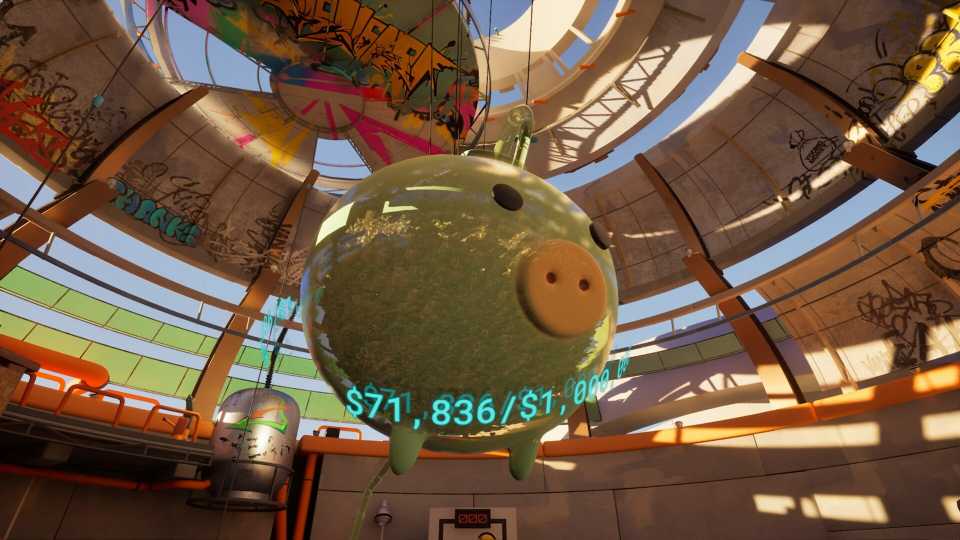
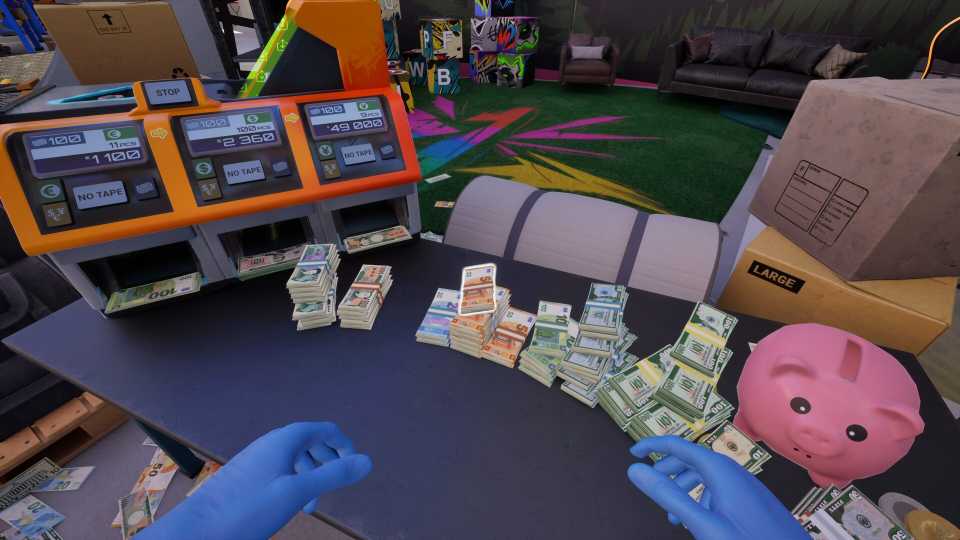
The large piggy bank hanging from the ceiling isn't just a decorative element; it's the key to your escape. Filling the piggy bank with $1,000,000 is your ultimate goal in Cash Cleaner Simulator. This is the million-dollar debt you must repay for your freedom. Every batch of clean cash, every bonus from a surprisingly generous delivery, is a step towards that million-dollar goal.
Focus on efficiently completing jobs to build up a consistent income stream. This will provide the funds you need to both purchase new equipment and contribute to the piggy bank. It’s going to take a while, so be patient and remember that every deposit, no matter how small initially, brings you one step closer to breaking free from the lab.


-
 OpenCritic Reviews
- Critics Rec: 57%
- Released
- May 8, 2025
- Developer(s)
- Mind Control Games
- Publisher(s)
- Forklift Interactive, Digital Pajamas




WHERE TO PLAY


- Engine
- Unreal Engine
- Genre(s)
- Life Simulation, Management
