


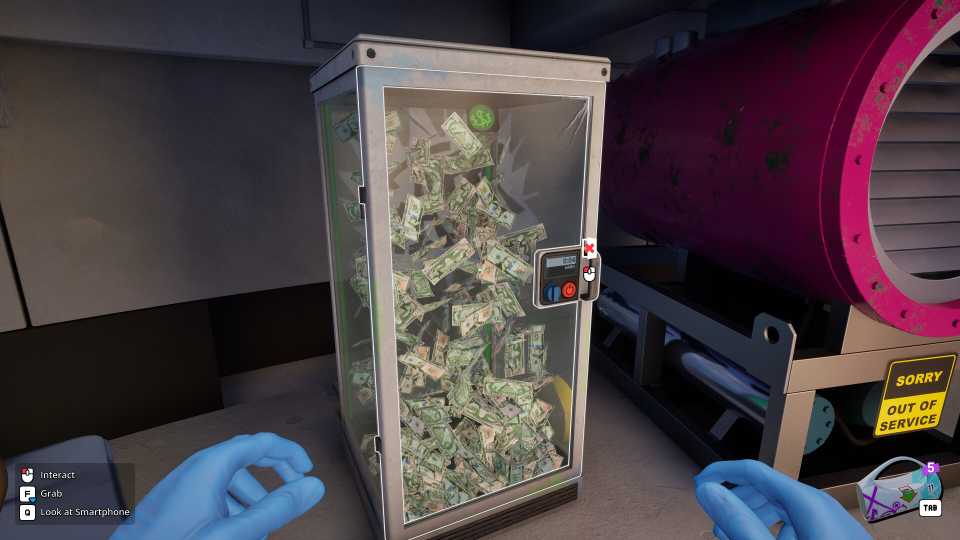
Cash Cleaner Simulator is an addictive simulator game where you step into the shoes of a professional "cash cleaner" working for underworld contacts. Your job is to receive dirty money, which could be stained with dirt, blood, or even contain counterfeit bills, and make it squeaky clean for your clients.
When it comes to counterfeit bills, your clients definitely expect you to find them and separate them so that they are not part of the cleaned and returned cash. Plus, most clients also don’t want any marked bills in their cleaned cash. This guide will walk you through the entire process of identifying both marked and counterfeit bills in Cash Cleaner Simulator so that you don’t end up in any trouble.

7 Weirdest Simulator Games On Steam, Ranked
These are some of the most bizarre simulator games you can play on Steam.
How to Identify Marked Bills in Cash Cleaner Simulator

Marked bills are real currency that has been intentionally marked, either by gangs or law enforcement for tracking purposes. There are three types of marked bills in Cash Cleaner Simulator, each with its own identification mark:
- Police-Marked: These bills have a prominent large red X that covers approximately half of the banknote.
- Gang-Marked: You can recognize gang-marked money by either a solid black square or a smaller, thick red X on the bill.
- FDI-Marked: Bills marked by the FDI will feature a red eye symbol located on the right side of the currency.
To start identifying these marked bills, you’ll need a UV Lamp and a Workbench. The Workbench becomes available once you unlock second Warehouse level in Cash Cleaner Simulator after completing the "Light It Up" quest.
After unlocking and placing the Workbench in your warehouse, you can then purchase the UV Lamp from the Black Market app.
You can also use the Portable UV Lamp, but the stationary Ultraviolet Lamp is much more efficient for larger stacks of cash, and it automatically attaches to the Workbench.
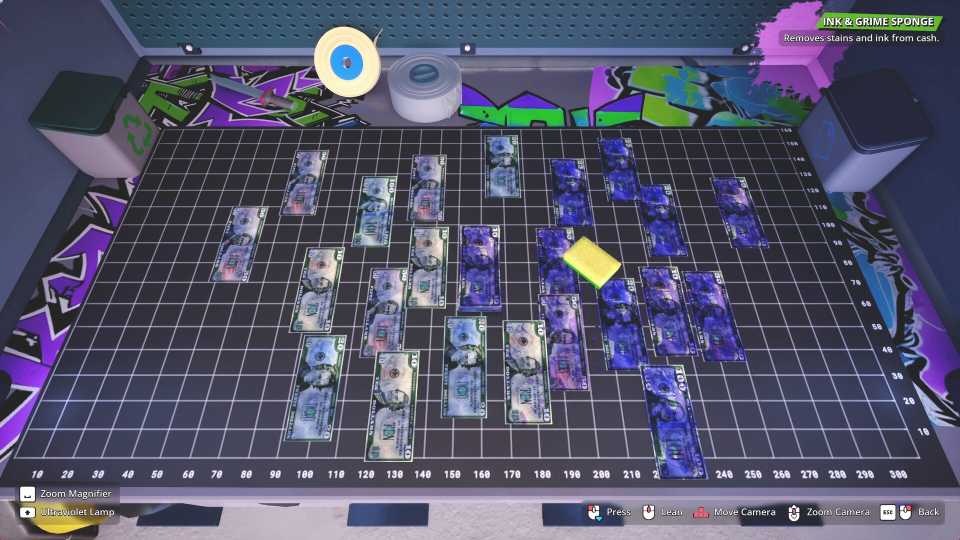
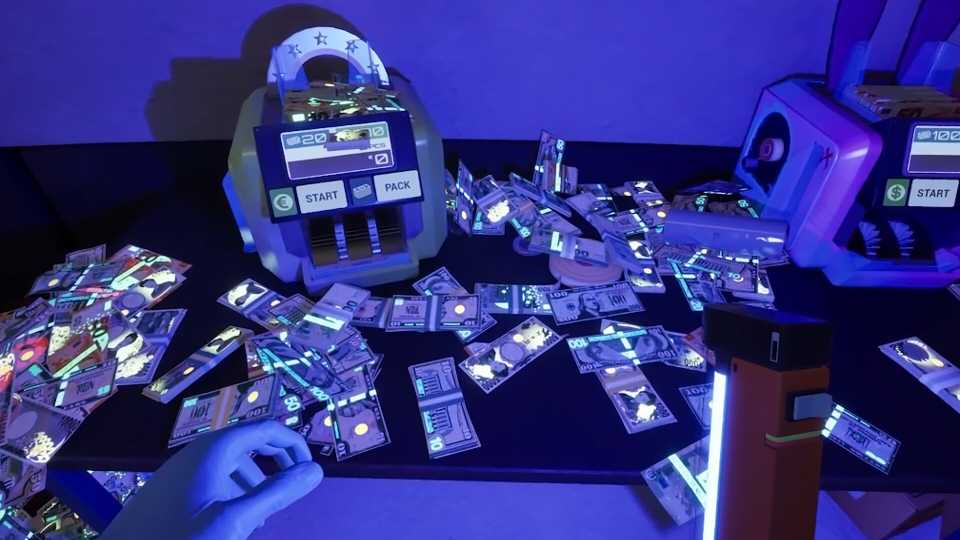
From here, all you have to do is spread out the stack of money you wish to examine on your Workbench. Then, wait till it’s nighttime before turning on your UV Lamp.
The red or black markings on any Marked Bills will be clearly visible under UV light. These symbols won’t be present on clean, unmarked bills.
How to Spot Counterfeit Bills in Cash Cleaner Simulator
Counterfeit bills are fake currency. These bills are considered the most problematic type to use for jobs, so it's important to identify and separate them as soon as possible in your workflow.
Every single bank note, whether genuine or not, will exhibit some form of marking under UV light. Legitimate bills will always display a blue security line. As such, the key to spotting a counterfeit is to look for bills that are completely clean under UV light, meaning they show no markings whatsoever.


-
 OpenCritic Reviews
- Critics Rec: 57%
- Released
- May 8, 2025
- Developer(s)
- Mind Control Games
- Publisher(s)
- Forklift Interactive, Digital Pajamas





WHERE TO PLAY


- Engine
- Unreal Engine
- Genre(s)
- Life Simulation, Management
