


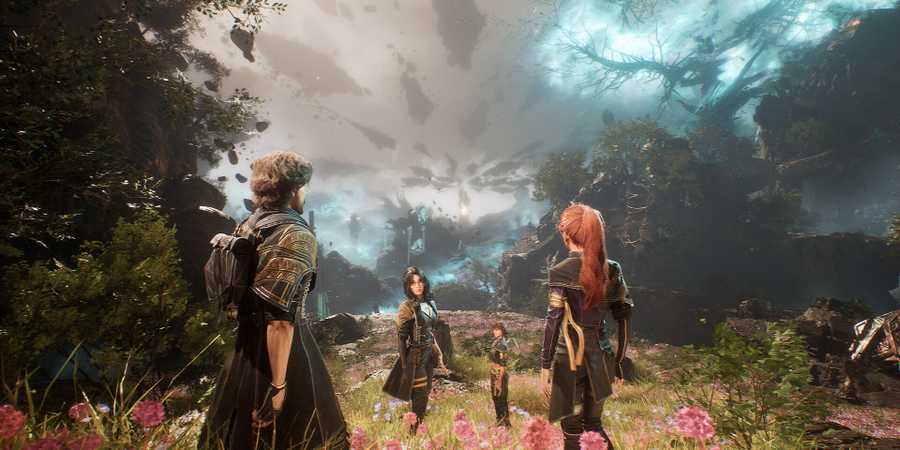
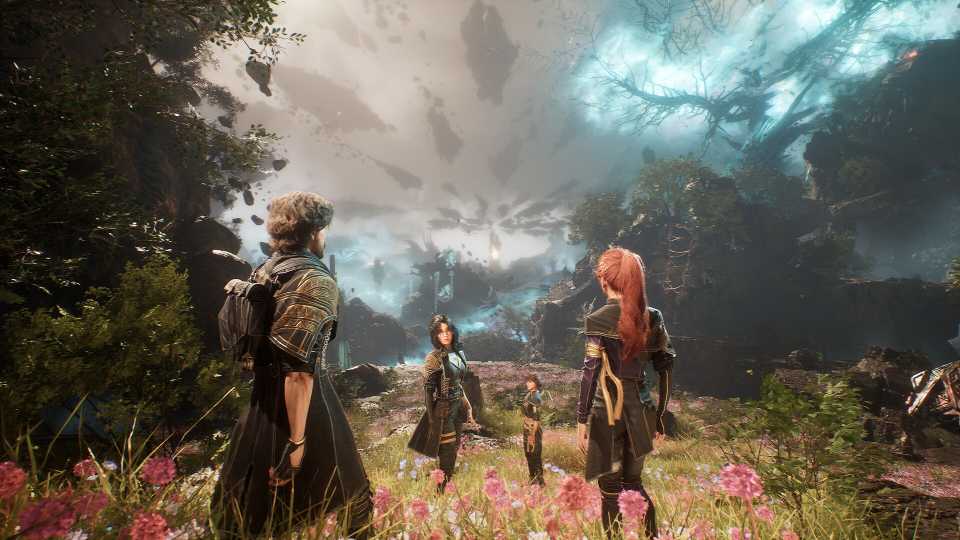
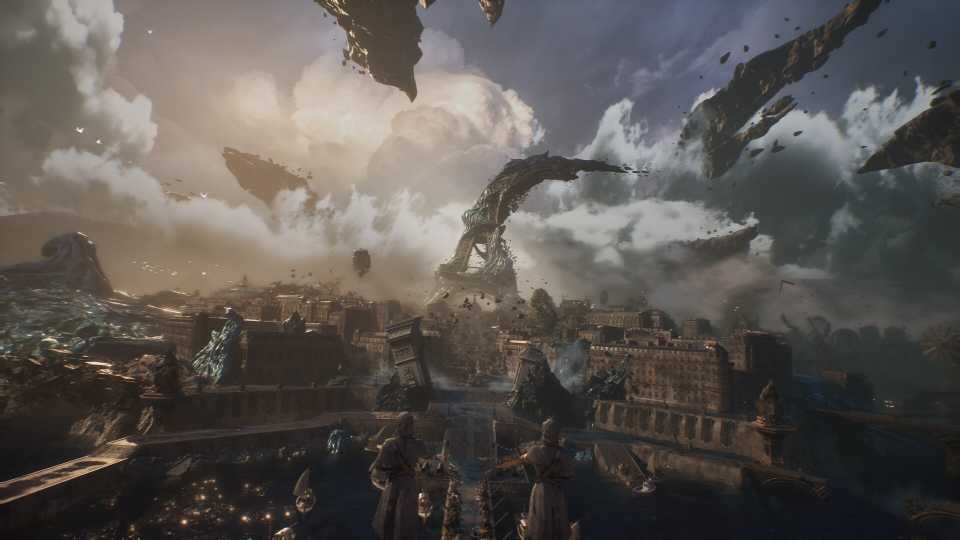
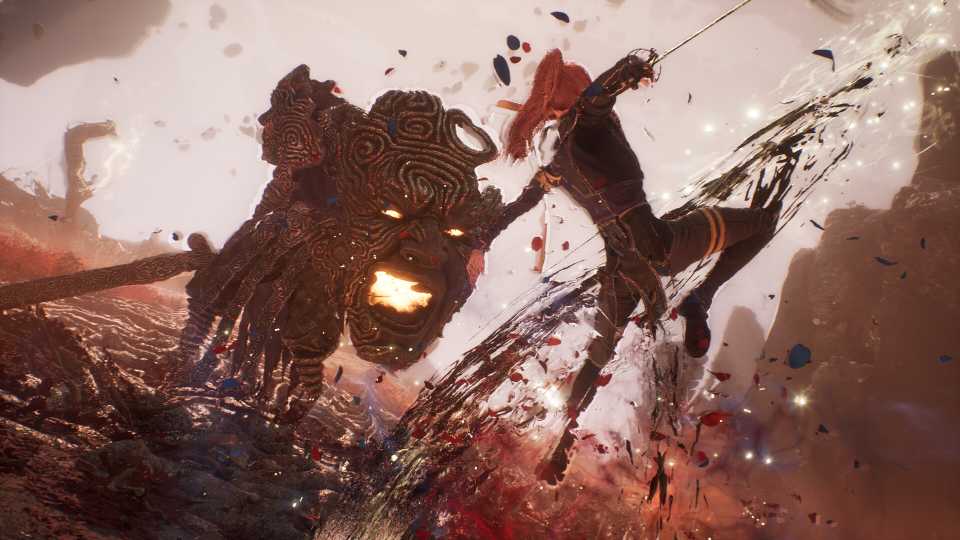
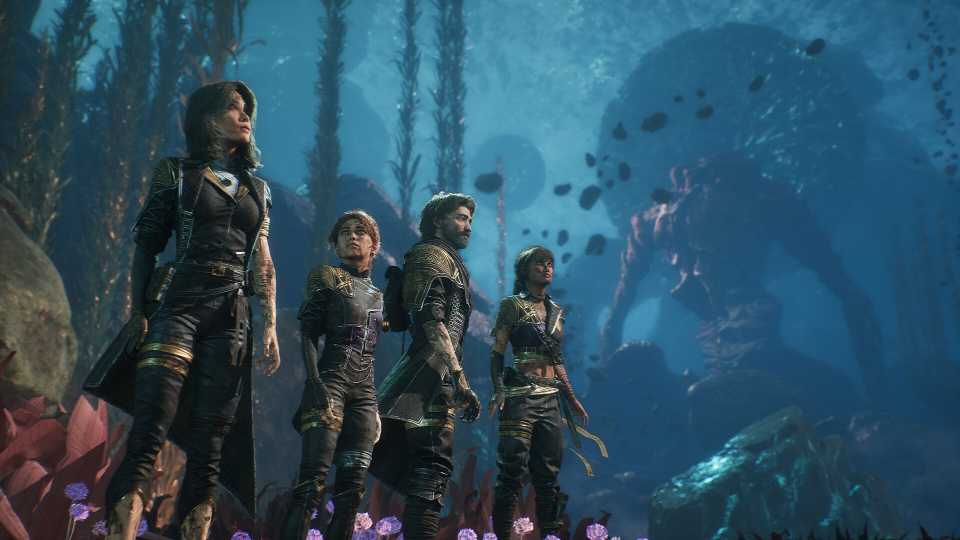
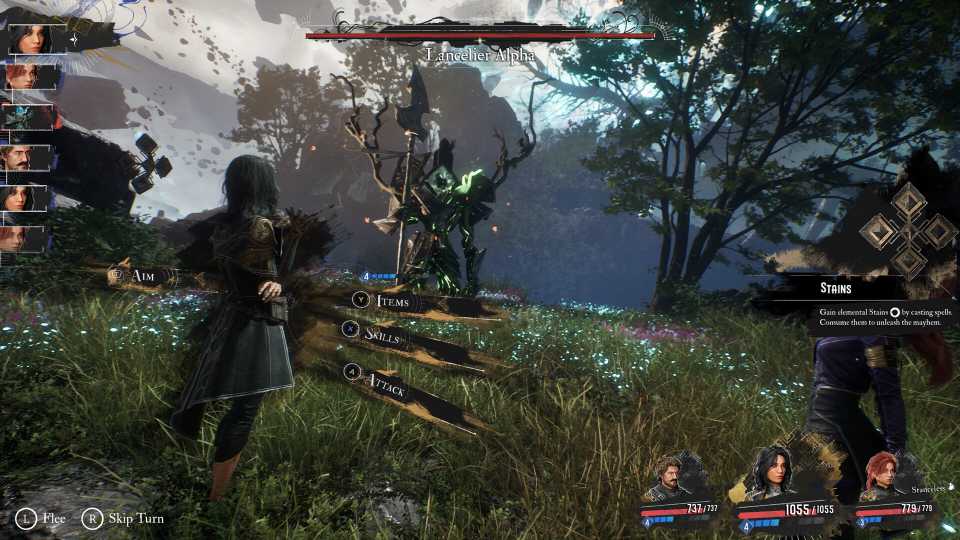
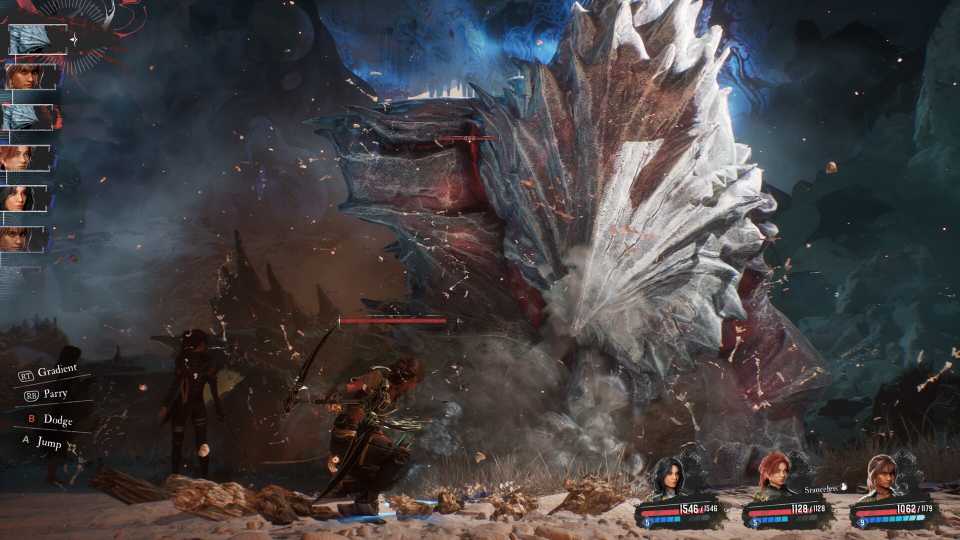
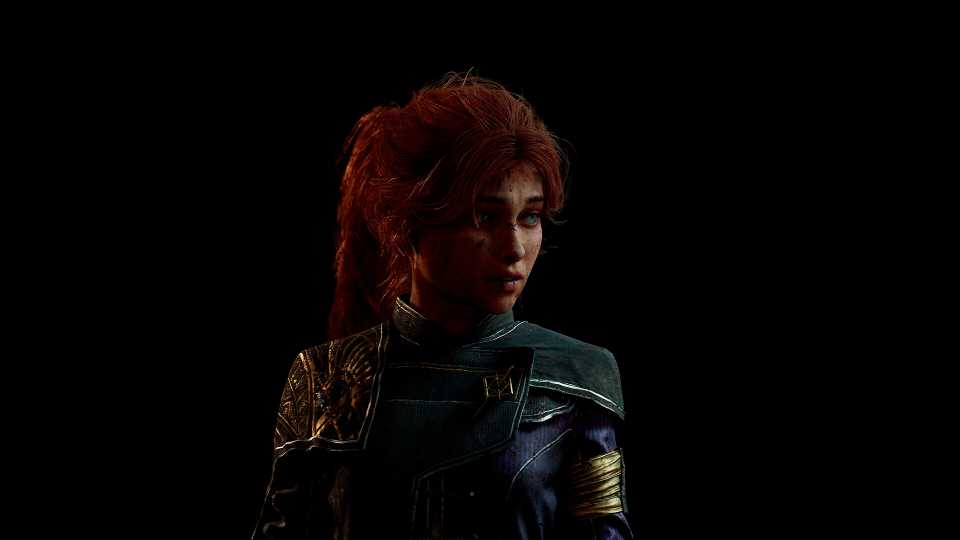
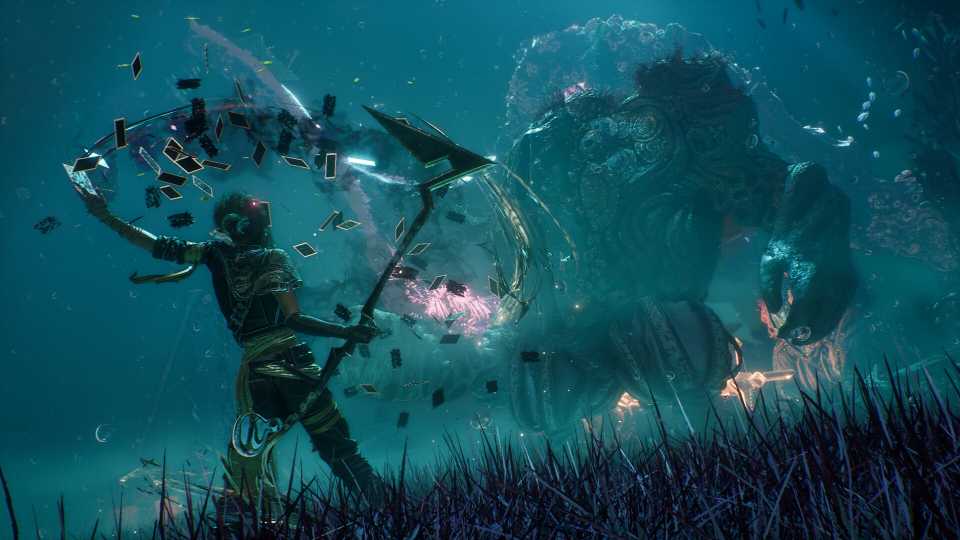
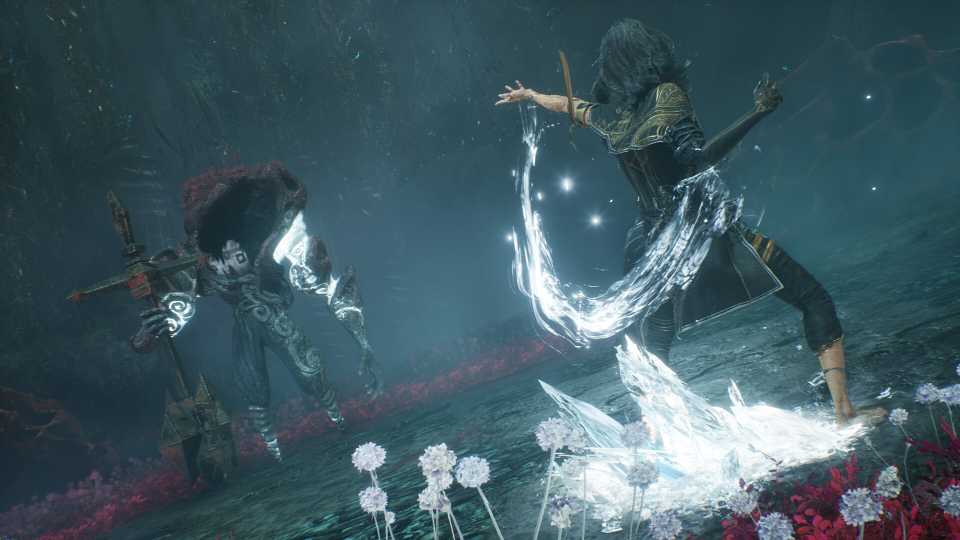
Clair Obscur Expedition 33 offers some jaw-dropping visuals by harnessing the power of Unreal Engine 5. While the character design and environments look amazing, those visuals come at a cost of performance, which can be felt when particle effects fly around the battlefield during combat. So, here are some best settings for Clair Obscur Expedition 33 that will optimize the game's performance on your PC.
Best Graphics Settings for Clair Obscur Expedition 33 on PC

Players can find all the graphics settings for Clair Obscur Expedition 33 under one tab, making it easier to tweak all the settings simultaneously. However, each setting is popular under a particular category, and we'll see some good FPS gains by optimizing the graphics settings under Rendering. So, here are all the best settings for max FPS.
|
Category |
Setting |
Best Preset |
Notes |
|---|---|---|---|
|
General |
Quick Preset |
Custom |
We'll tweak all the settings to make the game more optimized, so no need to choose from a pre-determined preset here. |
|
Scaling Type |
DLSS/XESS |
Players using Nvidia RTX GPUs can benefit from the DLSS scaling tech here. Sadly, there isn't an FSR option, which is a great option for AMD and other GPUs. So, non-RTX players will have to use Intel's XESS until FSR possibly gets added later on. |
|
|
Scaling Mode |
Quality |
Although balanced is the way to go in most situations, the image quality becomes quite messy in some scenes with anything lower than quality. |
|
|
Max FPS |
Unlimited |
- |
|
|
Vsync |
Off |
Clair Obscur Expedition 33 requires players to have impeccable timing when it comes to parrying and blocking, and Vsync will only add input latency. |
|
|
Display Mode |
Fullscreen |
Fullscreen works flawlessly, but borderless fullscreen works just as well. It's only a matter of personal preference. |
|
|
Screen Resolution |
Native |
- |
|
|
Image |
Gamma |
Up to the player's personal preference |
|
|
Contrast |
|||
|
Brightness |
|||
|
Post Process |
Motion Blur |
Turn all of these on except motion blur, as it distorts the visual quality of the game. |
|
|
Film Grain |
|||
|
Chromatic Aberration |
|||
|
Vignette |
|||
|
Rendering |
Anti-Aliasing |
High |
If you're using an upscaler, it'll handle most of the smoothing of edges. |
|
Shadows |
Medium |
One of the higher-cost settings, medium, is the best preset for this. |
|
|
Global Illumination |
High |
- |
|
|
Reflection |
Medium |
It only becomes active when you're around reflective surfaces or water bodies. Best to leave it at medium to avoid FPS drops in the aforementioned areas. |
|
|
Post Process |
Epic |
It does not impact FPS, but will make the quality of previous post-processing effects a lot better. |
|
|
Texture |
Depends on the GPU VRAM |
Low-Medium: 6GB VRAM, High: 8GB VRAM, Epic: 8-16GB VRAM. |
|
|
Visual Effects |
High |
The game has a high use of visual effects that can cause FPS drops randomly in intense fights. Players can drop it to medium if their performance is tanking during combat. |
|
|
Foliage |
High |
Controls the textures for grass and other greenery in the environment. |
|
|
Shading |
Medium |
- |
|
These optimized settings for Clair Obscur Expedition 33 were tested on a PC with an Intel i9-14900HX, Nvidia RTX 4080 GPU, and 32GB RAM. The FPS were averaging around the 75-80 range, with 1% lows being at 50 FPS. Considering the current state of optimization for the title, these are pretty playable framerates. The FPS drops issue was not entirely fixed, but became better and wasn't noticeable in-game.




-
 OpenCritic Reviews
- Top Critic Avg: 92 /100 Critics Rec: 97%
- Released
- April 24, 2025
- ESRB
- Mature 17+ / Blood and Gore, Strong Language, Suggestive Themes, Violence
- Developer(s)
- Sandfall Interactive
- Publisher(s)
- Kepler Interactive



WHERE TO PLAY






- Engine
- Unreal Engine 5
- Number of Players
- Single-player
- Steam Deck Compatibility
- Playable
- PC Release Date
- April 24, 2025
- Xbox Series X|S Release Date
- April 24, 2025
- PS5 Release Date
- April 24, 2025
- Genre(s)
- Turn-Based RPG, JRPG, Fantasy
- Platform(s)
- PlayStation 5, Xbox Series X, Xbox Series S, PC
- X|S Optimized
- Yes
- File Size Xbox Series
- 42.33 GB
- Wiki
