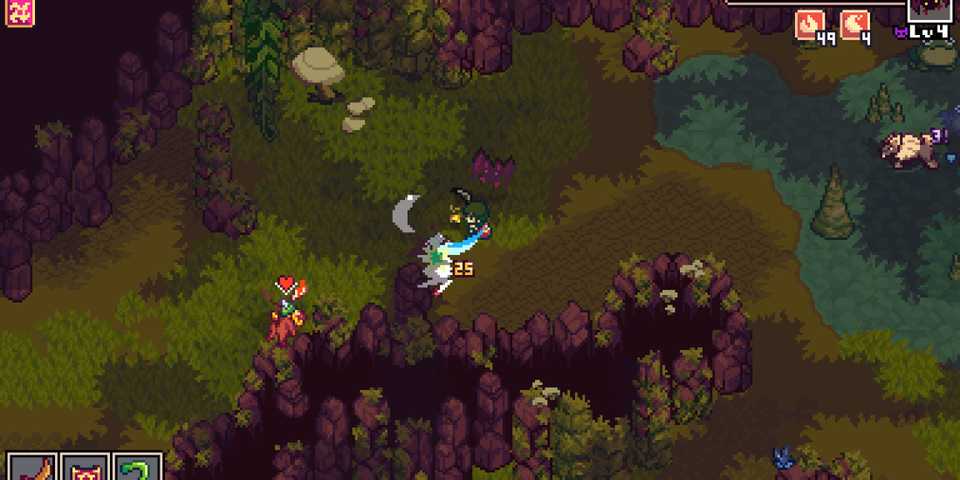
As the title would suggest, Creature Keeper tasks players with befriending and caring for an array of weird and wonderful creatures, who will also stand by your side as the game's narrative unfolds. Combat is a focal point of gameplay and progression, so players will need to maintain the health and strength of their party to succeed.
While there are limitations to the number of creatures you can take with you from the starting point of the game, there are ways to increase the number of companions you can take with you. Players will need knowledge of how to increase your party size in Creature Keeper in order to take more backup as your enemies increase in strength.

Best Open-World Creature Collector Games, Ranked
When we think of creature collector games Pokemon always comes to mind but there are lots of great open-world creature collectors that aren't Pokemon.
How To Increase Your Party Size in Creature Keeper
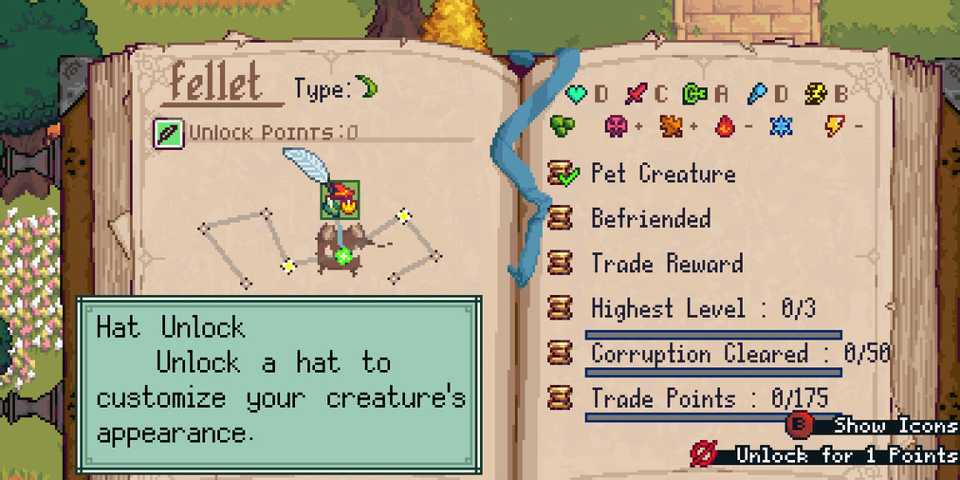
From the start of the game, players will only be able to take two creatures with them on their journey, and only one can be used at any time. While the latter can't be changed, you can increase the size of your party by acquiring Party Points from the Creature Unlock screen.
Each time you befriend and rescue a creature, you will earn unlock points towards it. These points can be spent on boosts, such as increasing your character's health, as well as hats that you can equip the creature with. Among these bonuses will be party points, which you can purchase to add to your total. For some creatures, this may be one of the first boons you can buy, but for others, it may be locked behind one or two other skills.
How To Manage Your Party In Creature Keeper

While you can easily swap between the creatures in your party while out exploring the world, you will need to go back to your safe haven to add to your party or leave existing party members there to rest. To this, simply approach the large green stone from your camp, and the party management menu will open. At the top, you will see a Party Point tally, which will indicate how many points you have used and how much you have left to spend.
From the party management screen, you'll find your Party Point tally at the top, which indicates your current party capacity. The important distinction with points is that it doesn't necessarily reflect how many creatures you can take with you. Some creatures will be worth more points than others, so feel free to play around with your party compositions until you have the right balance for your needs.
The Party Point value of a creature is indicated by the number of blue orbs next to their name in the party management menu


Creature Keeper

- Released
- May 8, 2025
- Developer(s)
- Fervir Games
- Publisher(s)
- Graffiti Games