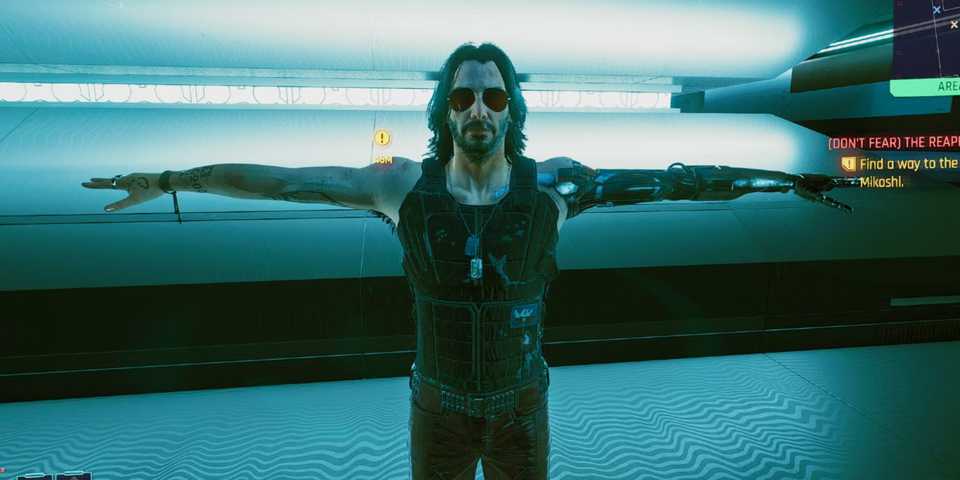
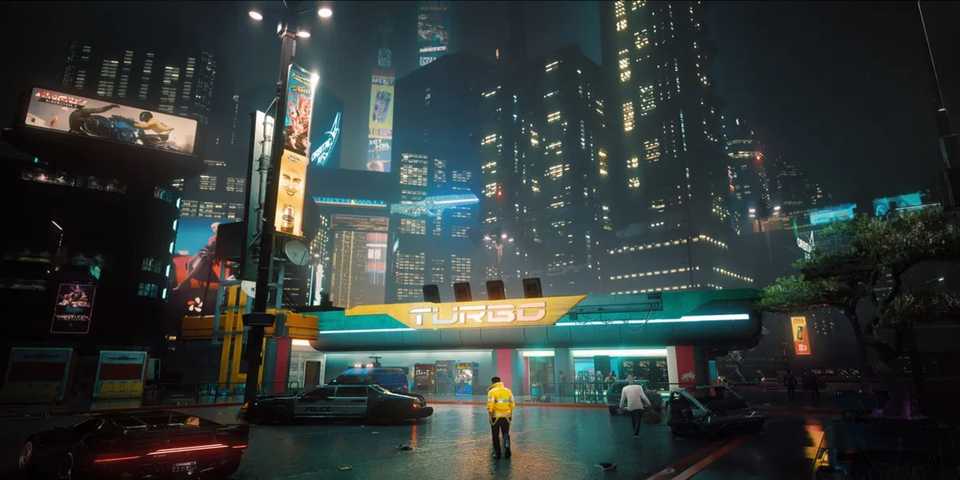
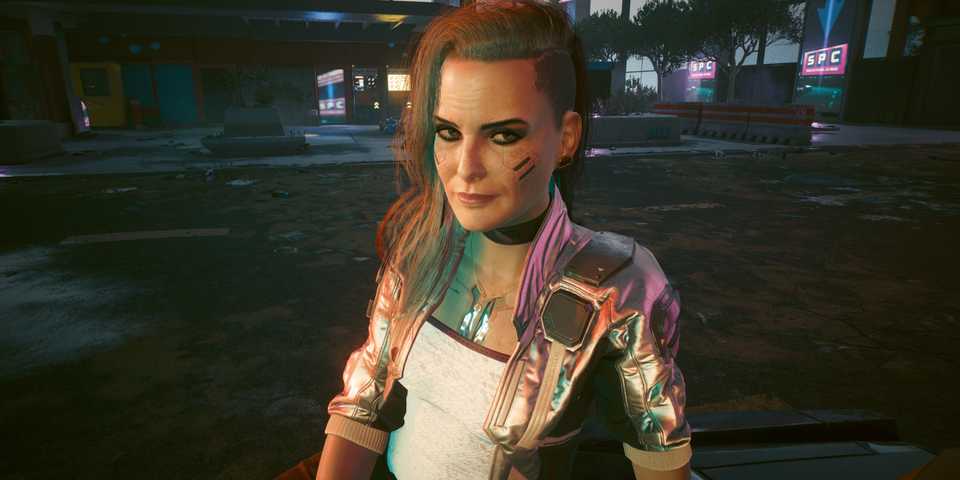
Cyberpunk 2077's Night City is teeming with enormous skyscrapers, stunning panoramic views, and densely-populated markets and squares. It's one of the most detailed open world games you can play, and while the first-person view makes for an incredibly immersive experience, some players would prefer to have the option to see their version of V as they make their way around the world of Night City. A third-person mode in Cyberpunk 2077 has been a highly-requested feature since the game released in 2020, and while there is a way to get this mode, it does require some fine-tuning.

How to Install Cyberpunk 2077 Flashlight Mod
Cyberpunk 2077's Night City can be pretty dark, making it difficult to see small details. Here's how to install a flashlight mod.
How to Play Cyberpunk 2077 in Third Person

Cyberpunk 2077 can only be played in third person on PC, as it requires the installation of a mod. While a third-person view has been requested by players for some time, developer CD Project Red has recently come out to confirm that they have no plans to add it into the game.
This means that console players can't play Cyberpunk 2077 in third person, but for PC players there's still hope thanks to the JB - TPP mod.
How to Install JB - Third Person Perspective Mod in Cyberpunk 2077
First, players need to download the JB - TPP mod from Nexus Mods. This can be accessed by clicking the link included above, logging into your Nexus Mods account, and then clicking on the 'Manual' download option on the right-hand side of the screen. You also need to download the Cyber Engine Tweaks mod from Nexus Mods, and ensure you have it installed first.
Cyber Engine Tweaks must be installed into the Cyberpunk 2077's directory folder. The file path should look like: C:\Program Files (x86)\Steam\steamapps\common\Cyberpunk2077
Install the Cyber Engine Tweaks mod's entire 'bin' folder into the main game folder for Cyberpunk 2077 on your PC. The exact file path might be different depending on the storefront you purchased/ installed the game from (Steam, GMG etc.)
Once Cyber Engine Tweaks has been installed, download the JB - TPP mod and drop the contents of the zip file into the Cyberpunk 2077 main folder (this is the file path I noted above).
Now, when you start the game, select a hotkey to bring up the Cyber Engine Tweaks overlay. Choose whichever makes sense for you on your keyboard and then load your game. Use the hotkey to open the overlay, and then select the option to change perspective. Next to it, it should say 'not bound.' Select this and then press the key you want to map the function to.
There are also some inputs related to the third person camera you can map with Cyber Engine Tweaks such as 360 camera rotation, zooming in and out, and moving the camera. All of these can be mapped to specific keys by using the 'Inputs' option within the hotkeys menu of Cyber Engine Tweaks.
The JB - TPP mod has been updated for Cyberpunk 2077's 2.3 update. However, other mods you already have installed may not have been and can cause Cyberpunk 2077 to crash when you get into a vehicle. Make sure you check and update all of your mods if you experience this issue.


Cyberpunk 2077




-
 OpenCritic Reviews
- Top Critic Avg: 76 /100 Critics Rec: 66%
- Released
- December 10, 2020
- ESRB
- M for Mature: Blood and Gore, Intense Violence, Nudity, Strong Language, Strong Sexual Content, Use of Drugs and Alcohol
- Developer(s)
- CD Projekt Red
- Publisher(s)
- CD Projekt Red