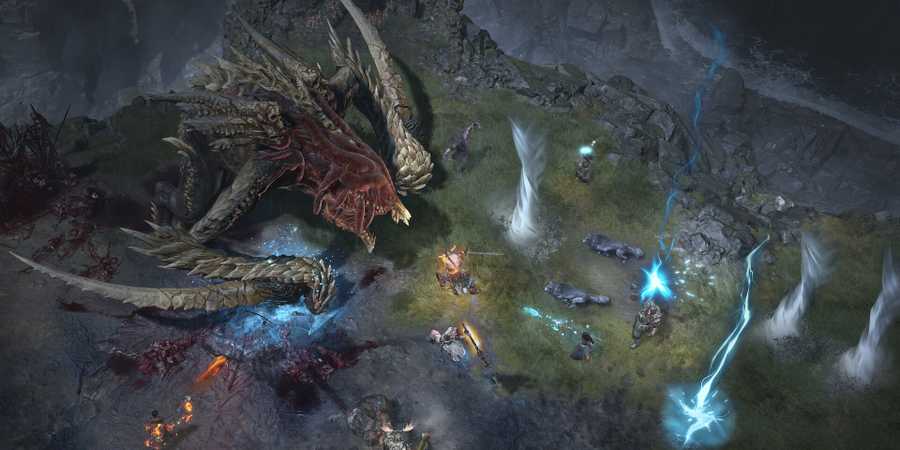
Many of Diablo 4's dungeons are great sources for both XP and loot, and some of them are worth farming repeatedly. That said, the time that it takes for a dungeon to naturally reset slows down farming considerably, and some players may wonder if they can get around that reset timer. Fortunately for those fans, it is possible to instantly reset dungeons in Diablo 4, and this guide details a technique that solo players can use.
There have been some major changes to Diablo 4's Nightmare Dungeons (and by extension, normal variants) throughout the game's seasons, and that includes updates rewards, layout generation, and of course, the reset method. Refreshing dungeons isn't as convoluted as it was before, and if you want to farm for XP, loot, Obducite, and whatever else the current season has to offer, here's how to reset dungeons instantly.
Updated February 4, 2025 by Marc Santos: Resetting dungeons in Diablo 4 previously involved a convoluted process involving several steps. This has since been changed, and players can now reset dungeons by pressing a single button, significantly speeding up and simplifying the process. We've updated this guide to include how to reset both normal and Nightmare Dungeons for the 2.1.0 version of the game.

Diablo 4: Glyphs Explained
Diablo 4 players can learn how to get Glyphs, how to use them, how to take them to their maximum level, and more in this guide.
Diablo 4: How to Instantly Reset Dungeons Solo

Solo players that would like to instantly reset dungeons in Diablo 4 can do so by opening up the map screen and pressing the Reset Dungeons button below the quests tab. If you're already inside a dungeon, you'll need to leave it first before you can reset it. You can easily teleport back outside a dungeon's entrance while inside it by opening your map and clicking on the dungeon entrance.
Resetting Nightmare Dungeons will cause it to close, wasting the Nightmare Sigil in the process. You'll need another sigil if you want to try that same dungeon again. There's little point in resetting NMDs, however, so this shouldn't be an issue unless you have a specific reason for doing so.
You can activate a new Nightmare Sigil while a Nightmare Dungeon is active. Doing this will close the previous dungeon and open a new one.

The dungeons players should target using this technique depends largely on what's available in the current season. For example, in Season 7, dungeons had a small chance of having a Forgotten Altar that contained one of the Lost Witchcraft Powers available in that season specifically. Alternatively, if you would rather farm dungeons like the ones in Nahantu for XP and other loot, resetting one with a small or simple layout would be best.

Diablo 4

- Released
- June 5, 2023



WHERE TO PLAY





- ESRB
- Mature 17+ / Blood and Gore, Intense Violence, Language, In-Game Purchases, Users Interact
- Developer(s)
- Blizzard
- Publisher(s)
- Blizzard
- Engine
- Proprietary Engine
- Multiplayer
- Online Multiplayer, Online Co-Op, Local Co-Op
- Cross-Platform Play
- All platforms
- Cross Save
- All platforms
- Franchise
- Diablo
- Number of Players
- 1-2 players
- Steam Deck Compatibility
- Verified
- Platform(s)
- PlayStation 5, PlayStation 4, Xbox Series X, Xbox Series S, Xbox One, PC
- Genre(s)
- Action RPG, Hack and Slash
- How Long To Beat
- 26 Hours
- X|S Optimized
- Yes
- PS Plus Availability
- N/A
- File Size Xbox Series
- 158.25 GB
- Local Co-Op Support
- 1-2 players (console only)
- OpenCritic Rating
- Mighty