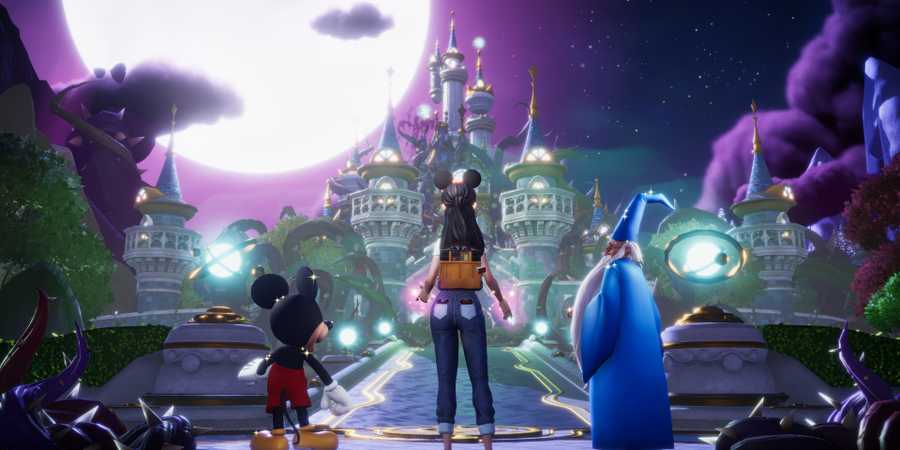
From making cupcakes to decorating the Valley, there are many ways to take part in the celebrations in Disney Dreamlight Valley's Dreamlight Parks Fest. One way you can join in the fun is by completing several Dreamlight Parks Fest Village Duties, where you can unlock some special rewards. Disney Dreamlight Valley's A Shining Icon is one such duty that rewards you with the Metallic Mickey's Handheld Popcorn Bucket, a delightful wearable accessory that your character can carry around the Valley to celebrate the iconic Disney character.
However, as there are specific instructions on what to do to tick off the task, you might wonder how to complete A Shining Icon in Disney Dreamlight Valley and what you need to do to get this adorable clothing accessory that could be perfect for fans of Mickey Mouse.

How To Complete Craftily Ever After in Disney Dreamlight Valley
If you need help completing the Craftily Ever After quest in DDV, this guide can help.
How To Complete A Shining Icon in Disney Dreamlight Valley

To complete A Shining Icon in Disney Dreamlight Valley, you must craft one Metallic Mickey Popcorn Bucket using the following time-limited crafting materials that spawn as part of the Dreamlight Parks Fest event:
- x15 Blue Buttons
- x20 Flower Buttons
- x40 Green Buttons
- x5 Purple Buttons

Once you've gathered or crafted all the above buttons, you can make the Metallic Mickey Popcorn Bucket at a crafting station under the Furniture tab. If you're struggling with where to find buttons, you can get them as follows:
- Blue Buttons - fishing in pink and blue ripples (plus sometimes blue or white ripples) at Dazzle Beach and the Peaceful Meadow.
- Flower Buttons - found on the ground in the Plaza and Peaceful Meadow.
- Green Buttons - obtained by completing weekly or daily Dreamlight Parks Fest quests.
- Purple Buttons - crafted using x1 Blue Button, x2 Red Buttons, and x100 Dreamlight.
Unlocking the Metallic Mickey's Handheld Mouse Popcorn Bucket in Disney Dreamlight Valley

Once you've crafted one Metallic Mickey Popcorn Bucket, you'll get an on-screen notification indicating you've completed the 'A Shining Icon' Village Duty, as pictured above. You can then claim the Metallic Mickey's Handheld Popcorn Bucket as a reward by clicking on the 'A Shining Icon' duty, which you can find under the Village tab in the Dreamlight menu.
Once claimed, you can equip the Metallic Mickey's Handheld Popcorn Bucket for your character in the Wardrobe menu under Accessories or immediately when claiming the reward by pressing the Equip option. Once equipped, this gives your character a cute, miniature version of the Metallic Mickey Popcorn Bucket to carry around the Valley. Like other Handheld Popcorn Buckets available to unlock, it also seems like the perfect accessory for a Monster Movie Night with the Monsters Inc. Gang or a great addition to your next DreamSnaps scene.
You can also place the Metallic Mickey Popcorn Bucket you crafted as a decorative furniture item in the Valley from the Furniture menu. Like other Popcorn Buckets in Disney Dreamlight Valley, you can also interact with the Metallic Mickey Popcorn Bucket by approaching it and pressing the interact button, revealing a secret trove of popcorn within.

Disney Dreamlight Valley
- Released
- December 5, 2023



WHERE TO PLAY






- Developer(s)
- Gameloft
- Publisher(s)
- Gameloft
- Platform(s)
- PlayStation 5, PlayStation 4, Xbox Series X, Xbox Series S, Xbox One, Nintendo Switch, Nintendo Switch 2, PC, iOS
- OpenCritic Rating
- Strong
- Genre(s)
- Life Simulation, Casual