


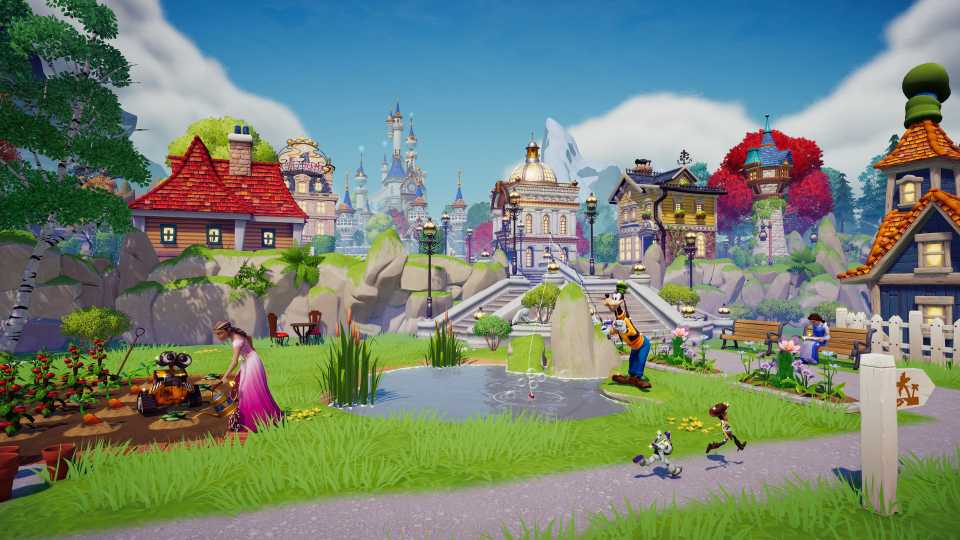
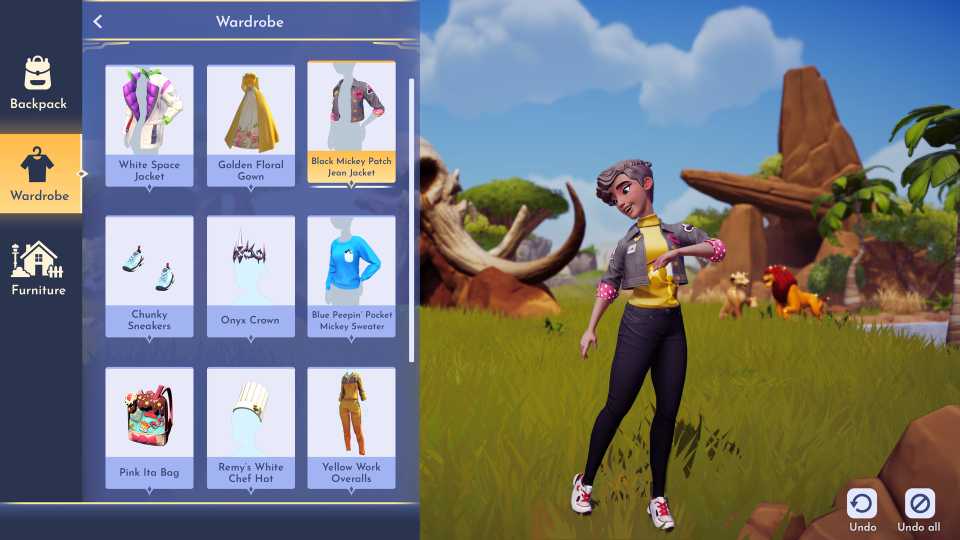
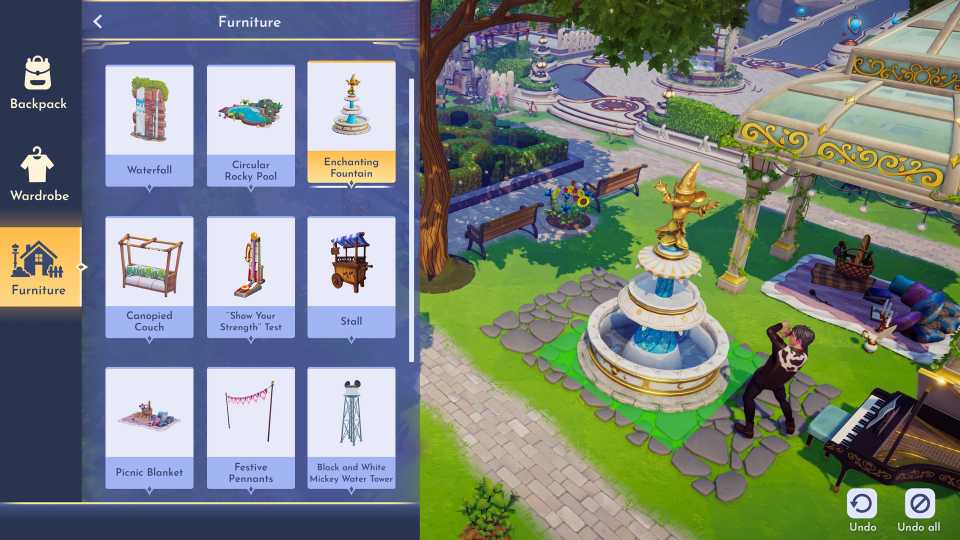
Disney Dreamlight Valley with each update, has been improving what players can do with their houses. Over time, we have gotten the opportunity to add an upstairs to include even more rooms within our houses, to the ability to have more than one house in the valley. This opened up even more possibilities for doing things like dinners or even houses filled with models wearing the player's favorite outfits.
With the latest update, Disney Dreamlight Valley has welcomed another new feature that allows players to resize rooms of their house to their designed size, including their extra houses. This guide will explain exactly how to change the room sizes.

Disney Dreamlight Valley: Wish Magic Quest Guide
Dreamers must collect the remnants of three wishes to wield the Gold Map and save Agrabah in Disney Dreamlight Valley.
How To Resize House Rooms

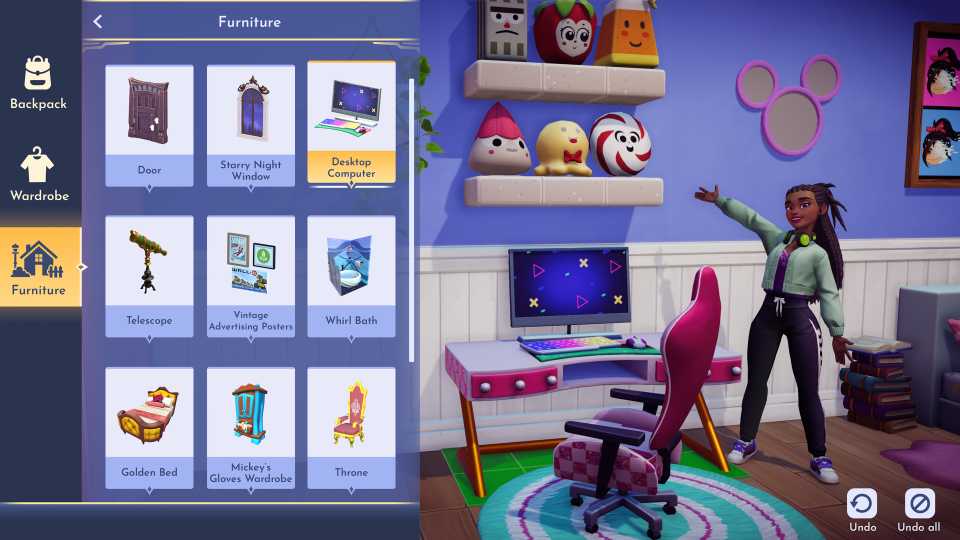
Players who like decorating their homes in Disney Dreamlight Valley will be happy to learn that they can finally resize their rooms within their house. Not only can one story of a home house have three rooms, but there can also be many floors within a home as well. Each one houses three more rooms. Players used to be able to choose between three different square opinions in their house.
The ability to be able to place many different houses throughout the Valley allows players to be creative and add things like dinners, themed houses for their favorite movies, and more. Now, players can adjust the size of their house based on whatever they would like.
To change the size of a room that is already made or one that a player is adding, they will just need to follow the prompt from the bottom right corner of their screen. For example, on Xbox, the promoted button is Y. Press and hold it to then be able to adjust the size. From there, it will show the player what air keys to press to be able to make the room bigger or smaller.
It is important to consider that changing the size of the room will disrupt the placement of the furniture in the room, and players might need to redo some of it. Players will also need to consider that it might cost some to make the room bigger or smaller depending on what the player was first starting with before they made their adjustments. Players can now go and make their houses perfect in the way that they want them in Disney Dreamlight Valley.






-
 OpenCritic Reviews
- Top Critic Avg: 75 /100 Critics Rec: 77%






WHERE TO PLAY






- Genre(s)
- Life Simulation, Casual
