


For players who enjoy recording their adventures in a different (and, above all, personalized) way with Photo Mode, the good news is that Donkey Kong Bananza ships with this feature ready to go. You can capture unique moments from DK’s trek with Pauline as they descend through the Underground World’s layers in hopes of reaching the Planet Core and seeing their wishes granted.

6 Things A Good Video Game Photo Mode Needs
Photo modes are becoming more and more common in video games, but to take the best photos, these modes require certain essential features.
Even though this feature doesn’t offer as much freedom as seen in other games, Donkey Kong Bananza’s Photo Mode still provides decent customization with what it allows players to do. So, for those looking to understand how to make the most of it, and what limitations to expect, this guide covers all the essential information!
How to Use Photo Mode in Donkey Kong Bananza
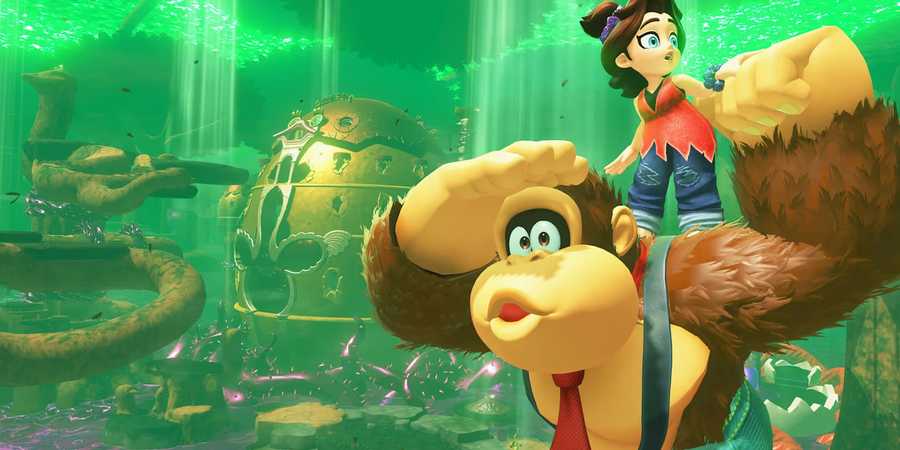
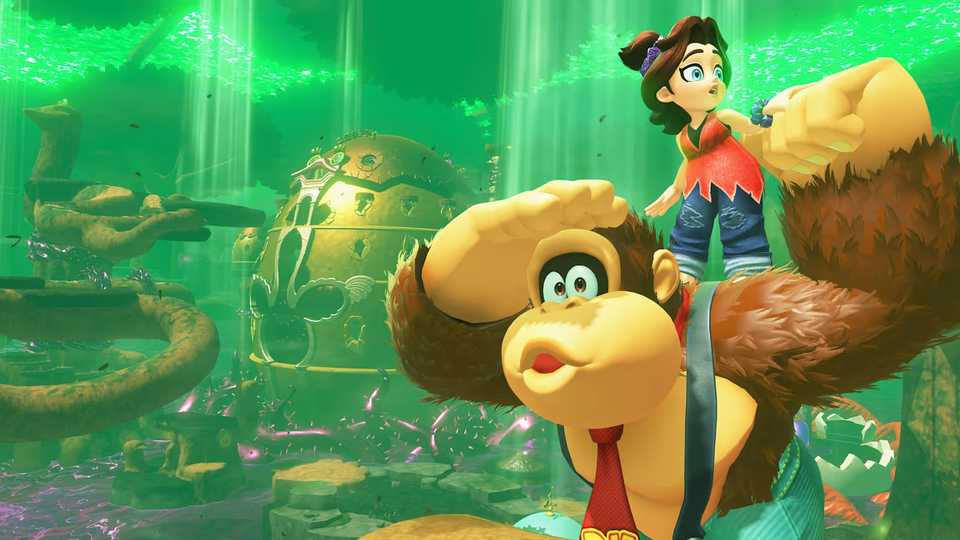
To activate Donkey Kong Bananza’s Photo Mode, players simply need to press the down button on the D-Pad during exploration, and the feature will instantly turn on. From that point on, it’s possible to adjust the camera angle and image focus, while also taking a moment to appreciate the developers’ work on animation quality, especially on DK’s facial expressions.
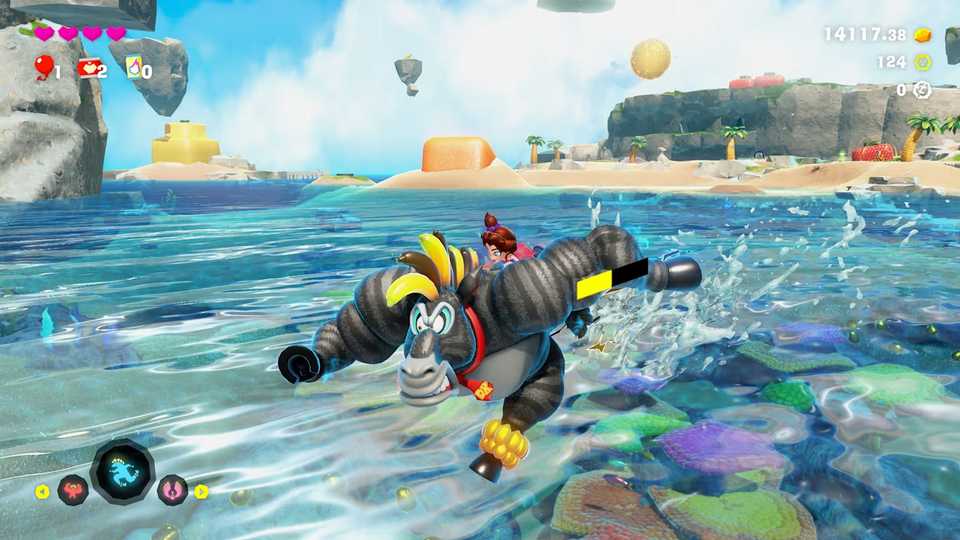
Unfortunately, the Photo Mode in Donkey Kong Bananza doesn’t offer extra customization options, so players hoping to control the expressions or animations of either the main character or Pauline won’t be able to do so, as those features simply aren’t available. On the other hand, it’s still possible to apply filters to each new screenshot and fully remove the game’s HUD, giving players some creative freedom.
The Photo Mode in Donkey Kong Bananza can be used at almost any point during map exploration or combat. However, tighter or enclosed areas tend to limit where the camera can be positioned, reducing overall freedom in those moments. Additionally, this feature can’t be activated during some cutscenes, so, in that case, it’s not possible to capture a clean shot of a scene with the dialogue box and HUD removed, for example.
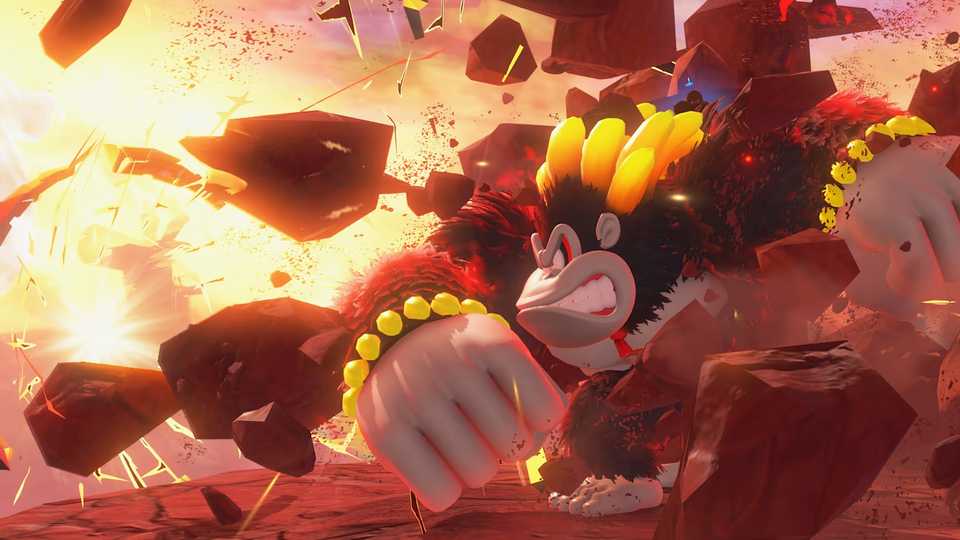
One tip to make better use of what Donkey Kong Bananza's has to offer is to perform an action with the character before entering capture mode, such as jumping, attacking, or even throwing an object with the characters. These actions cause DK to display different facial expressions, and this helps make each screenshot more dynamic, going beyond the static poses he and Pauline usually hold.
Donkey Kong Bananza Photo Mode Controls
Photo Mode controls are straightforward, giving you direct command over how the camera behaves:
- A: Toggle the HUD on or off so nothing clutters the shot.
- ZL / ZR: Zoom in or out; pick carefully which elements belong in the frame.
- L / R: Tilt the camera, letting you experiment with diagonal angles.
- X: Add or remove the Donkey Kong Bananza logo anywhere on the screen.
- Y: Hide DK and Pauline, perfect for pure environment pics.
- Capture Button: Save the photo once everything looks just right.
- D‑Pad Left / Right: Cycle through the built‑in filter presets.
- B: Exit Photo Mode and return to gameplay.
With these controls, players can capture unique screenshots to highlight some of the best moments from DK and Pauline’s adventure through the Underground World.


-
 OpenCritic Reviews
- Top Critic Avg: 91 /100 Critics Rec: 99%
- Released
- July 17, 2025
- ESRB
- Everyone 10+ / Fantasy Violence, In-Game Purchases
- Developer(s)
- Nintendo EPD
- Publisher(s)
- Nintendo


WHERE TO PLAY


- Platform(s)
- Nintendo Switch 2
