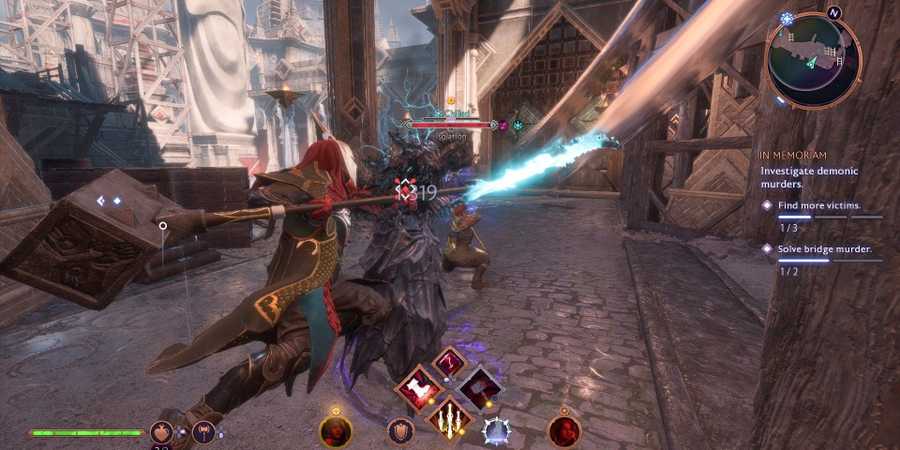
The expansive map in Dragon Age: The Veilguard will require a lot of time for players to unearth. The adventure will take you across multiple cities and settlements, all of which will be filled with opportunities to complete side quests, purchase and sell items with merchants, and uncover a wealth of secrets and valuable items.
Given the number of worlds players will visit in the game, having a knowledge of how to Fast Travel in Dragon Age: The Veilguard will enable you to quickly move between landmarks and even cities throughout BioWare's RPG. A mastery of this common game mechanic will save you time and effort, allowing you to focus on immersing yourself in the game's epic story.

Dragon Age: The Veilguard - Best Classes and Specializations
If you're yet to make your first character, here's a rundown on all the classes and their specializations in Dragon Age: The Veilguard.
How To Fast Travel in Dragon Age: The Veilguard

Fast travelling in Dragon Age: The Veilguard is achieved via Beacons, which are discovered as players are traversing the various worlds in the game. To discover one, players simply need to be in proximity to it, after which they will receive a pop-up message to indicate that the landmark has been identified. Once it has been unlocked, the Beacon will then be available for the remainder of your playthrough.
Beacons can also be used to change your party composition, so you can substitute any companions at these landmarks.
Once Beacons have been discovered, players can travel to them via the game's map. To fast travel, simply open the map, move your cursor to the desired Beacon location, and hold the indicated button to complete the action (X on PlayStation, A on Xbox). You can do this locally within the world you're in, or on a broader scale by navigating to the World tab and selecting a Beacon in another settlement.
How To Quickly Return To Base in Dragon Age: The Veilguard

In addition to venturing between local Beacons or entire cities across the world, players also have the option to return to the Lighthouse base. This is particularly useful as you can upgrade your weapons at the Caretaker, speak to any companions that are not currently in your party, or change your appearance and wardrobe.
To quickly return to the Lighthouse, simply open the map and hold the indicated button at the bottom of the screen (Square on PlayStation, X on Xbox). This can also be done by navigating to the Lighthouse via the World tab, but holding the single button is, of course, far less effort and more efficient.

Dragon Age: The Veilguard

- Released
- October 31, 2024



WHERE TO PLAY






- Developer(s)
- BioWare
- Publisher(s)
- Electronic Arts
- Franchise
- Dragon Age
- Platform(s)
- PC, PlayStation 5, Xbox Series S, Xbox Series X
- Genre(s)
- RPG