


Dragon Quest 7 Reimagined players should occasionally make manual saves in order to minimize their chances of losing their progress. Fortunately, there are two ways to go about making a manual save, both of which are quite easy to execute. This guide is here to detail those options, and it will help players make saves in Dragon Quest 7 Reimagined.
Dragon Quest 7 Reimagined has an autosave feature, and a gold quill icon will appear in the bottom-right corner of the screen when an autosave is being made. While this feature is very helpful, it is still recommended that players make manual saves when they have opportunities to do so, especially if they are planning to end a play session.

Every Mainline Dragon Quest Game, Ranked
There have been many mainline titles in the Dragon Quest series throughout the years though some stand out above the rest.
How to Make a Save in Dragon Quest 7 Reimagined
Churches
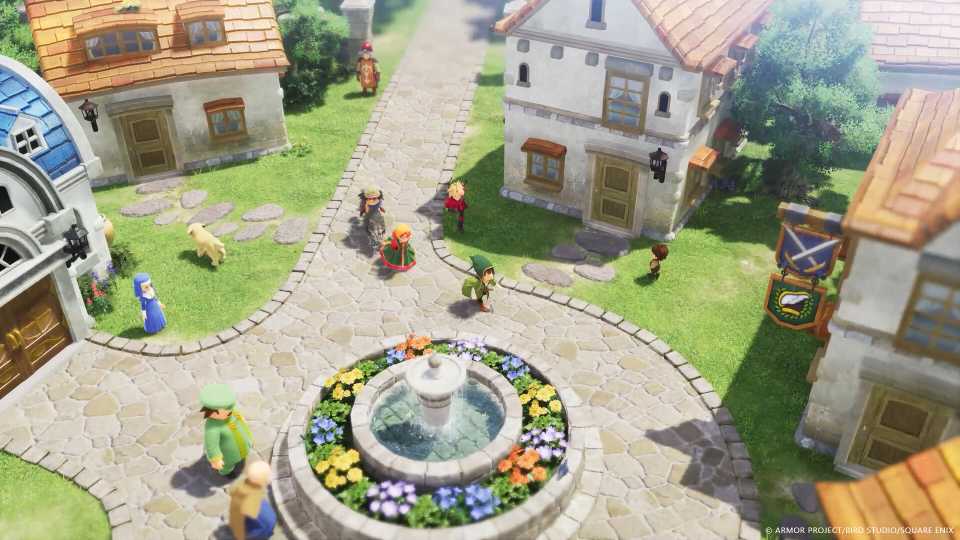
The first opportunities to save come in the form of churches, which are marked with a silver icon on the map and mini-map. The images that are above showcase the church icon, and players can find churches in many of Dragon Quest 7's towns, including Pilchard Bay, the starting town.
Hovering over a town you have already visited on the region map will reveal the amenities that can be found within it. This makes locating a town with a church very easy, and players can use the zoom spell on the map to quickly travel to it.

Once you locate a church, enter, speak with the NPC behind the altar, and select the Confession (Save) option. Now simply select the adventure log slot where you want the save to be made and wait for confirmation that the process is complete.
Players can also perform divination, which reveals how much experience each party member needs to reach the next level, and purification, which cures a poisoned party member, while speaking with the NPC at a church.
Sacred Statues
Players can also make a save by interacting with a Sacred Statue and selecting the Confession (Save) option. These statues typically appear in and around dungeons, and players will encounter the first one on their way into the Rainbow Mines. The images that are above should make identifying those statues, which look like angels, quite easy.
Interacting with a Sacred Statue will fully restore the HP and MP of all party members in Dragon Quest 7 Reimagined, making them extremely useful in combat-centric areas. Additionally, players can use these statues to perform divination, giving them a sense of how close the characters are to leveling up.





 OpenCritic Reviews
- Released
- February 5, 2026
- ESRB
- Everyone 10+ / Comic Mischief, Fantasy Violence, Mild Blood, Mild Language, Mild Suggestive Themes, Use of Alcohol
- Developer(s)
- Square Enix, HexaDrive
- Publisher(s)
- Square Enix





WHERE TO PLAY





- Genre(s)
- JRPG, Adventure
