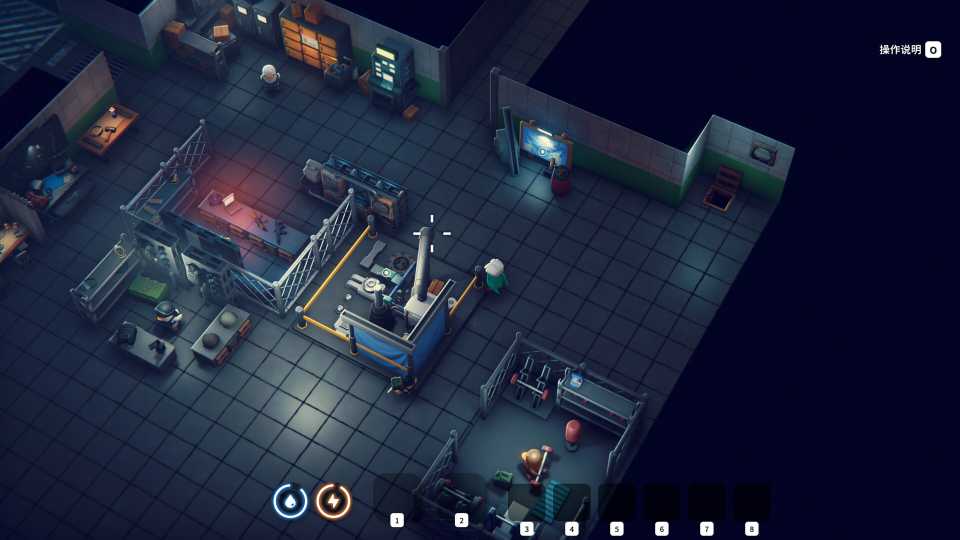
Running out of space is one of the most common problems players face in Escape From Duckov. Like any good extraction game, your success relies on what you can bring back to your base. Between collecting weapons, materials, and random loot from every mission, your storage fills up faster than you expect. Without enough space, you’ll constantly be forced to throw away items you might need later. Interestingly, there are multiple ways to expand both your warehouse and backpack storage in Escape from Duckov.

Upcoming Games All About Exploration
Prepare for an exciting journey filled with discovery in these upcoming games.
How to Expand Warehouse Storage in Escape from Duckov
Firstly, you can upgrade your base warehouse by adding different Storage Expansions to permanently increase your total capacity. This way, you can store more weapons, items, and crafting materials.
To apply an expansion, go to your main storage container and scroll your mouse wheel to switch through menu modes. Select the Storage Expansion tab, then use the Expansion Upgrade. At Storage Expansion Lv.1, you’ll get +35 Storage capacity. The more you upgrade your warehouse, the more storage tabs and organization features you’ll unlock.
Warehouse upgrades also require in-game currency, which you can earn by selling items at vending machines.
Where To Find Storage Expansion Boxes
You can also expand your storage using Storage Expansion Boxes. These are quite rare and you’ll have to make significant progress to find them. You’ll usually come across them while exploring the world, searching lockers, toolboxes and enemy camps, or opening loot crates during missions. These items appear as Expansion Boxes and come in different sizes. The larger the box, the more space it will add once you use it.
Since this method is heavily dependent on RNG, it's quite unreliable, so don't rely on it fully. While some players have reported finding these boxes, we haven’t encountered one in our playtime yet. We’ll update this guide once we do.
How to Increase Backpack Capacity in Escape from Duckov
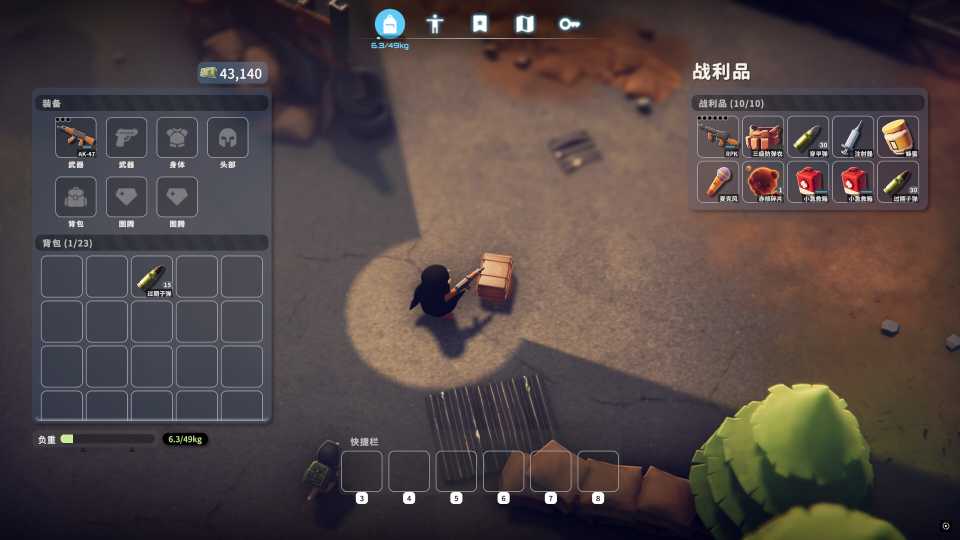
Your backpack storage determines how much you can carry during missions. To upgrade it, head to the Skill Enhancement Machine at your base once you’ve unlocked it. Select the Backpack Expert skill to improve your carrying capacity. All enhancements here cost money and specific materials.
You can also find backpacks while exploring and looting in the wild. When found, these items are consumed to permanently add extra slots to your existing bag. Equipping body armor can also increase your carrying capacity. Both backpacks and armor can often be obtained by defeating enemies.


-
 OpenCritic Reviews
- Top Critic Avg: 78 /100 Critics Rec: 67%
- Released
- October 16, 2025
- Developer(s)
- Team Soda
- Publisher(s)
- BiliBili