


With the release of the Deadlands DLC for The Elder Scrolls Online comes a huge amount of new content for players to take on in a new zone - the Oblivion plane of the Deadlands . The DLC is a direct continuation and final part of ESO's 2021 Gates of Oblivion storyline, culminating with the final confrontation with Mehrunes Dagon himself (at least, until the events of The Elder Scrolls IV: Oblivion).
It is like other mid-size expansions for The Elder Scrolls Online, like the Clockwork City or Markarth DLC, as it introduces a new questline in a new area alongside group content like Trials and Delves. Getting to the Deadlands is no small feat for a resident of Tamriel, though there are some things to remember when it comes to beginning the DLC properly.
Updated June 4, 2022 by Erik Petrovich: Before playing the Deadlands DLC, there's a few things Elder Scrolls Online players should keep in mind. Before considering how to start the Deadlands content, players should experience the story that leads into this new zone - in the Blackwood Chapter. There are a few ways to access the Deadlands DLC, and depending on how heavily you value roleplaying you may want to choose one over the other. Fargrave is a very unique zone and one that every ESO player should check out at some point - especially after getting through the predecessor Chapter and, to a lesser extent, the DLC dungeons.
What To Do Before Buying The Deadlands DLC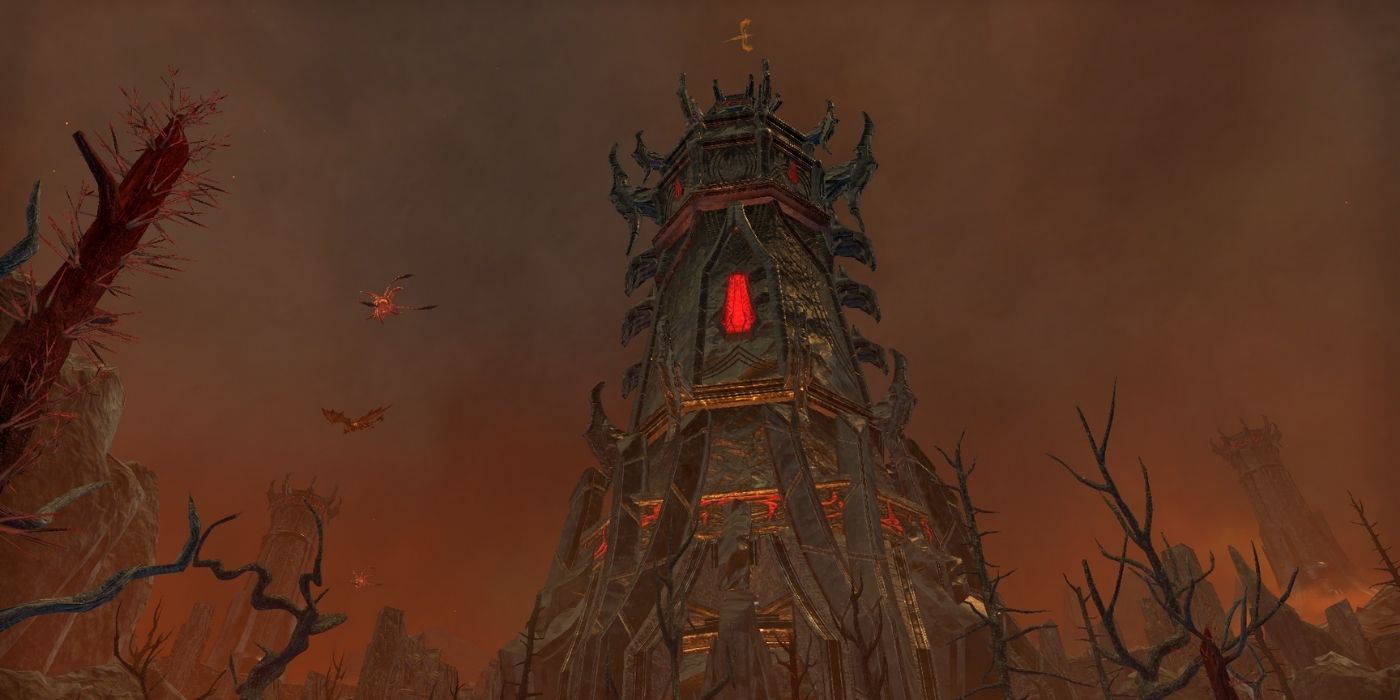
First, Complete the Blackwood Chapter Storyline
The Deadlands DLC storyline stems from the Blackwood chapter questline, though the quests in the DLC are for the most part separate from the Dagon story. They tie together at the end, unlocking a special extra three quests that officially conclude the Blackwood story. Be sure to finish the main storyline of the Blackwood chapter to fully appreciate the development of Dagon's plans in this DLC.
Then, Purchase the Deadlands DLC Through the Crown Store, Or Get ESO Plus
To access the Deadlands DLC players must, of course, own the DLC itself. Elder Scrolls Online offers a monthly subscription service, called ESO Plus, that gives members access to all DLC except the most recent Chapter. As Deadlands is not a chapter, ESO Plus members can jump into this expansion as soon as it goes live with no hiccups. Players who are not subscribed to ESO Plus will have to purchase the DLC on its own for 2000 Crowns in the in-game Crown store (about $20 worth of the in-game currency).
How To Get To The Deadlands

Method One: Go Directly To Fargrave
The first way to begin your journey in The Elder Scrolls Online's Deadlands DLC is to travel directly to the Fargrave Wayshrine. The Deadlands map can be found by zooming all the way out to the view of Nirn and clicking on the "Deadlands" or "Fargrave" circles to the bottom right of the continent of Tamriel. This initial Wayshrine can be found right outside the main entrance to Fargrave, not inside the city itself, and is close to where the player will find the initial quest for the Deadlands questline.
This is the fastest way to start the new DLC, and really the Wayshrine is the only way to access the Deadlands as there are no other entrances from other zones to this plane of Oblivion. There is a slightly more immersive way to get started in the Deadlands, though, and that's by going to the Collections tab.
Method Two: The Collections And Stories Tab
With the release of every DLC for The Elder Scrolls Online comes a new associated Quest Starter, provided the player owns the expansion in question. To start the Deadlands DLC with a bit more of a narratively-driven introduction, head to the Collections tab of the player menus, then click on "Stories". The Deadlands DLC starter can then be found under the Zone DLC section.
Here you will find a variety of quest starters for zones throughout The Elder Scrolls Online. Look for the one titled "The Celestial Palanquin" which prompts the player with a bit of a recap and overview before sending them to the Deadlands to properly begin the final questline in the Gates of Oblivion story.
The Elder Scrolls Online is available for PC, PlayStation 4 and 5, and Xbox One and Series X|S