


When it comes to Fallout 76, there are lots of unspoken rules of the wasteland that most players adhere to. Despite being a game based on a nuclear war, the community is a rather peaceful one. For the most part, players tend to help each other and work together to get by.
That said, like in all gaming communities, there are some players who enjoy engaging in some PVP. Sometimes it's harmless fun, but there are a small minority of people out there who force players into PVP with the intent of harassing them. While those players are few and far between, it's worth knowing how to avoid engaging in unwanted or accidental PVP.

Fallout 76: Best Tips for Beginners
Life in Fallout is never easy, but Fallout 76 cranks up the difficulty by pitting players against each other. Here's some good tips for survival.
Players Start As A Pacifist By Default
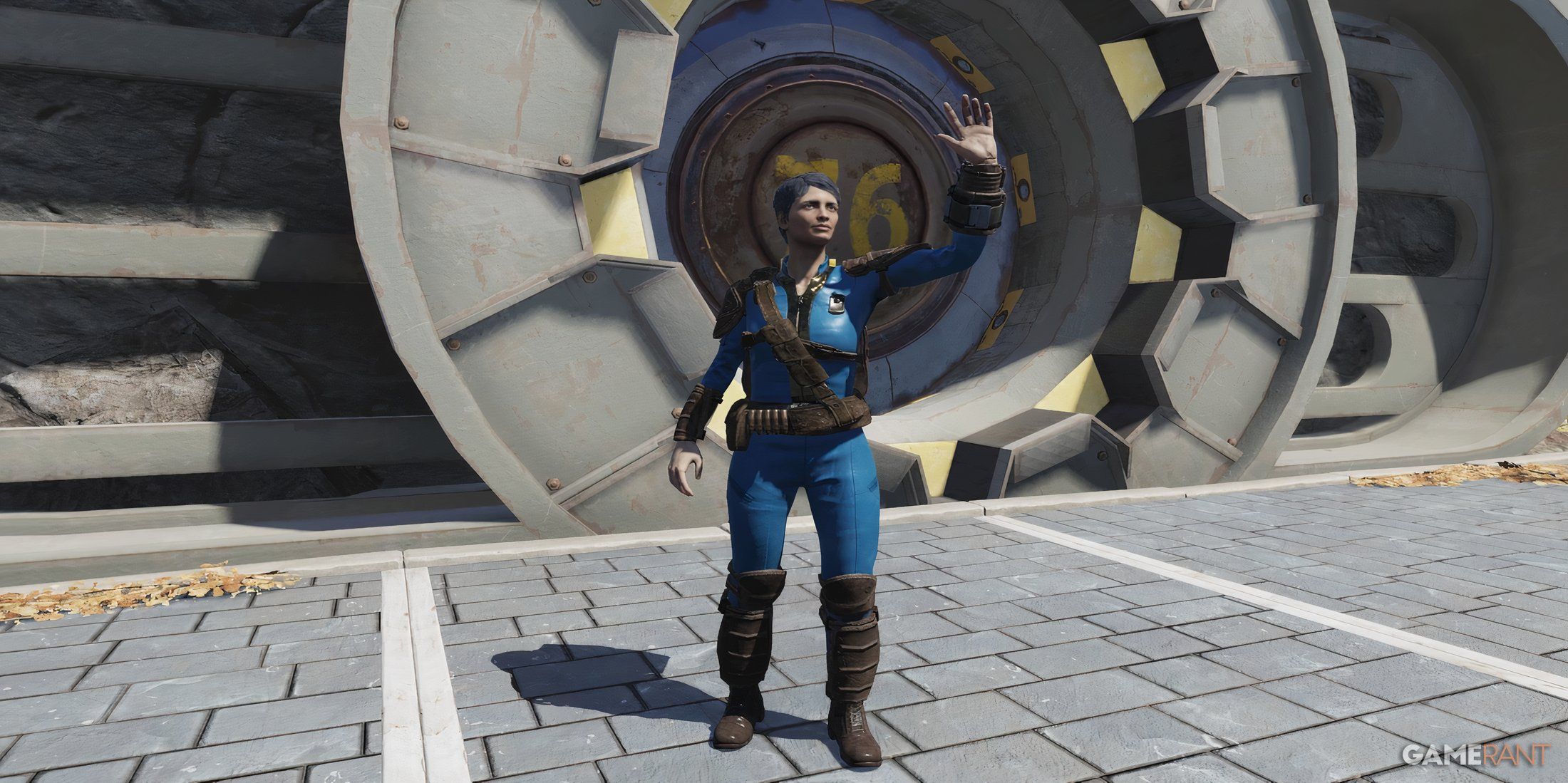
For those who are just starting out, if you select the Fresh Dweller option as you leave Vault 76, then pacifist mode will automatically be enabled until you reach level 5. After level 5, it turns itself off. This is important to know, as you will almost certainly accidentally shoot someone else at some point.
While most players can tell the difference between an accident and an intentional attack, there are a few who will not hesitate to take you out if you accidentally shoot them. What's more, when you die in Fallout 76, you drop any junk that you are carrying. Should this happen, there's a chance that another player may come along and pick up your dropped loot.

Fallout 76: How to Place and Move CAMP
With this manual, learn how placing and moving CAMPs work in Fallout 76 and build the most efficient Construction & Assembly Mobile Platform.
When in PVP, it is also possible for the hostile player to destroy your base. While this can easily be fixed by repairing items at your CAMP unit, it is not free. It can be quite costly to the player, especially if you are relatively new to the game, as resources can be hard to come by. For these reasons, it's helpful for new players to have Pacifist mode on by default as they get used to the game.
How To Turn on Pacifist Mode
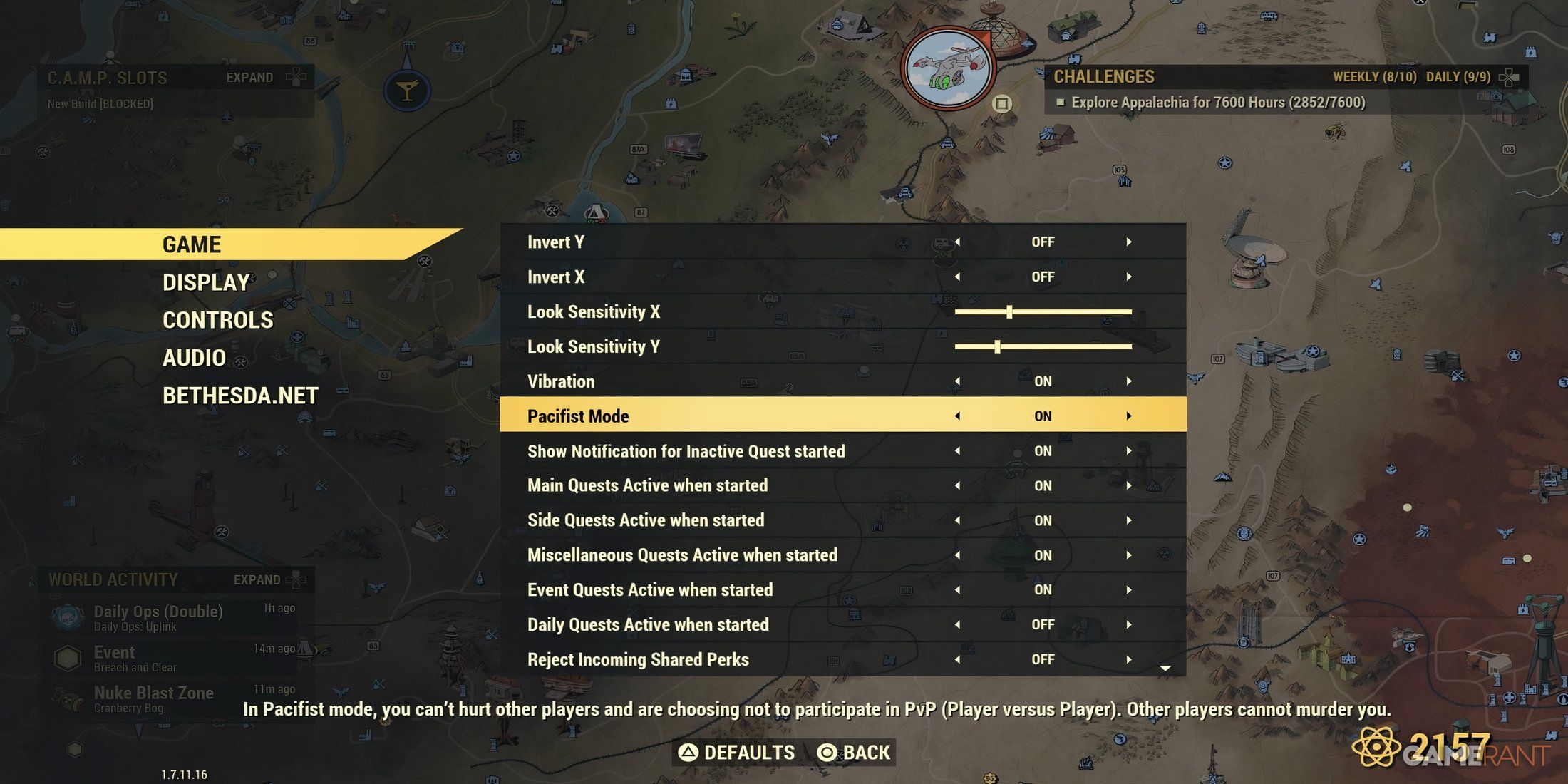
Turning on pacifist mode is very easy and quick . All you need to do is toggle the option in the game settings menu. Follow the steps below to enable and disable pacifist mode:
- Open up the map (the menu).
- Bring up the menu on the left that shows a list of options like resume, seasons, and challenges.
- Go into the Settings option (located just above the Quit option).
- In Settings, go to Same.
- Inside the Game settings, there's a button for pacifist mode. Switch this on or off, depending on your preference.
For the most part, you'll want to keep pacifist mode on. This just gives you that little bit of protection against accidental misunderstandings and possible toxic encounters.
The Benefits Of Using Pacifist Mode
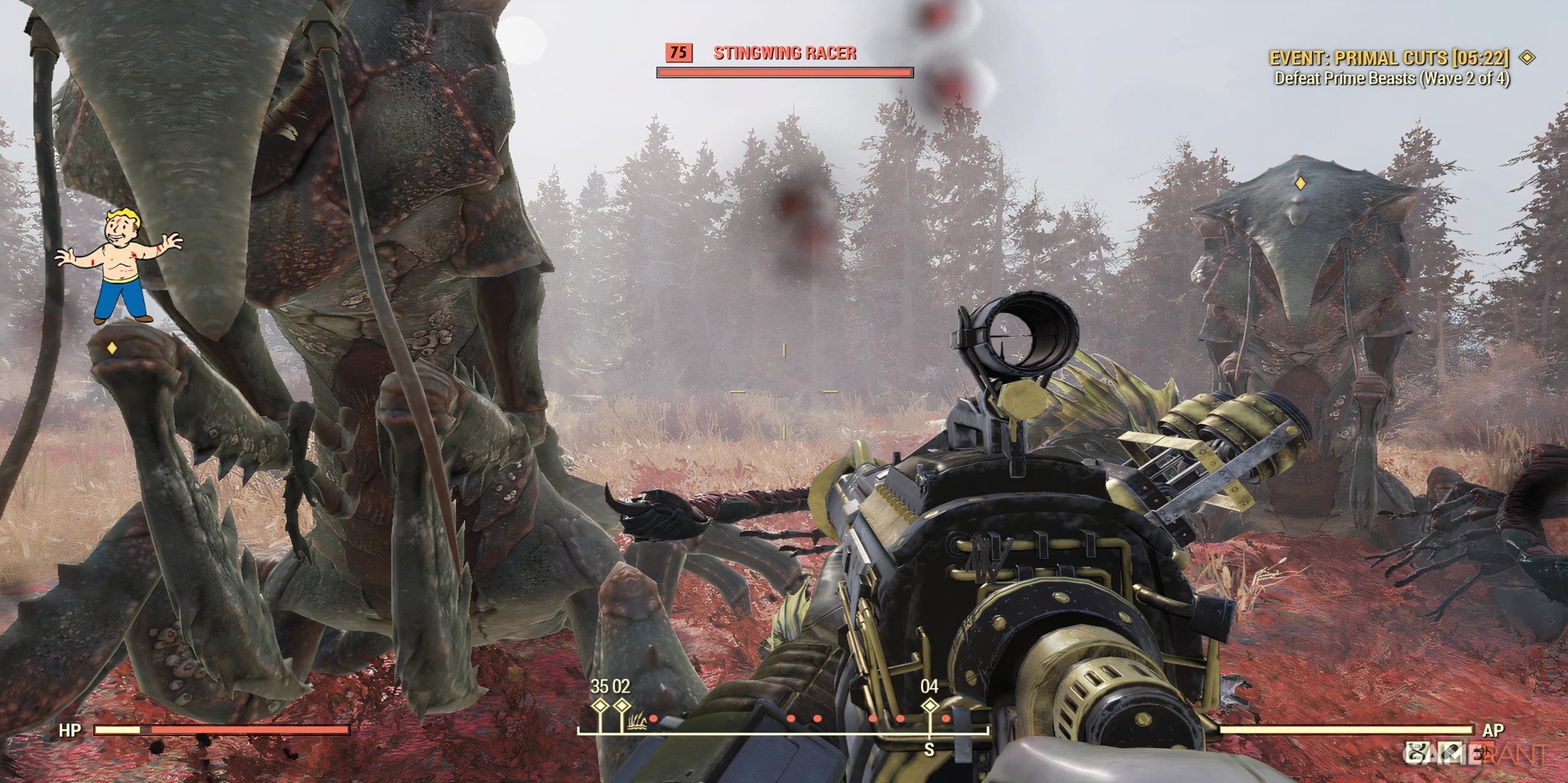
Certain events in Fallout 76 draw in lots of players. Most players will attend events like Radiation Rumble and Scorched Earth. During these events, there's a lot of shooting, and some of those bullets will accidentally go awry. While the option for PVP is usually automatically switched off for events, the second that the event finishes, PVP is back on unless you have pacifist mode turned on in the settings.
So, if you happen to be shooting as an event finishes, you run the risk of accidentally hitting another player. Should this happen, the player you shot will get a little notification to say that you are attacking them. They then have a few seconds to fight back before the window for PVP closes. Should that player decide to retaliate, this will open up PVP, and you'll be vulnerable to attack. If you forget to switch on pacifist mode and accidentally shoot someone , doing the thumb up emote will let the other player know that it was an accident.

Fallout 76

- Released
- November 14, 2018










