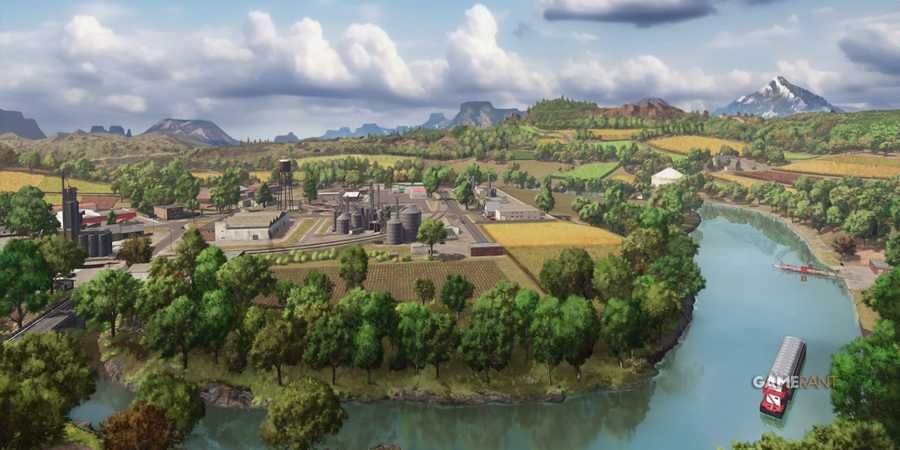
Players will spend most of their time driving from place to place, harvesting crops, picking up supplies, and doing a whole host of other farming-based jobs. Farming Simulator 25 is a game that focuses on efficiency. Players need to manage their time wisely in order to run a successful farm.
After a while, players will begin automating some of the jobs on their farm to save time. Players can instruct workers to clear fields, cultivate land, and a lot more. One other thing that players can do is set up vehicles to drive by themselves. This handy little feature allows players to take a more hands-free approach to driving around the map.

Farming Simulator 25: 8 Best Mods
From improving quality of life aspects to adding new abilities and automation options, these are the best mods available for Farming Simulator 25.
How To Put A Vehicle Into Auto Drive

You'll need to drive around quite a bit in Farming Simulator 25. From visits to the various stores to roaming from field to field harvesting and planting crops. To cut out a lot of the effort, it's possible to set up destinations for a worker to drive to. When set, the selected worker will take the vehicle they are driving and head to their allocated destination. This is great for selling products, picking up items from the store, and a whole lot more.
To do this, pull up the map. Then, hover over your worker and choose 'Set Destination'. After you have done this, you'll need to select a destination you want your worker to go to. After you have selected a location, you'll need to select a rotation. This will make the vehicle your character is driving face a certain direction when they reach their destination. Once this has been set, your worker will make their way to the destination using the most efficient route.
The system isn't perfect. It's not uncommon for the auto drive feature to cause characters to repeatedly make small adjustments for seemingly no reason as they make their way to the destination. Should this happen, simply take back control over your character and reset the route.
Best Uses For Auto Drive Features

Since a farmer's job is never done, you can use the auto drive feature to their advantage. While your character is driving to their required destination, you can switch between your workers and get them all set up with jobs. Not only that, but you can open up things like the store menu and build mode to purchase, sell, and move various properties and items.
Also, since there are so many vehicles and brands of equipment in the game, it's always a good idea to spend some time perusing through the store, looking at the specs of different machines to see which items are best suited to your needs. By doing this, you are much less likely to make bad investments.

Farming Simulator 25
- Released
- November 12, 2024



WHERE TO PLAY




- ESRB
- E For Everyone
- Developer(s)
- Giants Software
- Publisher(s)
- Giants Software
- Engine
- GIANTS Engine 10
- Multiplayer
- Online Co-Op
- Cross-Platform Play
- Yes, all platforms
- Franchise
- Farming Simulator
- Number of Players
- 1-16
- Steam Deck Compatibility
- Unknown
- PC Release Date
- November 12, 2024
- Xbox Series X|S Release Date
- November 12, 2024
- PS5 Release Date
- November 12, 2024
- Platform(s)
- PlayStation 5, Xbox Series X, Xbox Series S, PC
- Genre(s)
- Farming, Simulation, Immersive Sim
- File Size Xbox Series
- 45 GB
- OpenCritic Rating
- Strong