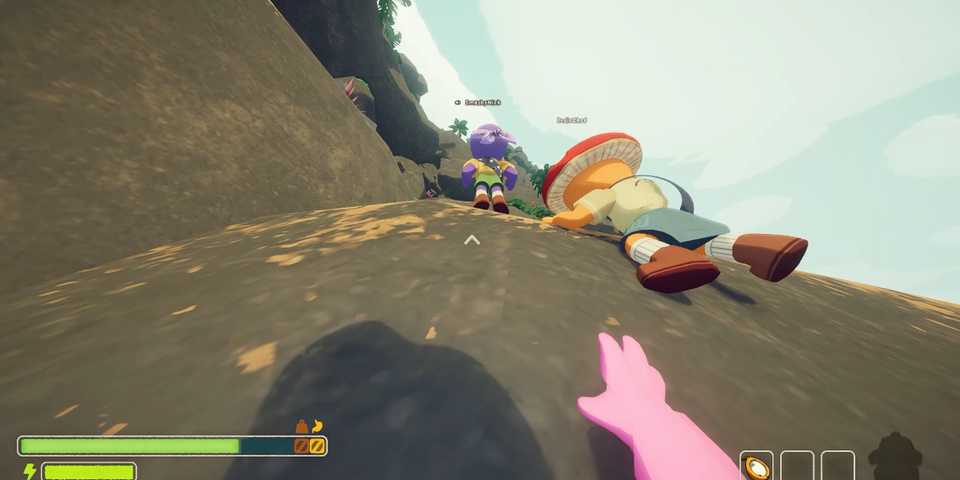
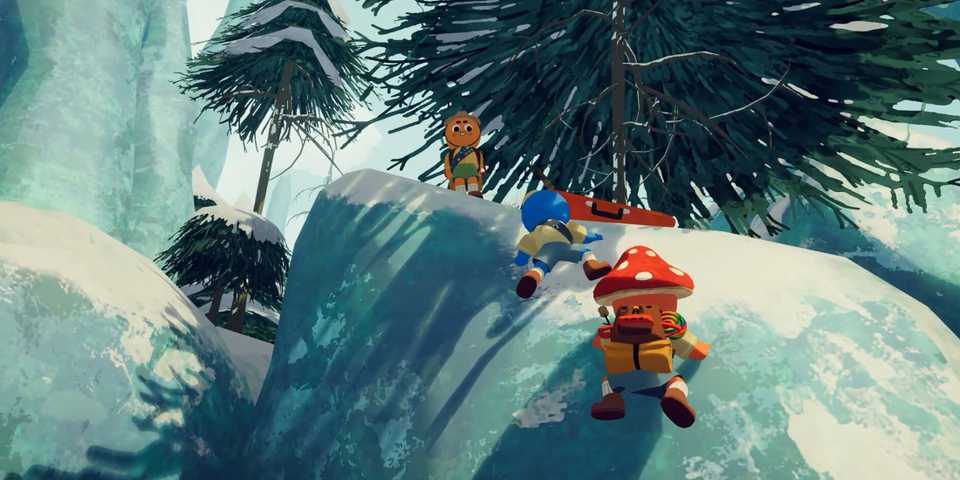
PEAK is a fun co-op game that encourages players to band together and help each other up the highest of cliffs and, at times, unusual scenery. This level of teamwork is made even more immersive with the in-game voice chat feature, which uses a 3D effect to allow players to know which direction their teammates' voices are coming from.
However, this feature hasn't been functioning well these past few days, as several players have reported that the voice chat is not working. Here are a few fixes that you should try while the devs release an official fix for this problem.

Twitch's Co-Op Game of 2025 May Just Be Peak
Peak has taken Twitch by storm, and with its chaotic gameplay, it's easy to see why this indie gem may be one of Twitch's top co-op games this year.
Check PEAK In-game Audio Settings

The first thing you should do is verify PEAK's in-game audio settings to ensure the problem isn't arising from here. Head to the settings option and switch to the audio tab to arrive at the audio settings.
If your system has two microphones, the game may choose a random one for input as default, which could cause the in-game voice chat to not work properly. So, make sure that the right microphone is selected in this option to avoid any issues.
You should also check the Microphone Mode and make sure that it's not set to "Push to Talk" if you're used to Voice Activation mode. Push to talk will completely disable the comms on your end, unless you press the designated key. So, set this option to Voice Activation to make sure your mic is always running.
Diagnose Your System Sound Settings

Your system sound settings may have changed due to a recent driver update, which can mess up the input and output devices sometimes. Navigate to the "Recording" tab in your Windows sound settings and select your main microphone as the default device.
This ensures that your main microphone is always detected in games and works flawlessly without problems.
Run PEAK in DX12 Mode

Peak offers two game APIs for players to pick and choose which one their hardware supports the best. While some PC hardware configurations run DirectX 12 well, others might prefer Vulkan. So, make sure to switch to a different API and try launching the game to see if the issue has been resolved. This may impact Peak's in-game performance a bit, but at least it'll help you single out the source behind the voice chat issue.


-
 OpenCritic Reviews
- Top Critic Avg: 83 /100 Critics Rec: 100%
- Released
- June 16, 2025
- Developer(s)
- Landcrab
- Publisher(s)
- Aggro Crab, Landfall