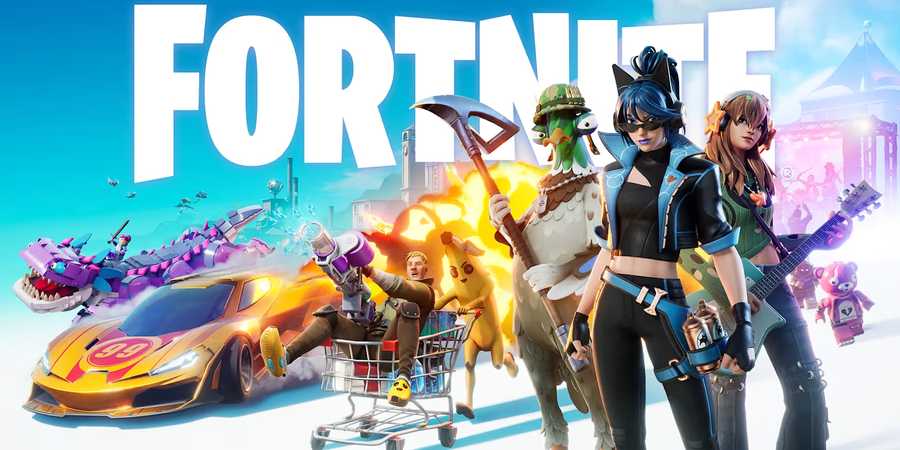
The Summer Road Trip quests offer up some neat cosmetic rewards for players of both Fortnite and Rocket League. One of the quests that has confused a few players is the one that requires players to 'favorite a creator.' While this isn't something that's difficult to do in premise, the option is tucked away in the menus of Fortnite, and so can be quite difficult to find if you've not really explored Creator profiles before. In this guide, I'll show you how to favorite a creator in Fortnite quickly, so you can tick this Summer Road Trip quest off your list.

All Steal the Brainrot Codes in Fortnite
Steal the Brainrot is a fun tycoon experience in Fortnite, one that also yields a variety of secrets. Here is every secret code in Steal the Brainrot.
How to Favorite a Creator in Fortnite
Two Quick and Easy Methods to Complete the Quest
To favorite a creator, select the magnifying glass 'search' icon in the upper left of the lobby screen and enter a creator's name. When you land on their profile page, select the 'Favorite' button and click it to add them to your favorite list.
There are thousands of creators in Fortnite, and if you know the name of the creator of an island or other content that you're a fan of, you can choose to favorite them. However, if you're not familiar with creators in Fortnite and just want to complete the quest quickly, you can simply use one of the most popular creators listed below to get the quest completed.
- HIVE
- GAKO
- BULLSEYE
- GOODGAMERS
- FERINS
- THEBOYDILLY
- PANDVIL
- THEPITLAND
- UNC
Alternatively, you can go to the 'Play' tab, select one of the created experiences under the 'For You' section, and click on the three dots in the bottom right corner of the experience's image. Select the 'View Creator' option, and then click the 'Favorite' button once you're taken to their profile.
You'll know that you've successfully favorited a creator as you'll get a notification informing you that you've completed the Summer Road Trip quest for doing so. You'll then receive the Homebase Banner icon, shown below.

What Does Favoriting a Creator in Fortnite Do?
Easier to Find

By favoriting a creator, you'll make it easier to find their latest islands. It is essentially a metric that can be used to show the amount of support a creator has within the game, which they can track within their Creator Portal. Beyond that, it doesn't do too much else, so don't worry too much about it impacting your Fortnite experience in some major way.
If you don't want to favorite any creator, as soon as the quest has been marked as complete, you can go and unfavorite the creator again. The quest will still be marked as complete so you can get your Summer Road Trip rewards.






-
 OpenCritic Reviews
- Top Critic Avg: 84 /100 Critics Rec: 94%
- Released
- September 26, 2017
- ESRB
- T for Teen - Diverse Content: Discretion Advised, In-Game Purchases, Users Interact
- Developer(s)
- Epic Games
- Publisher(s)
- Epic Games