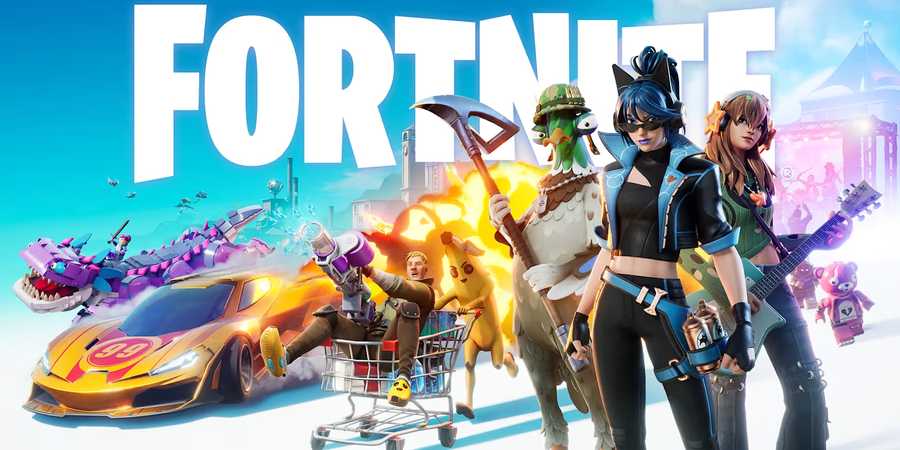
Fortnite is heading into its fourth season of Chapter 6, and it’s safe to say it’s packed full of awesome content. From wielding laser-guided missile launchers to fending off the incoming waves of bugs, everything is definitely getting turned on its head this season, and there’s a lot of fun to look forward to.
Fortnite Chapter 6 Season 4 kicks off on August 7, and to celebrate the seasonal launch, Fortnite players diving in during its opening weekend can get their hands on some free rewards. However, there is a catch, as these come in the form of Twitch Drops, which task players with tuning into their favorite creators’ streams to earn them. Here is how to unlock the Shock ‘N Awesome Twitch Drops in Fortnite.

Fortnite: Pink and Red Ranger Cups Guide (How to Get Power Ranger Skins Early)
Players have a unique chance to get the Pink and Red Power Ranger skins before they hit the Item Shop in Fortnite - here's how.
How to Get Shock ‘N Awesome Twitch Drops in Fortnite

Players looking to get their hands on a free wrap, back bling, and pickaxe for Chapter 6 Season 4 of Fortnite can do so by earning the Shock ‘N Awesome Twitch Drops. These limited-time cosmetic items are earned by simply tuning into any livestream under the Fortnite category on Twitch for a set amount of time from August 7 at 9 AM ET to August 11 at 12 AM ET.
Once the required watch time is reached, each Twitch Drop will become available to claim through the Drops Inventory page found on the user’s Twitch profile. After claiming the reward, it will then be granted in Fortnite, provided that the player’s Twitch and Epic Games accounts are properly linked.
Do keep in mind that, in some cases, it may take up to 14 days for the item to appear in a player’s Fortnite locker. Here is a breakdown of each reward and its watch time requirement:
- Metal Menace Wrap: Watch any Twitch Stream in the Fortnite category for 30 minutes
- Tome of Skulls Back Bling: Watch any Twitch Stream in the Fortnite category for 1 hour
- Skeletal Cyberscythe Pickaxe: Watch any Twitch Stream in the Fortnite category for 1 hour and 30 minutes

For those that have not already set it up, in order to receive the above items in Fortnite, both your Twitch and Epic Games accounts need to be linked before claiming each reward. Here is a quick rundown of how to link the two together:
- Go to the Accounts page on the Fortnite website.
- Navigate to the Linked Accounts tab.
- Under the Twitch section, click Link.
- Sign in to your Twitch account to connect it with your Epic Games account.
Once set up, both accounts will be permanently linked unless players choose to manually unlink them, allowing players to claim all future Twitch Drops without any hassle.

Fortnite
- Released
- September 26, 2017


WHERE TO PLAY






- Developer(s)
- Epic Games
- Platform(s)
- PlayStation 5, PlayStation 4, Xbox Series X, Xbox Series S, Xbox One, Nintendo Switch 2, Nintendo Switch, PC, Android, iOS
- OpenCritic Rating
- Mighty