


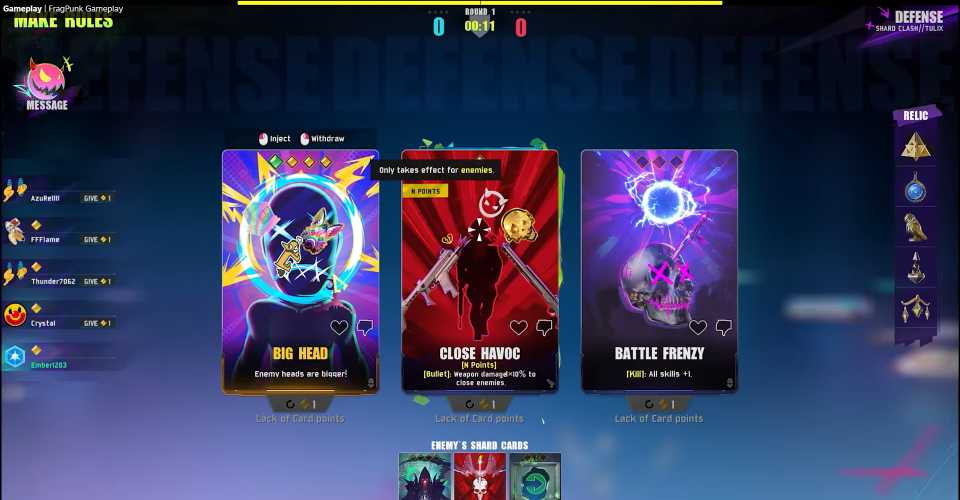
With the launch of FragPunk, a new 5v5 hero shooter, fans of other FPS greats are dipping their toes into the game. Some find the unique Shard Cards system refreshing and innovative, while others might not think that highly of it.
If you fall into the first category, chances are you’re planning to stick around. But if you’re coming over from Valorant and the aim sensitivity feels off even after copy-pasting your settings, you’re not alone. The sensitivity scaling in these two games is slightly different. This guide will show you how to set up your sensitivity in FragPunk to match your Valorant settings for a smooth transition.

FragPunk: What Is Honor Level? (& How To Increase It)
Here's how FragPunk’s Honor system works, covering its rewards, penalties, and the best ways to increase your rank for better in-game benefits.
Valorant to FragPunk Sensitivity Conversion

Sensitivity is one of the most critical parts of FPS games, just like the crosshair settings. A higher sensitivity setting allows you to cover more FOV (Field of View) with less mouse/controller movement, but it also requires more precision when aiming. Every player has their own preferred sensitivity, depending on what they’re used to. If you’re coming from Valorant, you likely already have a perfect sensitivity dialed in. Thankfully, you can replicate that same feel in FragPunk.
The sensitivity conversion ratio from Valorant to FragPunk is 1.26.
- This means if your Valorant sensitivity is 1, you’ll need to set your FragPunk sensitivity to 1.26 for the same experience.
- If your Valorant sensitivity is 0.5, your FragPunk sensitivity should be 0.63 (0.5 × 1.26 = 0.63).
To set up your sensitivity in FragPunk, head to the Settings menu and switch over to the Sensitivity tab. Under Mouse Settings or Controller Settings (depending on your hardware) adjust the slider for the Look Sensitivity to match it with your Valorant sensitivity.
You can also find additional options to fine-tune your sensitivity in FragPunk in this menu.
How to Use a Sensitivity Converter for FragPunk
-

-
If you don't want to do the math yourself, or simply want to check the FragPunk sensitivity conversion with a different FPS game, then it's best to use an online tool. There are a few good ones out there, but we recommend going with Gaming Smart since it's very easy to use.

This tool allows you to input your current settings from one FPS game and convert them to another. Just make sure you keep the DPI the same across both games to make things easier on yourself.
Once you successfully import your ideal sensitivity settings, you’ll notice a major improvement in your accuracy in FragPunk! Landing those critical headshots will be easier since you will be able to control your camera movement perfectly, just like how you used to do so in other FPS titles.




-
 OpenCritic Reviews
- Top Critic Avg: 74 /100 Critics Rec: 56%
- Released
- March 6, 2025
- ESRB
- T For Teen // Violence, Blood
- Developer(s)
- Bad Guitar Studio
- Publisher(s)
- Bad Guitar Studio







WHERE TO PLAY





- Engine
- Unreal Engine
- Multiplayer
- Online Multiplayer
- Number of Players
- 1-10
- Steam Deck Compatibility
- Unknown
- PC Release Date
- March 26, 2025
- Xbox Series X|S Release Date
- April 29, 2025
- PS5 Release Date
- April 29, 2025
- Genre(s)
- Action, FPS, Multiplayer
- Platform(s)
- PC
- File Size Xbox Series
- 50 GB
