


Grounded 2 is the franchise’s second adventure and returns players to a microscopic scale to explore a city park full of dangers. As in the first game, cooperative play is fundamental to this survival experience, which becomes even more enjoyable when connected with friends, especially to progress through the story.

Grounded 2: Editions Explained
Grounded 2 comes in two editions with slightly different content. Here's a breakdown of what's included in each one for those still undecided.
Crossplay is also a fundamental part of Grounded 2 gameplay, because it lets players join forces to survive insects and other park creatures regardless of platform. So, for those who want to know how this game mechanic works and the best way to connect with friends, see this complete guide for the information.
How to Enable Crossplay in Grounded 2
The good news is that, as in the first game, Grounded 2 also supports crossplay, which means connecting with friends is possible even if some are on console and others on PC. This also applies to players on different PC platforms, so it is possible to play between those who bought this survival game on Steam and those who chose the Microsoft Store or Game Pass, for example.
However, regardless of the platform or store chosen to play Grounded 2, creating a Microsoft account is a required step to enable crossplay, since adding friends happens mainly through Microsoft services. For players on Steam who skipped the option to set up Crossplay when first accessing the game, the path is as follows:
- Open the game and go to Options.
- Crossplay can be enabled at the end of the first tab in the Options menu.
- Link the Microsoft/Xbox account by following the on-screen instructions (only one account can be linked).
- Check that the Gamertag appears in the main menu to confirm the connection.
- This completes setup and enables Grounded crossplay with other platforms.
Pressing F1 on the keyboard or X on the Xbox controller while in the menu can also disable Grounded crossplay.
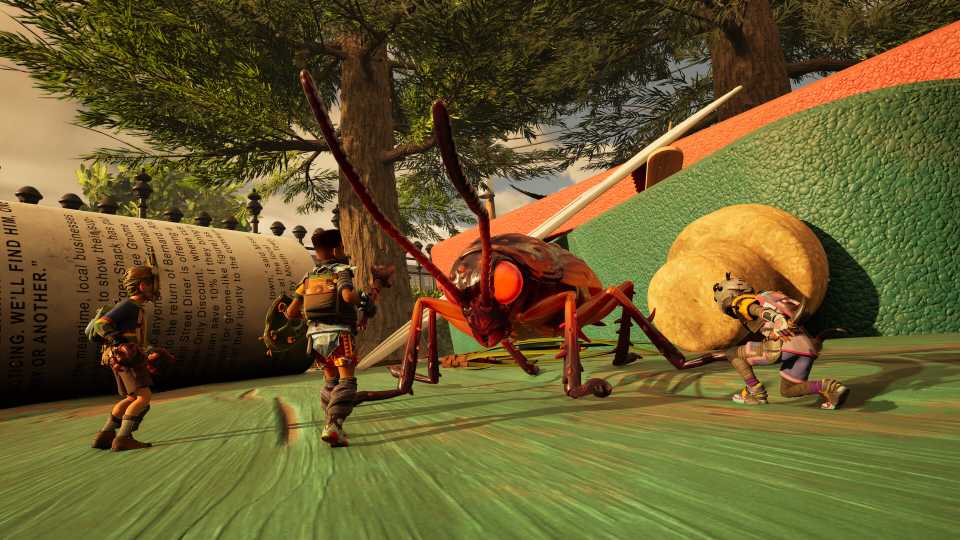
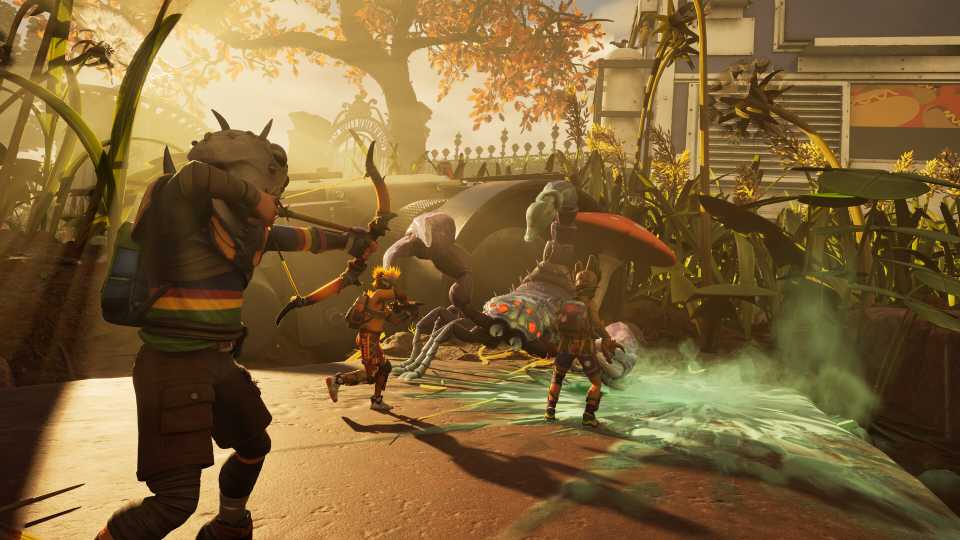
After that, add friends who are playing on another platform and invite them to join online multiplayer to try to survive together against all the dangers hidden in the Grounded 2 city park. It is worth noting that, in general, Grounded was designed as a survival game meant to be played in multiplayer, so having friends makes the experience easier and more enjoyable.
Does Grounded 2 Have Cross-Platform Progression?

Like many other first-party games produced by Microsoft, Grounded 2 is part of the company’s Xbox Play Anywhere program, which means the game shares player progress across all platforms. For example, with an active Game Pass subscription and a save started on PC, all progress remains saved when playing later on Xbox Series X|S with the same account.
So, it is possible to keep exploring the city park and look for new ways to survive the game’s challenges, regardless of where playing feels most comfortable at the moment. At the same time, note that Grounded 2 cross-platform access is limited to PC players who chose to have the game through Game Pass or bought a copy directly from Microsoft Store to also have it on Xbox Series X|S.
Because Steam is separate from Microsoft’s ecosystem, players who choose Grounded 2 there do not receive the same Xbox Play Anywhere perks. Using the same copy to enable cross-platform on Xbox Series X|S is not possible.



- Released
- July 29, 2025
- ESRB
- Teen / Violence, Blood
- Developer(s)
- Obsidian Entertainment
- Publisher(s)
- Xbox Game Studios
- Engine
- Unreal Engine 5





WHERE TO PLAY



- Platform(s)
- Xbox Series X, Xbox Series S, PC
