Survival games are enjoyable on their own, since these games usually offer a steady learning curve and challenges that keep players engaged for a long time. However, what makes the genre even more entertaining is the chance to play with friends, because the chaos of multiplayer with others can make everything unpredictable and fun, and Grounded 2 is no exception to that rule.
This second entry in the saga also shines when played with more people, since, beyond easier progression and better odds of survival, the characters are predefined by the game, so they have specific interactions with the world around them. For those unsure how the Grounded 2 co-op mode works, this guide collects its core information and features.
How Does Grounded 2 Multiplayer Work?
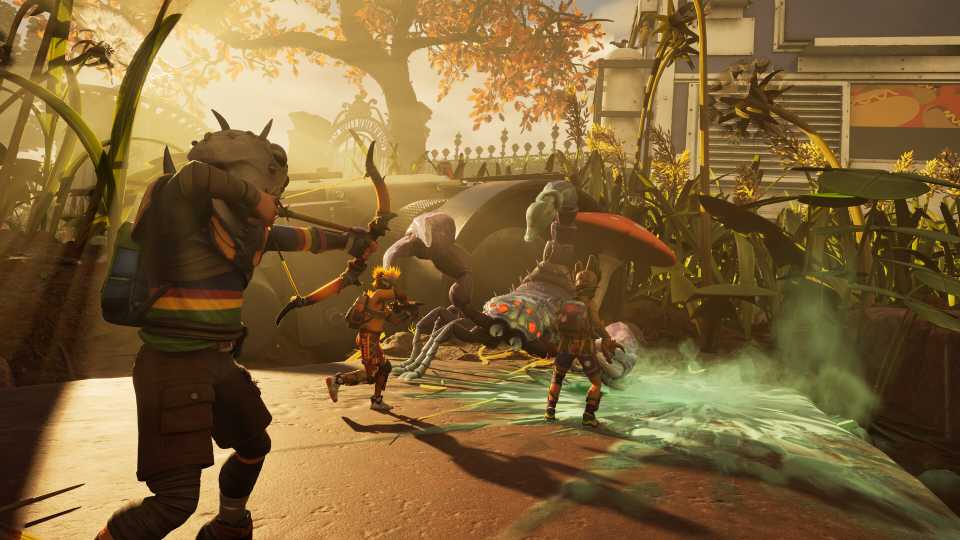
There are several small variations in Grounded 2 when configuring a multiplayer server to play with friends in this survival game. The first point to note is a cap of four players at most, so larger groups will not be able to venture together across Park City in this sequel.
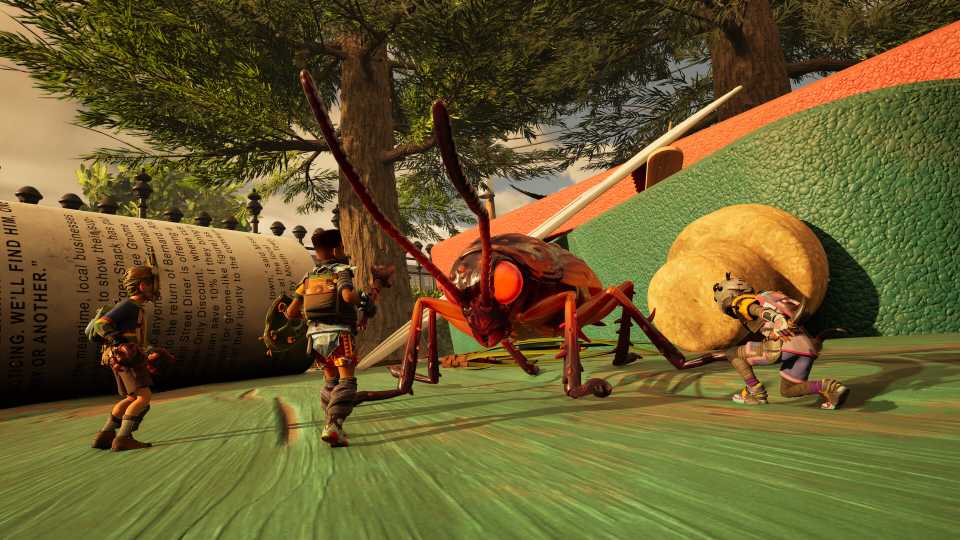
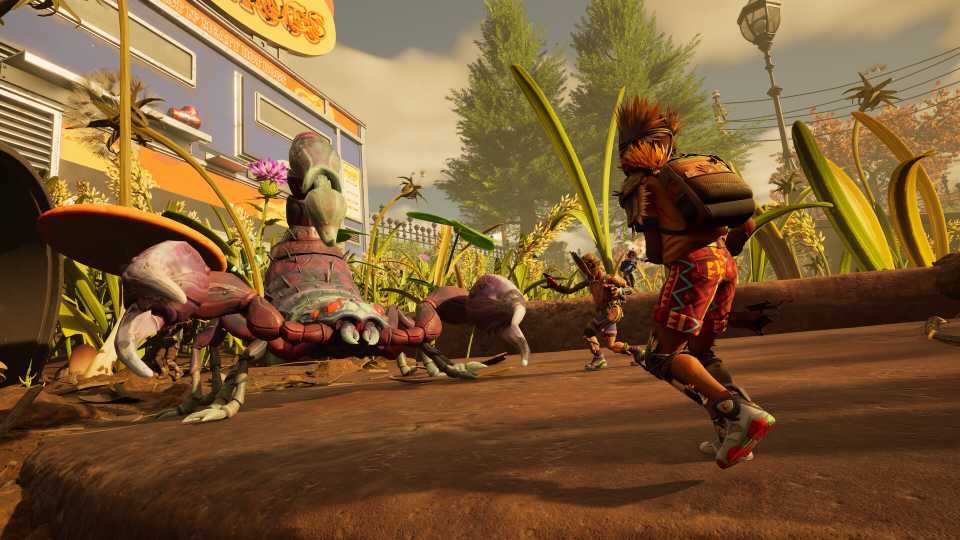
This limitation fits the mechanics and settings of Grounded 2, since the story follows predefined characters who can interact with one another as they discover new things on the map or progress through the narrative. They are the same characters who survived the backyard in the first game: Max, Hoops, Pete, and Willow, and listening to their dialogue ranks among the game’s best parts.
Beyond the player count and the ability to coordinate better resource gathering, base building, or help against the map’s many threats, Grounded 2 does not hide any special features that appear only in multiplayer. Even so, the co-op experience here stands out among other survival titles, so playing with friends deserves consideration.

How to Get Grass Seeds in Grounded 2 (Omni-Shovel)
Discover how to get Grass Seeds in Grounded 2 by finding Grass Flowers and unlocking the Omni-Shovel upgrade.
How To Create A Multiplayer Server In Grounded 2

- In the main menu, select Multiplayer, then Host Online Game
- Choose Continue to use an existing save, or New Game for all players to start on equal footing.
- Select the world type and desired difficulty
- Add friends from Steam or Xbox, then send invites
Beyond difficulty, another important decision concerns whether to enable Shared World. While it does not change gameplay in general, this option lets other players access the save without the original creator online, so enabling it is a good idea when the group cannot guarantee that everyone will play together every time.
How To Join A Grounded 2 Multiplayer Game
To play Grounded 2 with friends, join the host server with a simple process. The game offers a few ways to connect and start the adventure together without friction, whether in an advanced save or a brand-new session.
Options to join include:
- Open Multiplayer and choose Join Online Game to search for the server in the list.
- Ask a friend to send a direct invite through the platform.
If the world does not appear in the list, when the save is new, a direct invite works best. The host can send it via Steam or Xbox, and to accept it, open the Steam message box, press Windows + G in the Xbox app on PC, or check notifications on the console, depending on the platform in use.

Grounded 2: Editions Explained
Grounded 2 comes in two editions with slightly different content. Here's a breakdown of what's included in each one for those still undecided.
Troubleshooting for Grounded 2 Multiplayer Not Working
For those having trouble playing with friends in Grounded 2, several factors can affect server connection. While there is no official fix for the issue, a few steps can make the process easier:
- Verify that the internet connection is stable and performing well, as instability often prevents proper access to game servers.
- Ensure crossplay is enabled for all players, even when playing on PC across different platforms such as Steam and the Microsoft Store.
- Make sure every player has updated Grounded 2 to the latest version. Version mismatches can cause failed connections or unexpected disconnections.
- Double-check that friends are properly added to the friends list.
Grounded 2 is still in Early Access, so occasional in-game issues are expected. In these cases, patience is key. It is also important to monitor official Microsoft channels or social media to confirm whether the problem is part of a larger server-related issue.
Does Grounded 2 Have Splitscreen?

Although many games include this welcome feature, letting players gather in the same home to play on a single console, and even though it appears in several titles in the genre, Grounded 2 does not offer splitscreen. To play with friends, the best option is to configure a server and have each person play from a chosen platform.



- Released
- July 29, 2025
- ESRB
- Teen / Violence, Blood
- Developer(s)
- Obsidian Entertainment
- Publisher(s)
- Xbox Game Studios
- Engine
- Unreal Engine 5