


As you progress through the Town Guide's Home section in Heartopia, you will eventually learn all about throwing a house party (wooh!). You actually don't need to have people come over in order for you to complete the event tutorial, but there is a specific step that is tripping some players up, which is to place three servings of food for guests. Here's how to solve the issue if you haven't yet unlocked the Cooking hobby in Heartopia.
If you want to learn about unlocking the Cooking hobby, you can check out this Heartopia guide right here, but you can still complete the Home Party quest without it.

Beginner Tips and Tricks for Heartopia
Heartopia is not a game you’re meant to rush. Here are some of the best tips and tricks to help out new players.
How to Place Servings of Food for Guests in Heartopia
If you don't have the Cooking hobby unlocked yet, you should still have some salads in your inventory to share for the party. It's not the most exciting dish for your friends, but, hey, it's your party. The thing is, you can't place food items in your house by going into the regular inventory and hitting Eat or Share -there's another way to go about it.

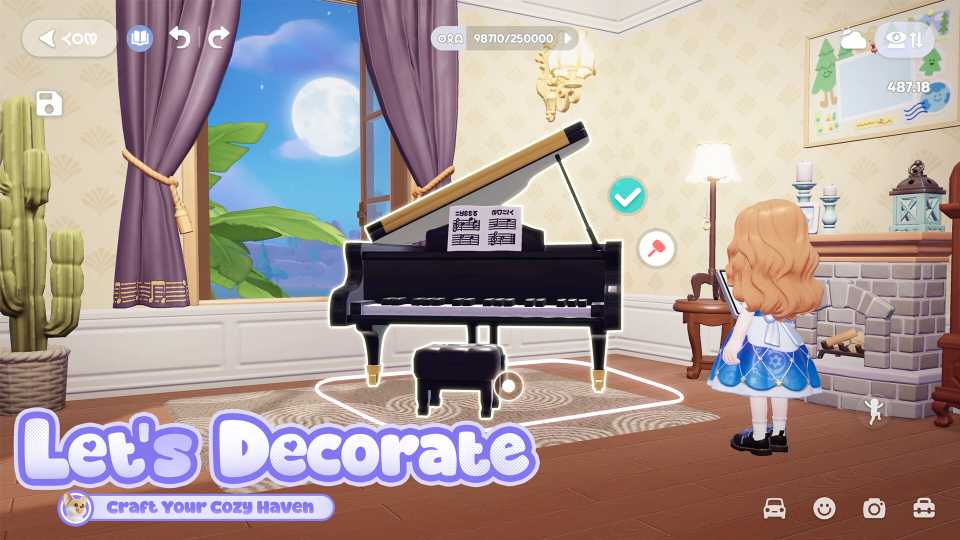
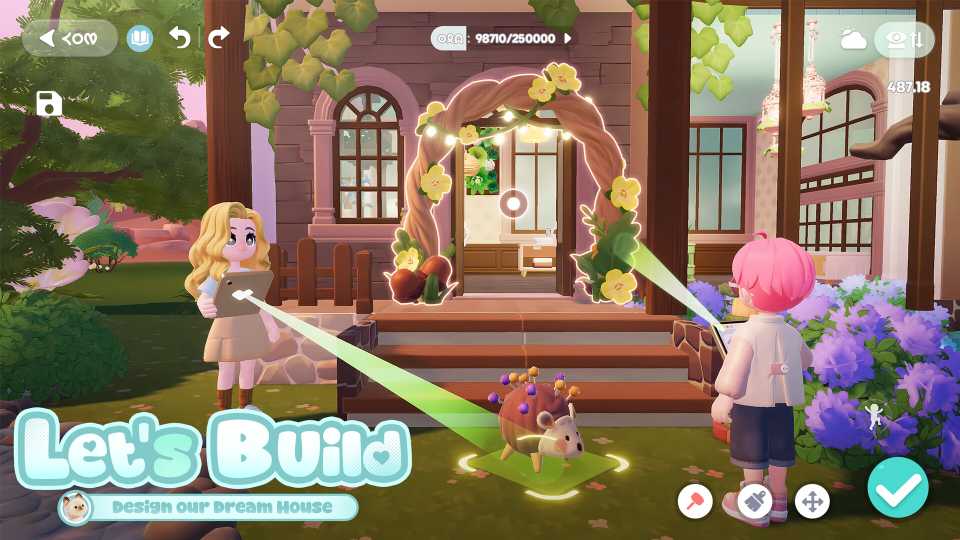
Instead of hitting either of those two big blue buttons, you should see three smaller icons underneath (a trash can, a magic hat, and a house with a down arrow). You need to press the third icon to the right (the house). This will bring you into editing mode to place/move furniture. Now, you can place the salad down on a table or any flat surface where people would normally eat from.

Once you place three servings of food, the rest of the Party questline will continue, requiring you to host a party, celebrate with Party Poppers, and take a photo.



- Released
- January 8, 2026
- Developer(s)
- XD
- Publisher(s)
- XD
- Number of Players
- Single-player
- Steam Deck Compatibility
- Unknown



WHERE TO PLAY




- Genre(s)
- Life Simulation, Casual, City Builder, Immersive Sim
