


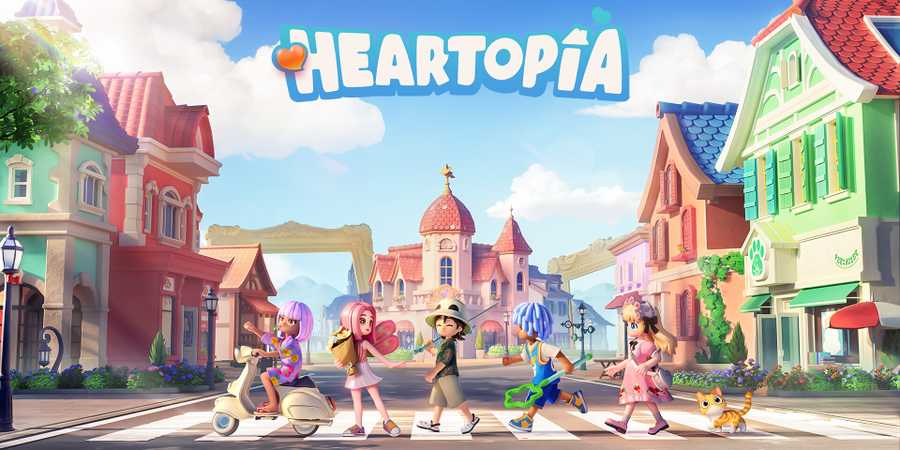
Heartopia is a cozy life sim full of exploration, hobbies, and exciting seasonal events. One of the most rewarding events in the game is the Rainbow Event. The Rainbow Event is a rare, limited-time event that appears occasionally. While this event brings exclusive items and powerful buffs, it only lasts a few real-time hours. So, if you want to be prepared to make the most of the Rainbow Event in Heartopia, this guide will walk you through everything you need to know.

Heartopia: Cooking Hobby Guide
Cooking in Heartopia is more than just making meals. When done right, it can perfectly synergize with your other hobbies.
How the Rainbow Event in Heartopia Works

You can check if the Rainbow Event is active by opening your in-game Watch. A rainbow icon indicates the event is live and shows upcoming rainbow days. It is only triggered under specific weather conditions.
While it is active, players receive special buffs and the chance to collect exclusive items that are unavailable on regular days. Here are some of the perks of Rainbow Events in Heartopia:
The Special Rainbow Vendor Doris Location

Doris is the traveling NPC who appears during the Rainbow Event. On normal rainy days, she is found in certain city locations, but during a Rainbow Event, we've spotted her at Onsen Mountain or near the Forest Island bridge.
Doris’ shop has a bunch of limited-time items. This includes colored sugars like Yellow and indigo, which are used in special Rainbow Roll Cake recipes, and a unique Rainbow Emote for 2,000 coins. She also sells postcards. Collecting these items is recommended since she only appears during the event. Make sure to stock up on the sugar as it can only be purchased from Doris.
Rainbow Bouquets Locations
Another major feature of the event is the Rainbow Bouquets. There are three floating rainbow bouquets you can collect during the event. Each of the bouquets resembles a four-leaf clover with rainbow colors.
A Rainbow bouquet grants a 30-minute buff. When activated, you and nearby members get a 30-minute blessing that improves the star rating (rarity) of Fishing, Cooking, Insect Catching, and more hobbies.
Watering your plants during this time can also sprinkle Rainbow Breeding Powder to improve breeding results.
The three bouquets can be found in the following locations:
- Outside your home.
- At Onsen Mountain, on top of a climbable rock.
- At Onsen Mountain.
Planning your activities around these buffs to get the most out of them. You can also stack these buffs with other food-related buffs.
How to Make the Most of the Rainbow Event in Heartopia

The Rainbow Event is one of the best opportunities to farm materials efficiently. Elder Trees, located at the four corners of the main city, drop rare timbers. These timbers even double in quantity during the event, thanks to the Rainbow Bouquet buff.
Collecting resources like ore rocks, berry bushes, and Black Truffles is more profitable than usual during the Rainbow Event. This makes it the ideal time to gather materials needed for crafting or cooking. Black truffles are especially valuable. They can be collected in the Forest Island area and are used in recipes like truffle pies, which sell for a good profit.
Rainbow Days also boost the spawn rates for certain rare fish like Butterfly Koi in Meadow Lake.



- Released
- January 8, 2026
- Developer(s)
- XD
- Publisher(s)
- XD
- Number of Players
- Single-player
- Steam Deck Compatibility
- Unknown



WHERE TO PLAY




- Genre(s)
- Life Simulation, Casual, City Builder, Immersive Sim
