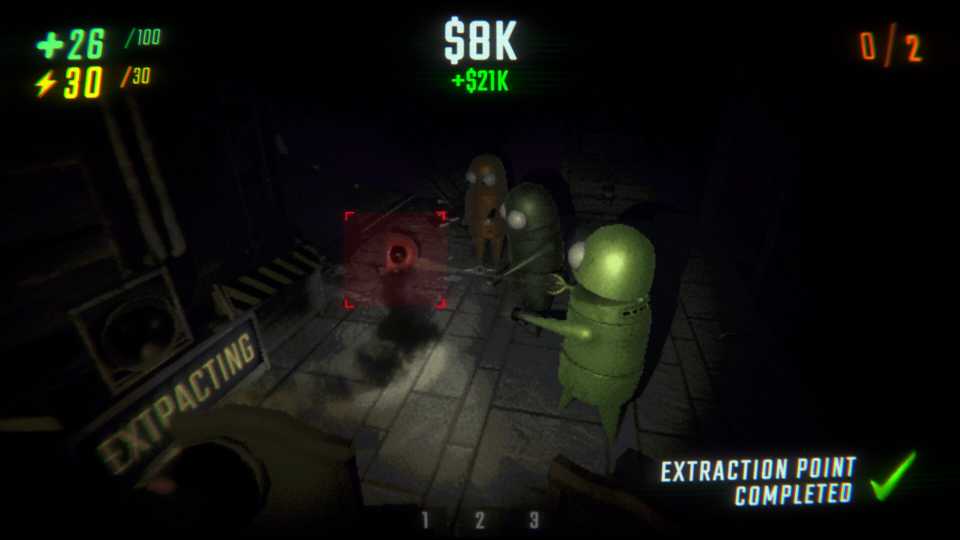
REPO is a roguelike game where if your team fails a mission (everyone dies, or you don't meet the objective), you lose all progress made within that specific run. This is where backing up your saved files can be a handy safety net. While REPO has an autosave feature that saves when you return to the Service Station or start a new level, manually backing up your save allows you to revert to an earlier state if something goes wrong. This guide explains how to find and back up your REPO save files on PC.

REPO: How to Get & Use Cart Cannon and Cart Laser
The Cart Cannon and Cart Laser are two new weapons in REPO. Here’s how you can get them.
REPO Save File Location
The save files for REPO are located in a hidden folder within your Windows user profile. There are a couple of ways to get there:
Using File Explorer
- Press Win + E to open File Explorer.
- In the address bar at the top, paste the following path and press Enter: C:\Users\YourUsername\AppData\LocalLow\semiwork\Repo\saves
Make sure to replace
Using the Run Dialog
- Press Win + R to open the Run dialog.
- Type %USERPROFILE%/AppData/LocalLow/semiwork/Repo
- Click OK. This will take you to the "Repo" folder. Inside, you'll find a "saves" folder.
Inside the saves folder, you'll see one or more folders with names like REPO_SAVE_XXXXXXX. Each of these represents a different save game. If you have multiple saves (e.g., from different runs or if you've ever started a new game), you can differentiate them by their creation date, level, time played, and total haul when you load them in-game.
How To Back Up REPO Save Files in REPO
Once you've found the save file you want to back up, follow the steps below:
- Right-click on the save file folder you want to back up and select "Copy."
- Next, paste the copied folder to a safe location on your computer or an external hard drive.
- Rename the copied folder to include the date and add “_backup” at the end, so you know exactly what it is.
How To Restore Your REPO Save Files

If your save gets corrupted, or you die and want to revert to a previous "save point" (i.e., a successful extraction that was saved), here's how to restore:
- Close REPO completely.
-
Go back to the C:\Users\
\AppData\LocalLow\semiwork\Repo\saves folder. - Delete the existing corrupted or unwanted save file folder (the one without "_backup" or your custom naming).
- Copy your backed-up save file folder from your backup location.
-
Paste it into the C:\Users\
\AppData\LocalLow\semiwork\Repo\saves folder. - Launch REPO and you should see your restored save game available to load.


- Released
- February 26, 2025
- Developer(s)
- semiwork
- Publisher(s)
- semiwork
- Engine
- Unity
- Multiplayer
- Online Co-Op