


Gestures in every FromSoftware game allow players to express their reactions. These gestures can be performed at any point in the game, be it celebrating successfully defeating a boss or completely exploring a poisonous swamp. Gestures are very useful in the multiplayer aspect, as the game has no way of communicating with randoms. You can use a gesture to signal a call to retreat or engage the boss.

8 FromSoftware Games With The Best Introductions, Ranked
FromSoftware knew how to make an introduction in these games that had incredible opening scenes and moments.
Gestures in Elden Ring Nightreign are not difficult to obtain; however, with how chaotic the game is, players might not take the time to figure out how to use a gesture. This guide offers information on how players can acquire gestures early on and how to use them during their expeditions in Elden Ring Nightreign.
How To Get Gestures in Elden Ring Nightreign

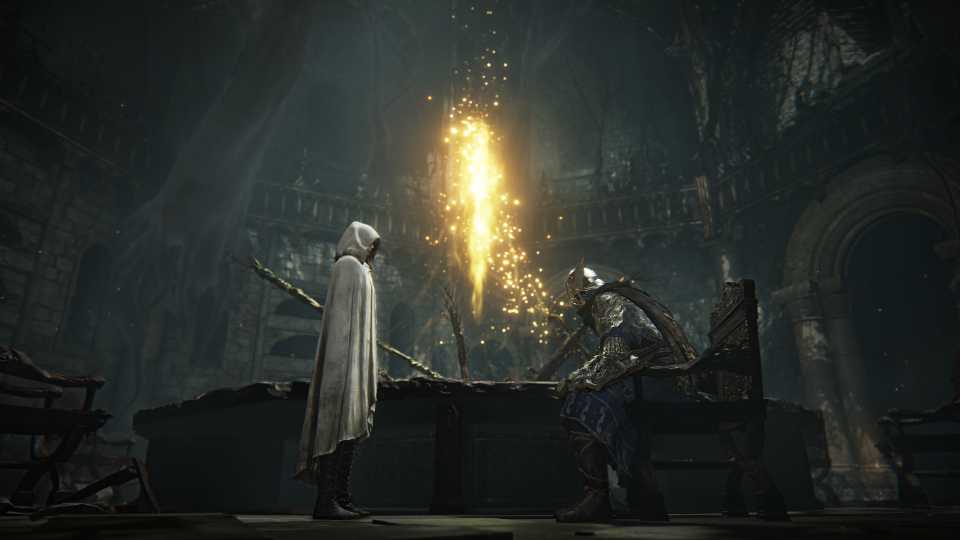
After completing the tutorial in the game, players will be able to access the Roundtable Hold. This location serves as your central base of operations, where you can initiate expeditions—whether you prefer to venture out solo or alongside other players in multiplayer. As you explore the Roundtable Hold and gradually familiarize yourself with its layout and the various NPCs within, you will eventually come across the Small Jar Bazaar.
This Bazaar functions as one of the primary avenues for acquiring additional Relic Rites for your character. However, in addition to the Relic Rites, you will also find a broad selection of Gestures available for purchase using Murk. Murk is the main form of currency in Elden Ring Nightreign, and to obtain more of it, you will need to engage in additional expeditions.
You can also sell any unneeded Relic Rites back to the Small Jar Bazaar in exchange for more Murk.
How To Use Gestures in Elden Ring Nightreign

Using Gestures is relatively straightforward, but it is something you might easily overlook during your runs. To begin, press the Options button on your controller, which opens the inventory menu for your character. From there, you'll press the following button:
- PlayStation - Press Triangle.
- Xbox - Press Y.
- PC - Click on the Gestures Icon on the right-hand side of the screen
You can favorite a Gesture by pressing the "2" key on PC.
Even if you do not wish to spend your hard-earned Murk on acquiring Gestures, there are plenty of free ones already available to you from the very beginning of the game. These default Gestures can be used alongside other Nightfarers, allowing you to communicate and express yourself without any additional cost.


Elden Ring Nightreign



-
 OpenCritic Reviews
- Top Critic Avg: 80 /100 Critics Rec: 78%
- Released
- May 30, 2025
- Developer(s)
- From Software
- Publisher(s)
- Bandai Namco Entertainment, From Software



WHERE TO PLAY


- Genre(s)
- Action RPG, Soulslike, Roguelite
