


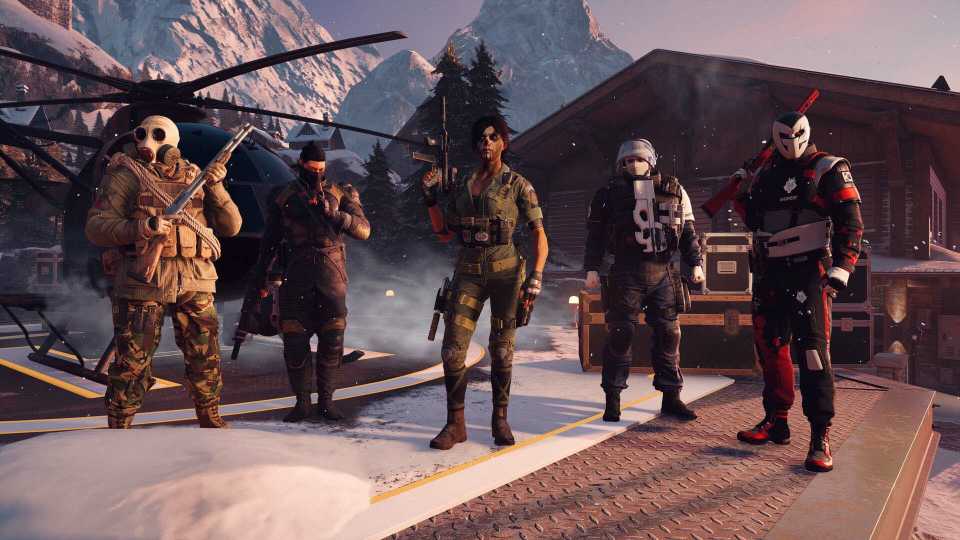
Rainbow Six Siege X is one of the biggest updates in the game's history, offering several new features for players, including some tweaks to current ones. Since this is a massive update for the game, there is also a chance that it may cause instability issues for some players. While the game functions as intended, there have been instances of Siege X crashing at random points in the game. This issue can be frustrating for fans who are eager to try out the new update. So, here are some fixes that can help you potentially resolve this issue.

Rainbow Six Siege X: 8 Best Roamer Operators, Ranked
These Rainbow Six Siege X defenders excel at flanking enemies and sticking to the shadows, being known as roamers.
How to Fix Rainbow Six Siege X Crashing on PC?

The Rainbow Six Siege X update is causing issues for some players, as it's crashing their games and sending them back to the desktop. Crashing is one of the worst stability issues a game can have.
It's annoying when you're playing a round and suddenly the game freezes, and you're greeted with the Ubisoft Connect message that the game has crashed. This can lead to more serious in-game issues, particularly when playing ranked matches and being penalized for leaving mid-game. So, here are a few methods that you can follow to potentially resolve this issue, at least until an official patch drops.
Basic Troubleshooting
Before diving into some advanced fixes, let's go over some basic troubleshooting steps first to see if the crashing problem is fixed.
- Reboot PC: The first step is quite simple, just restart your PC. It'll reset the system cache and allow all the programs that Rainbow Six Siege X depends on to load properly, i.e., game client and anti-cheat software.
- Update GPU Drivers: Make sure you're running the latest set of drivers from your manufacturer, either Nvidia, AMD, or Intel. The latest drivers come tweaked with essential bug-fixes that ensure you have a smooth experience with the game.
- Verify Game Files Integrity: Rainbow Six Siege X is a major update, and there can be instances where some files get corrupted or don't get extracted properly by the game client. To make sure all your files are in order, use the verify integrity feature built into the game client.
Uninstall Ultra HD Texture Pack
Rainbow Six Siege offers players Ultra HD textures as a free download in the game client. While it does noticeably improve the visual fidelity of the game, it can cause instability and performance issues on some PC configurations. It's best that you try uninstalling this add-on and try running Siege X afterward.
Disable Any Recording or Monitoring Applications Temporarily
Third-party monitoring and recording software like OBS and MSI Afterburner can sometimes cause conflicts with games. It's especially true for newly released titles, as the program might need an update to work in cohesion with the game. It's best that you use Task Manager to stop all these applications and try running Siege X afterward to see if the problem has subsided.




- Released
- June 10, 2025
- ESRB
- Mature 17+ / Blood, Drug Reference, Strong Language, Violence
- Developer(s)
- Ubisoft Montreal
- Publisher(s)
- Ubisoft
- Multiplayer
- Online Multiplayer, Online Co-Op




WHERE TO PLAY





- Cross-Platform Play
- All platforms
- Cross Save
- All platforms
- Prequel(s)
- Tom Clancy’s Rainbow Six Siege
- Franchise
- Rainbow Six
- Number of Players
- Single-player
- Steam Deck Compatibility
- Unsupported
- PC Release Date
- June 10, 2025
- Xbox Series X|S Release Date
- June 10, 2025
- PS5 Release Date
- June 10, 2025
- Genre(s)
- Tactical, FPS
- Platform(s)
- PlayStation 5, PlayStation 4, Xbox Series X, Xbox Series S, Xbox One, PC
- X|S Optimized
- Yes
- File Size Xbox Series
- 64.94 GB
