


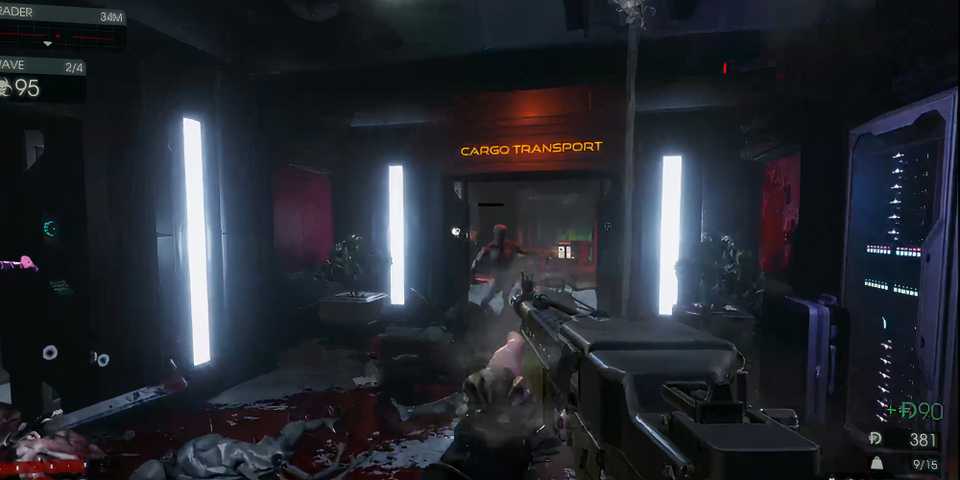
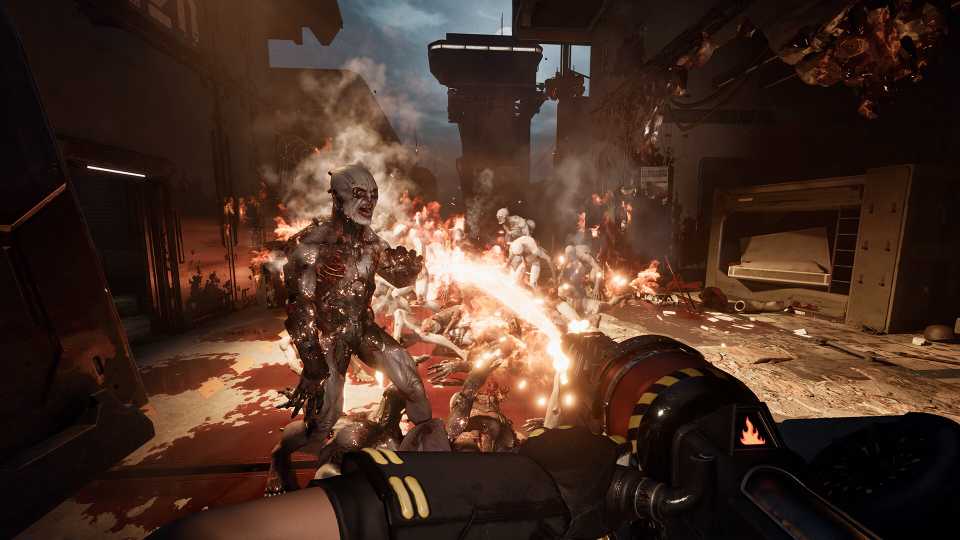
Clearing a map in Killing Floor 3 can become quite intense, as more hordes of Zeds keep spawning in waves. One of the resources that you'll quickly be running out of is ammo for your weapons, which can reduce your chances of surviving a wave. The game allow players to refill their ammo in various ways, and they will all require you to have a bit of Dosh saved up. So, let's check out all the ways you can get more ammo in Killing Floor 3.

Killing Floor 3: 8 Tips For Beginners
For both beginners to Killing Floor 3 and veterans of the series, the new game has some quirks that are tricky to overcome without these helpful tips.
Refilling Ammo From the Trader Pod in Killing Floor 3
One of the main ways players can get more ammo in Killing Floor 3 is through the trader pod. The Trader Pod becomes activated once a wave is finished, and you'll have a limited time to reach the pod and get new weapons, armor, or gadgets before the next wave starts. If you're not planning to buy a different weapon, you can choose to refill either a single magazine (mag) worth of bullets or refill all the ammo (fill) for a particular weapon.
Refilling ammo will cost Dosh, and the amount depends on the number of bullets you require. It's recommended that you avoid purchasing ammo for a weapon that you'll switch to a more powerful one in the next wave, as its ammo will become unusable.
How to Resupply Ammo During Waves in Killing Floor 3

If you've accidentally skipped the wave timer and lost the opportunity to refill ammo from a Trader Pod, don't worry, as you can still resupply ammo mid-wave in Killing Floor 3. There are Trader Pods located all around the map, and it's up to you to make a mental note of the location of each one.
First, you'll have to check which Trader Pod is activated during a wave. Once you find a Trader Pod that's activated, go close to it, and you'll have the option to resupply your ammo from it. It'll show the amount of Dosh you'll need to spend to restock your ammo up front. However, that's the only thing you do with a Trader Pod mid-wave, as you'll need to finish a wave before being eligible to purchase other weapons and equipment.
Increasing Your Starting Ammo (Commander/Foster)

Another way to ensure that you never run out of bullets is to use Foster (Commando) and activate his Fire Sale skill. It's a passive perk that will increase the max starting ammo you'll have in a match, which will drastically increase your odds of survival, especially in harder difficulty modes in Killing Floor 3.
However, this skill is exclusive to Foster, and other characters in the game have their own unique skill tree with different perks.




- Released
- July 24, 2025
- ESRB
- Mature 17+ / Intense Violence, Blood and Gore, Strong Language
- Developer(s)
- Tripwire Interactive
- Publisher(s)
- Tripwire Interactive
- Engine
- Unreal Engine 5







WHERE TO PLAY





- Multiplayer
- Online Co-Op
- Cross-Platform Play
- All platforms
- Prequel(s)
- Killing Floor 2, Killing Floor
- Franchise
- Killing Floor
- Number of Players
- Single-player
- Steam Deck Compatibility
- Unknown
- PC Release Date
- July 24, 2025
- Xbox Series X|S Release Date
- July 24, 2025
- PS5 Release Date
- July 24, 2025
- Platform(s)
- PlayStation 5, Xbox Series X, Xbox Series S, PC
- X|S Optimized
- Yes
- File Size Xbox Series
- 14.55 GB
