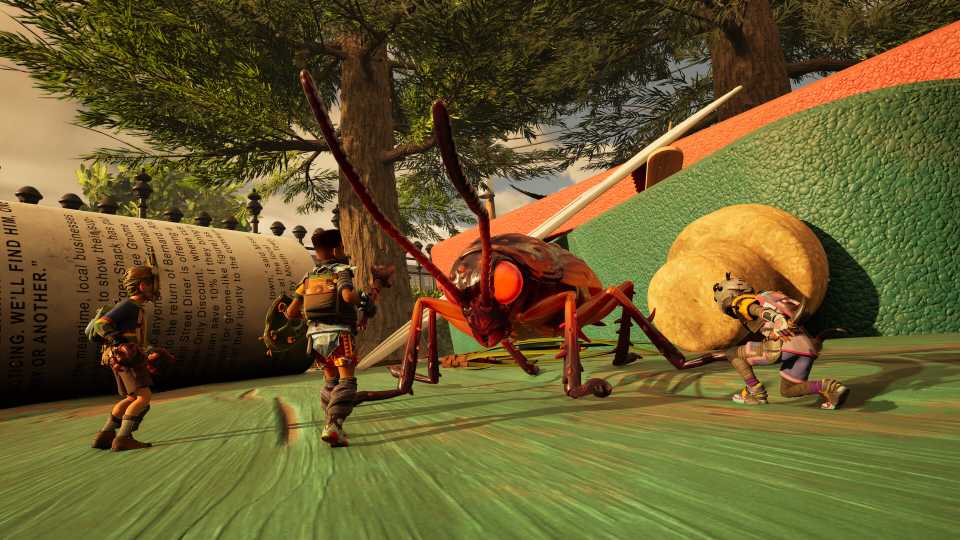
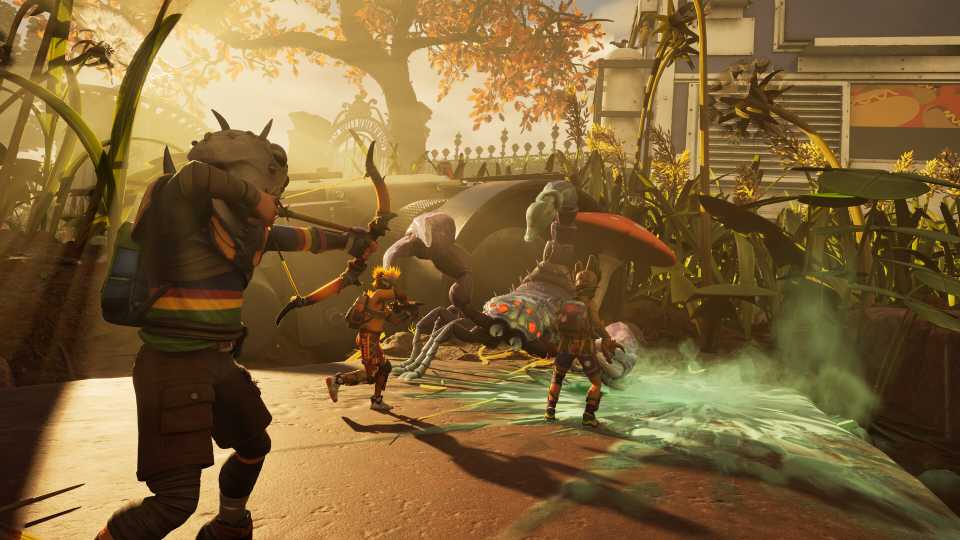
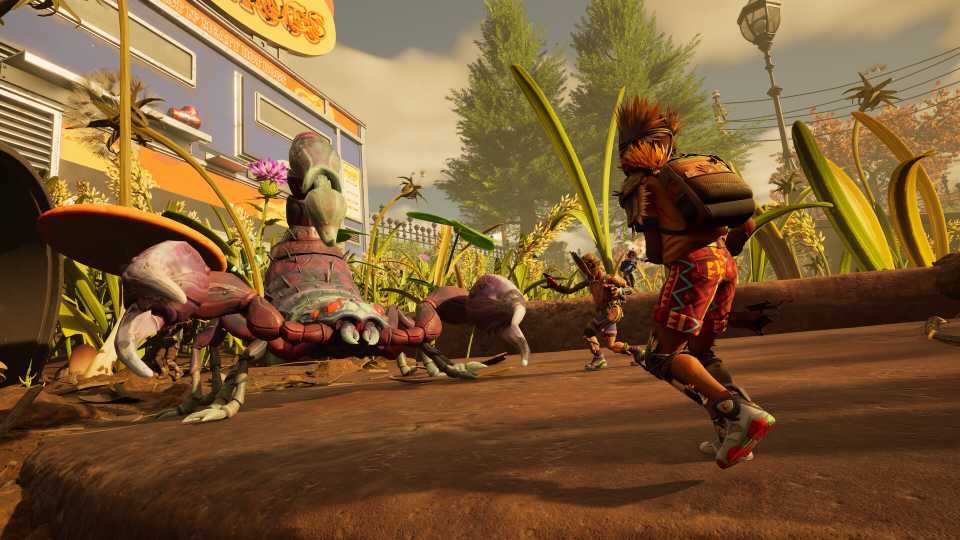
Brookhollow Park in Grounded 2 is full of dangers, with dozens of bug species to fight, as well as much more daunting arachnids, such as scorpions and spiders. Therefore, players will inevitably take damage and need to heal. To heal in Grounded 2, Fiber Bandages must be crafted and then applied.

How to Get Grass Seeds in Grounded 2 (Omni-Shovel)
Discover how to get Grass Seeds in Grounded 2 by finding Grass Flowers and unlocking the Omni-Shovel upgrade.
How To Craft Bandages In Grounded 2
To be able to craft Fiber Bandages in Grounded 2, players will need:
- 1x Sap
- 1x Plant Fiber
Players will occasionally find Fiber Bandages in buildings.
Where To Find Sap In Grounded 2

Sap is an orange substance found on roots, and it can be picked up without any tools. Sap Clumps can also be harvested, but these require an Omni-Hammer to be bust open.
Where To Find Plant Fiber In Grounded 2

Plant Fiber is super easy to find; it is the little green shoots. Chopping up grass once players have the Omni-Axe is a good way to farm greater quantities of Plant Fiber.
How To Craft Fiber Bandages in Grounded 2
To craft in Grounded 2, players must be out of combat. They can then use the following commands depending on their platform to quick craft.
- Xbox: Down on the D-Pad, and then hover on the left and press A.
- PC: Hold Z, hover on the left, and press SPACE.
With enough resources, there is also an option to craft many Bandages at once.
Crafting can also be done in the Crafting Menu, where there are more details, and players can see other recipes. To do so, use the following inputs. The Crafting Menu is at 2 o'clock on the dial.
- Xbox: Press the Back Button and then use LT and RT to cycle through.
- PC: Press Tab and then use Q and E to cycle through.

Grounded 2 - Interactive Map (Brookhollow Park)
Our interactive map for Brookhollow Park in Grounded 2. Tracking all the resources, Ranger Outposts, collectibles, and more found in the game.
Make sure to craft plenty of Bandages before going into a fight, as they cannot be made during combat. With how easy their resources are to find, there's no reason not to.
How To Heal & Use Bandages In Grounded 2

Once players have crafted a Fiber Bandage, there are two ways to apply it.
Applying Bandages From The Backpack In The SCA.B 2K Menu
Bandages can be applied from the Backpack, which sits at 12 o'clock in the SCA.B 2K menu. Here, items can also be assigned to the Hotpouch.
- Xbox: Press Back and then cycle to the Backpack. Navigate to the Bandage and press X to apply or LB to assign to Hotpouch.
- PC: Press Tab and cycle to the Backpack. Click on the Fiber Bandage and press F to apply or Z to assign to Hotpouch.

Is There Crossplay in Grounded 2?
Grounded 2 lets players team up across platforms to survive its park full of dangers. Here’s how crossplay works.
Applying Bandages From The Hotpouch

Equipping and using items from the Hotpouch is always best, as the game does not pause when opening the SCA.B 2K menu, even in singleplayer. However, this only works if items have already been assigned from the Backpack.
- Xbox: Hold LB and use RS to select a Fiber Bandage.
- PC: Hold V and Left-Click the Fiber Bandage, or players can press the assigned Number Key shown in the hotbar at the bottom.
Fiber Bandage Description
A quick remedy for cuts and scrapes. Recovers health over time, but stops working if you take damage.



- Released
- July 29, 2025
- ESRB
- Teen / Violence, Blood
- Developer(s)
- Obsidian Entertainment
- Publisher(s)
- Xbox Game Studios
- Engine
- Unreal Engine 5