


Summary
- Some Infinity Nikki players on Windows 11 face a "black screen of death" issue.
- Version 1.5 brought technical problems and a boycott from disgruntled players.
- One potential fix suggested involves enabling compatibility mode for Windows 8 or 7.
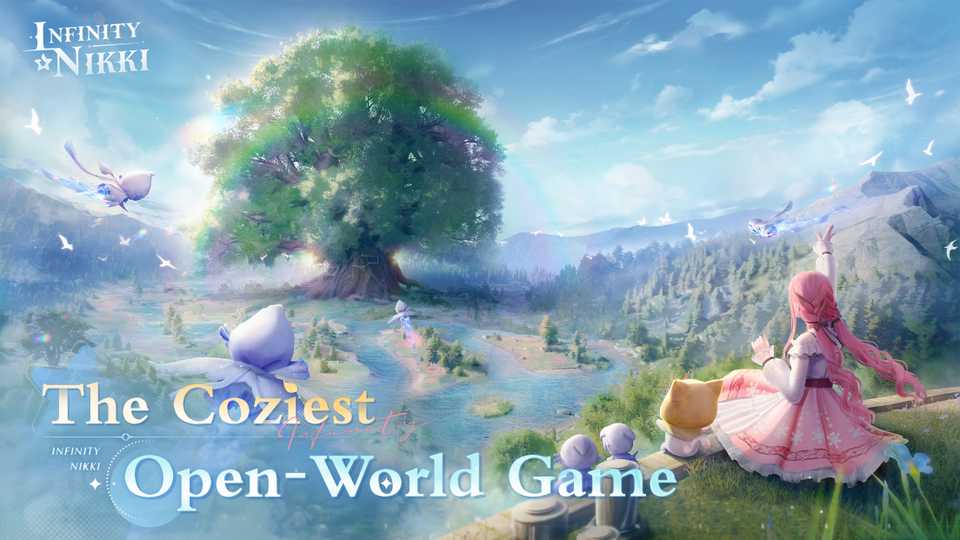
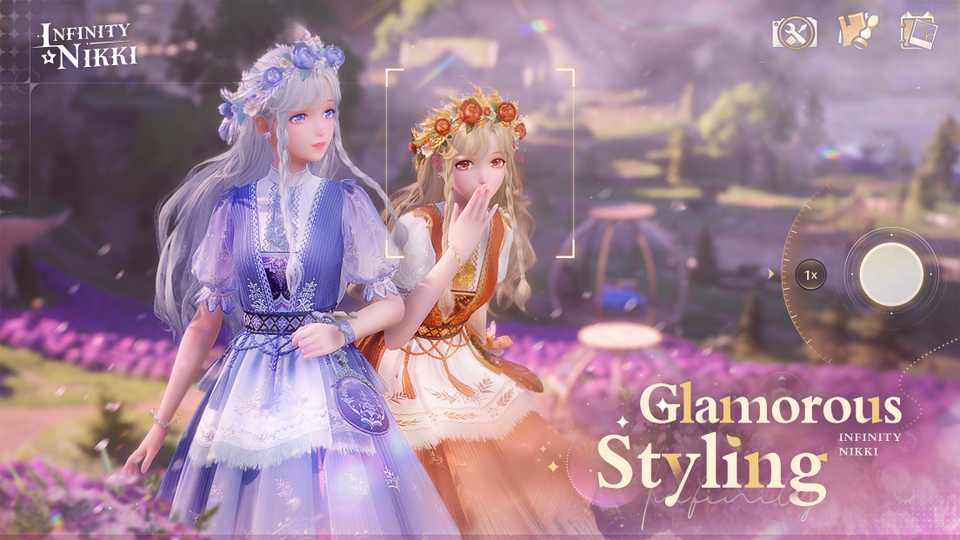
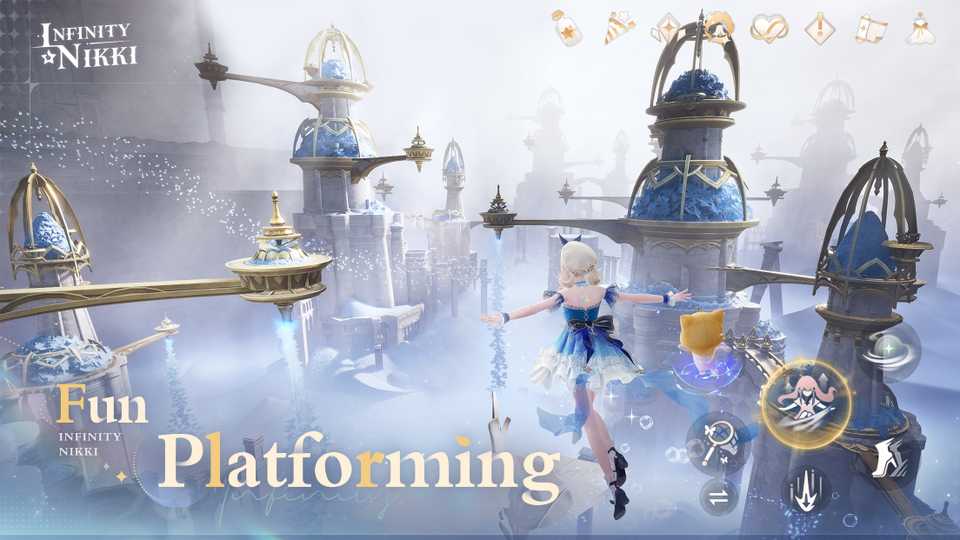
Some Infinity Nikki players appear to be experiencing a "black screen of death" when launching the game on Windows 11, but there may be a way to temporarily fix the issue. As an open-world dress-up role-playing game developed in Unreal Engine 5, Infinity Nikki was a bold undertaking for Infold. The team was forced to build several new systems from the ground up, with the Wardrobe being the most notable example. While it was never hailed for its performance, Infinity Nikki ran tolerably on most devices since its launch.
However, this perception changed dramatically when Infinity Nikki launched Version 1.5, ushering in a wave of technical issues and game-breaking bugs. PlayStation 5 players couldn't log in to collect their daily rewards, and HoYoverse only recently rolled out compensation to those affected by the update. Coupled with the controversial story changes and new monetization practices, it was a perfect storm of unfortunate circumstances that sparked a boycott of Infinity Nikki by disgruntled players.

Rumor: Infinity Nikki Leaks Banner Roadmap for 2025
A recent leak in the Infinity Nikki community supposedly reveals the roadmap for the upcoming Banner Outfits of Version 1.6, 1.7, and 1.8.
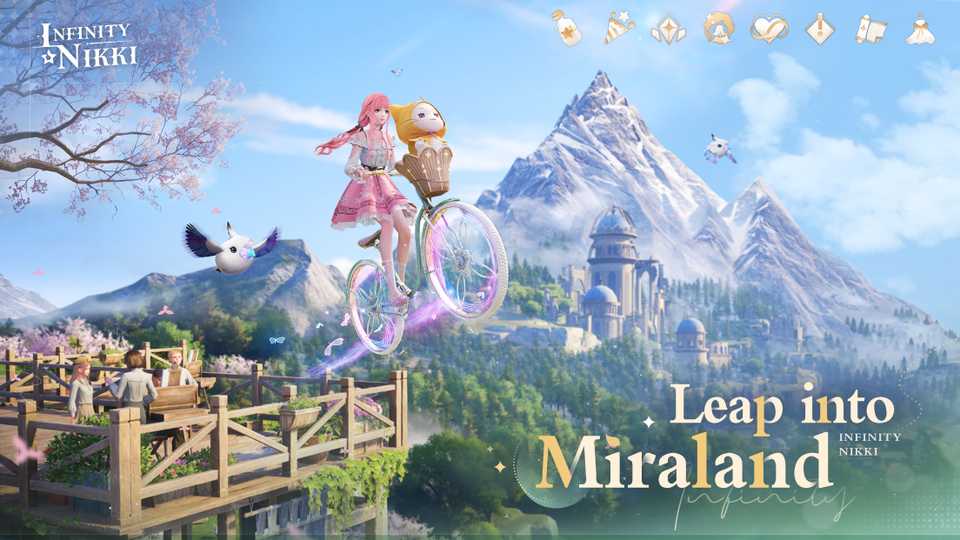
Unfortunately, it appears that Version 1.5 has targeted PC players next. Many Infinity Nikki fans are reporting on social media that they can no longer enter Miraland, either met with a "black screen of death" or a "white screen of afterlife" – referencing the way their application looks when frozen. The issue seems to affect Windows 11 users, with customer support asking Infinity Nikki players to roll back to an earlier update. However, as shared by Prestigious_Zombie87, there may be a more elegant solution to the problem until Infold releases a long-term solution in the next Infinity Nikki patch.
Infinity Nikki: How to Get Past the Black Screen of Death in Version 1.5
Players whose Infinity Nikki application gets frozen on Windows 11 should go into their installation folder, right click on launcher.exe, and enable compatibility mode for either Windows 8 or Windows 7. While this solution isn't guaranteed to work for everyone, it does seem to work for a fair few players. It remains to be seen if Infinity Nikki will compensate players once again, but given the state of its community, there likely isn't compensation big enough to account for Version 1.5's shortcomings.
Ultimately, the best path for Infold going forward would be to gather feedback from its players, stick to its development schedule, and slowly implement solutions to Infinity Nikki's most glaring issues. Though Version 1.5 is seen as a major stumble following Infinity Nikki's successful launch, much of what made players fall in love with the game is still present. Set to launch on June 12, 2025, Version 1.6 could end up being Infold's first step towards writing Infinity Nikki's redemption story.




-
 OpenCritic Reviews
- Top Critic Avg: 80 /100 Critics Rec: 84%
- Released
- December 5, 2024
- ESRB
- T For Teen // Blood, Violence
- Developer(s)
- Papergames, Infold Games
- Publisher(s)
- Papergames, Infold Games, Fearless





WHERE TO PLAY





- Engine
- Unreal Engine 5
- Genre(s)
- Adventure, Open-World, Dress-Up, RPG
