The fourth iteration of the Mafia franchise takes players to “The Old Country” to explore a different side of the Italian criminal underworld, albeit with a familiar rising-up-the-ranks narrative. Developer Hangar 13 took over the Mafia series with Mafia 3, gave a major visual overhaul to the title that started it all in Mafia: Definitive Edition, and is now looking to wow fans once again with Mafia: The Old Country.
You can read our thoughts about the experience as a whole in our Mafia: The Old Country review, but we wanted to take a closer look at the game’s PC version to see how it performs on modern rigs. Even before Hangar 13 got involved, the Mafia franchise has been a systems-heavy graphical showpiece, so we were curious to see how Mafia: The Old Country stacks up to that lineage.

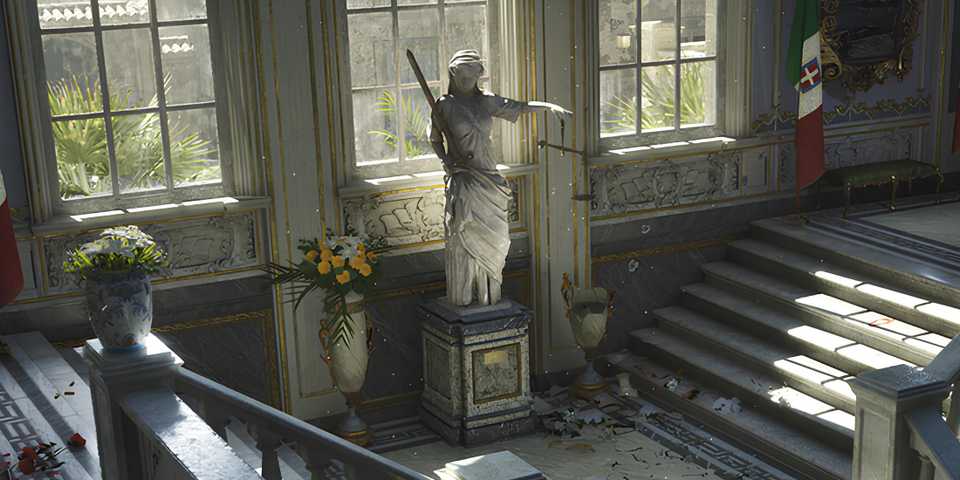
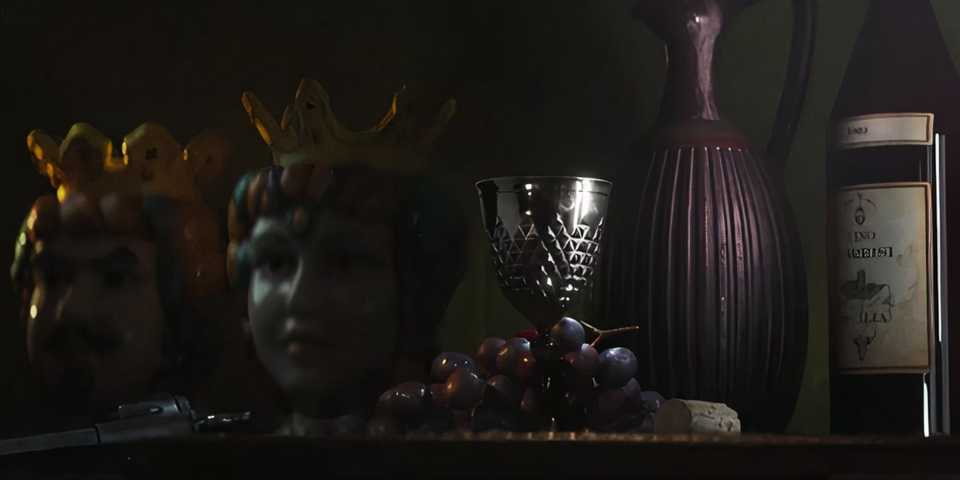
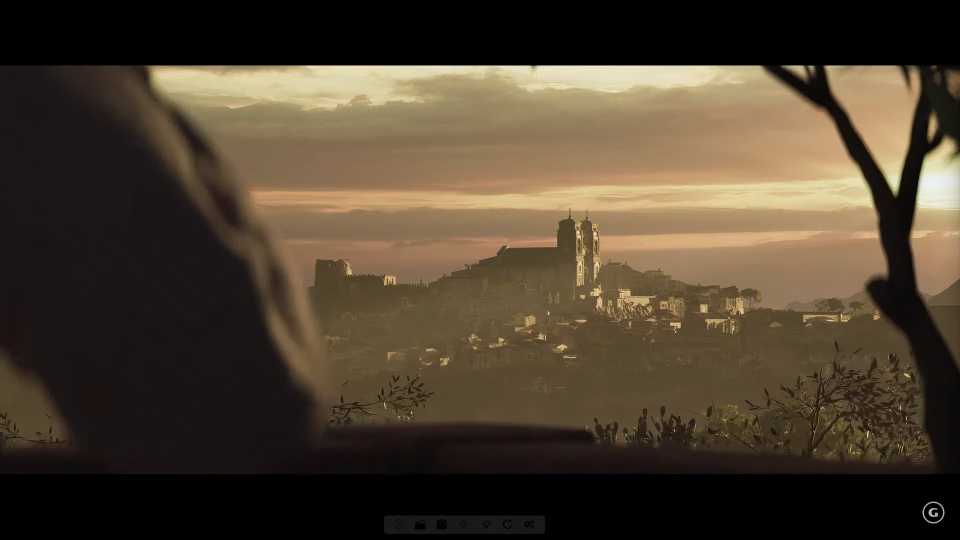
Mafia: The Old Country is a stunning game on PC. It starts with a sequence set in a mine that showcases some impressive low-light and shadow tech, and once you get out into quasi-open-world Italy, the vistas and architecture continually impress. Some of the characters aren’t pushing the boundaries of realism, but there is still a high level of detail to everything from the faces (and facial expressions) to the clothing.
Italy is an incredible country to visit, and Hangar 13 has done an excellent job of bringing that to life in Mafia: The Old Country. This is a gorgeous game to look at, filled with plenty of screenshot-worthy scenes and sequences.
The Best War Games iBUYPOWER Test PC Specs
That being said, Mafia: The Old Country is not without its performance quirks. While the game ran on our high-end rig at a consistent and smooth 144+ FPS (with some GPU uplift), the game has a major issue with its transitions into and out of cutscenes. Because the cutscenes run at 30 FPS, the game needs to shift its frame rate down to switch into those cutscenes, resulting in a jarring stutter effect.

It’s less noticeable when ramping up into gameplay since the main character, Enzo, is usually standing still when you regain control, but those hiccups are extremely noticeable. Obviously, this could be an easy fix for Hangar 13 if they can include a toggle to set a higher frame rate for cutscenes like many PC games do, but right now it’s a pretty disappointing element of the game’s mostly solid presentation.
I say mostly because the game also has an issue with collision, where a random object – usually one you can’t even see on-screen – will start creating artifacts on the screen. Big blobs of geometry will start appearing during a cutscene or gameplay, and there’s no way to figure out where they’re coming from most times. You can see it in the gameplay below during a sequence where Enzo is following a horse-drawn cart.
Mafia: The Old Country includes a variety of graphics options to customize to meet the power of your PC. There currently is no Ray-Tracing option, but it’s still a somewhat demanding game. At the Epic preset with no upscaling, our high-end PC was averaging around 60 FPS, but there were some dips into the high 50s.
What's most surprising is that Mafia: The Old Country breaks the usual mode with its graphics option settings by skipping low, and in some cases Medium. A lot of the graphics options top out at Epic, but one or two of them don't have a low option. It's a curious choice, but for most users, it just means that the Medium option is going to be for low-end spec PCs.
Mafia: The Old Country Graphics Options
- Anti-Aliasing and Upscaling: Unreal TSR, Nvidia DLSS, AMD FSR, Intel XeSS
- Motion Blur: On, Off
- Global Illumination: High, Epic
- Shadows: Medium, High, Epic
- Reflections: Low, Medium, High Epic
- View Distance: Near, Medium, Far, Epic
- Textures: Low, Medium, High, Epic
- Foliage: Low, Medium, High, Epic
- Effects: Low, Medium, High, Epic
- Post-Processing: Medium, High, Epic

Of course, you can tweak any of the visual settings to give that a bump and not have to rely on DLSS or FSR, but those are options as well. If you have any of Nvidia’s 50-series graphics cards, you can take full advantage of DLSS with the Override option in the Nvidia app, boosting Frame Generation to x3 or x4. With x4, we were getting in the 240 FPS range.

There is currently no Ray-Tracing in Mafia: The Old Country.
Even with some rough edges that Hangar 13 can iron out with a post-release update, Mafia: The Old Country is a looker. It’s a visually rich game that runs superb on high-end hardware, with plenty of options to tweak to meet the performance of almost any rig. Support for upscaling and frame generation tech is always a plus, and the game deserves a tip of the hat for not suffering from the dreaded Unreal Engine 4 stutter that has plagued many PC versions as of late.
The stuttering in those transitions, though, is immersion-breaking and needs to be addressed sooner rather than later. I’d recommend waiting to see what a first update looks like but know that there is an impressive-looking game waiting on the other side of a crucial fix.
The Best War Games tested Mafia: The Old Country on the iBUYPOWER RDY Y70 TI B03. IBUYPOWER offers a variety of customizable PCs that can meet any gamer's needs. Check out The Best War Games's iBUYPOWER build here or head to iBUYPOWER for more PC gaming deals.


Mafia: The Old Country



-
 OpenCritic Reviews
- Top Critic Avg: 74 /100 Critics Rec: 66%