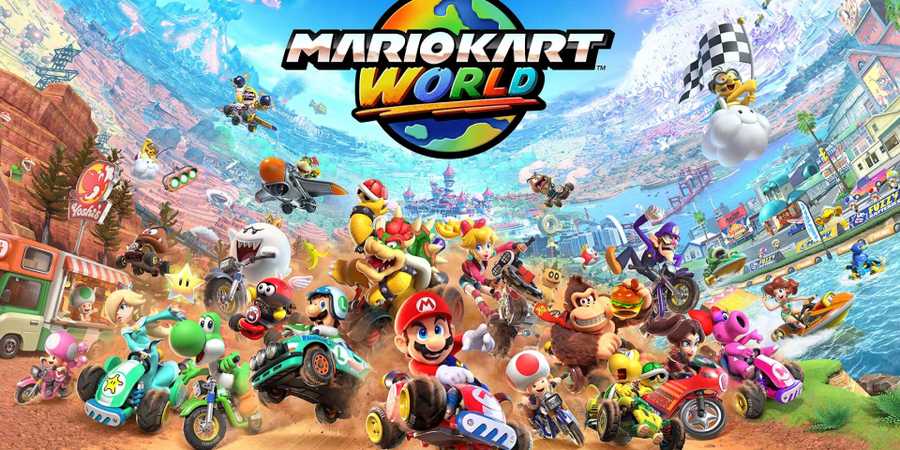
Though most players will get along just fine in a Mario Kart World race, getting more information on your opponents and making use of hidden game mechanics can make all the difference. In Mario Kart World, two mechanics return from previous titles that can give players the upper edge: looking behind your kart, and sending items backward that others don't expect to be used behind your kart.

Mario Kart World FAQ (All Game Modes, Items, Racers & More)
This Mario Kart World FAQ has the answers to every burning question you have leading up to the game's release.
This guide explains how to perform both of these inputs to help players learn how to look behind in Mario Kart World, how to launch items behind your kart instead of in front of it, and why you might want to learn how to take full advantage of these mechanics.
How To Look Backward In Mario Kart World
To look behind you in Mario Kart World, press X on the right Joy-Con. With the Switch 2 controller input layout, X is the top button on the right Joy-Con's face buttons. The best way to look backward is to hold down the drive input (A) and lean your thumb over to touch the X button without letting go of the acceleration input (A), so you keep driving forward as you look behind.
It's a good idea to periodically check behind your kart in Mario Kart World to see if any other racers are quickly approaching your position, or if there are any incoming items you could use a Charge Jump to dodge. You will only look behind while the X button is held – as soon as you let go of X, the camera will return to normal behind your character, facing forward.

How to Free Roam in Mario Kart World
Despite being the big new thing in Mario Kart World, the option to explore the open world isn't easy to find.
How To Send Items Behind In Mario Kart World
In addition to looking backward to check for hazards, players can also send items backward in Mario Kart World that would normally only be used forward (and vice versa).
-
To send items backward, like a Shell or a Fire Flower, which would typically be shot in front of your character, tilt your left analog stick down as you press L to use the item.
- Your character will quickly turn around and launch your current item backward instead of forward.
-
To send items forward, like a Banana, which would typically be dropped behind your character, tilt your left analog stick up as you press L to use the item.
- Your character will throw the item far ahead, and if you have good aim, you can catch other racers unawares with a clutch Banana throw.

Mario Kart World
- Released
- June 5, 2025


WHERE TO PLAY


- ESRB
- Everyone // Mild Fantasy Violence, Users Interact
- Developer(s)
- Nintendo
- Multiplayer
- Local Multiplayer, Online Multiplayer
- Prequel(s)
- Mario Kart 8 Deluxe
- Franchise
- Mario Kart
- Number of Players
- 1-24
- Genre(s)
- Racing, Open-World
- Platform(s)
- Nintendo Switch 2