


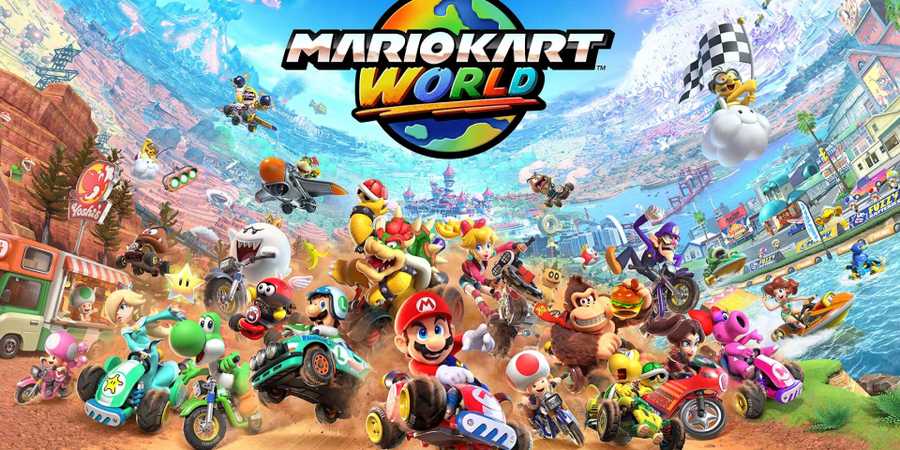
In Mario Kart World, Multiplayer is split between three distinct ways to play with your friends: via a private room online, in local multiplayer on the same Switch 2, or on a local network among multiple Switch 2s.

How To Grind Rails & Ride Walls In Mario Kart World
To ride walls and grind rails, Mario Kart World players must perform specific inputs with specific timing.
Though the menus look different, the multiplayer system in Mario Kart World works in a similar way as previous entries in the series. Follow this guide to learn how to create private rooms, where to find your room code, how to invite friends, and how to engage in local multiplayer in MKW.
How To Create A Private Room In Mario Kart World
To play with friends in Mario Kart World, you must first create a private room. To do this, select the Online Play option from the main menu, then follow these steps to create a room in Mario Kart World:
- Select "Friends" in the Online Play menu, at the bottom of the list of four options.
- Scroll up to the "Create Room" option at the top of the screen
- Select "Yes" to create a room to compete
- Choose a character and a kart
You will enter Free Roam in a private version of the MKW overworld. When your friends join the private room, they will appear in this world alongside you. When everyone is in the game, the host must press the + button, then select "Start Game".
Adjust your game settings, then start the game and vote for a map – the game will randomly select one map from the pool that players create as a group.
How To Find Room Code & Join Private Rooms
To join a private room, Mario Kart World players have two options: enter the Room Code, or join your friend directly from the Online Play menu. You must add each other as Friends on your Nintendo Switch Online accounts to directly join each other's private rooms.
- To find your room code in Mario Kart World, the host must press the + button and select "View Room Info" Your custom 6-digit private room code will be displayed in the middle of the screen
- To join a friend's room directly without a room code, wait for your friend to set up a room, then open the "Online Play" menu and scroll to your friend's profile. Select your friend's profile to join their ongoing game directly.

All Mario Kart World Items (& How to Use Them)
There are 28 items Mario Kart World players can use, including a bunch of new items and returning fan favorites.
Local Multiplayer In Mario Kart World

Up to four players can race together in Mario Kart World splitscreen multiplayer. You must have four controllers that are compatible with the Switch 2, or two sets of Nintendo Switch 2 Joy-Cons (for a total of four controllers).
Scroll down to "Multiplayer" in the main menu, then select the number of players and confirm.
You will be taken to a screen to connect all four players' controllers, then you will be prompted to select a game mode. Choose your preferred character and kart, then vote on a map to start playing Mario Kart World with your friends in local multiplayer!
What Is Wireless Play In Mario Kart World?
Wireless Play allows two players to play together with separate Switch 2s in a local multiplayer environment. Up to two players can join a Wireless Play race on the same system, which can then connect to other Switch 2s in the same network.
When all players are ready with their Switch 2s, everyone must select Wireless Play and follow the prompts to play Mario Kart World locally on multiple Switch 2s.


-
 OpenCritic Reviews
- Top Critic Avg: 87 /100 Critics Rec: 97%
- Released
- June 5, 2025
- ESRB
- Everyone // Mild Fantasy Violence, Users Interact
- Developer(s)
- Nintendo
- Publisher(s)
- Nintendo




WHERE TO PLAY


- Multiplayer
- Local Multiplayer, Online Multiplayer
- Prequel(s)
- Mario Kart 8 Deluxe
- Franchise
- Mario Kart
- Number of Players
- 1-24
- Genre(s)
- Racing, Open-World
- Platform(s)
- Nintendo Switch 2
