


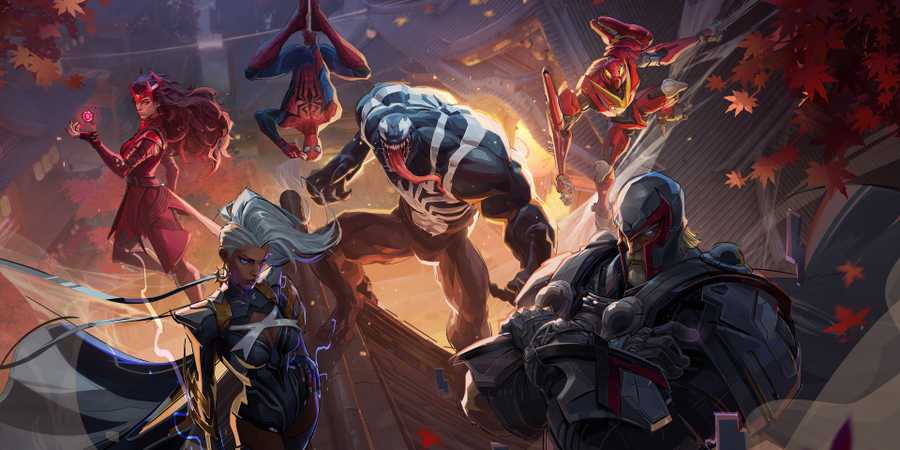
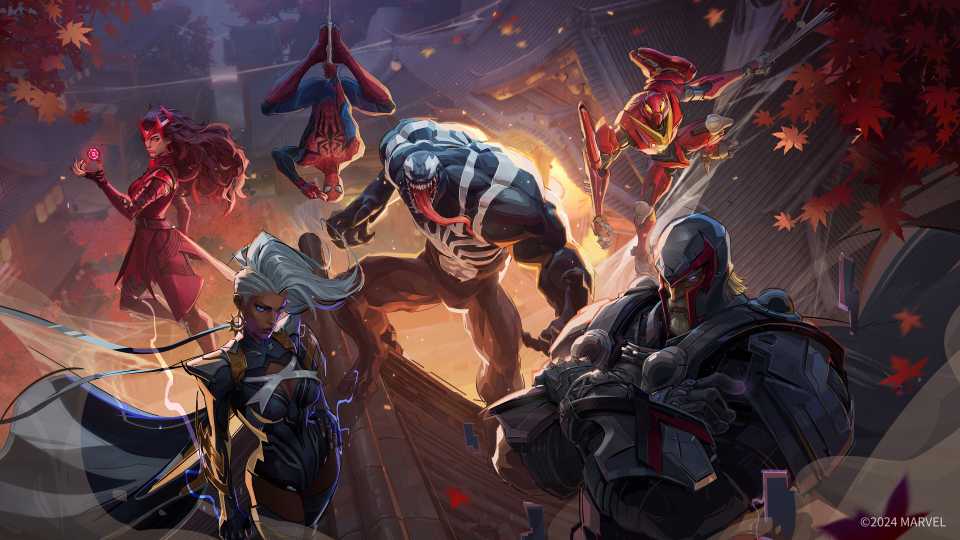
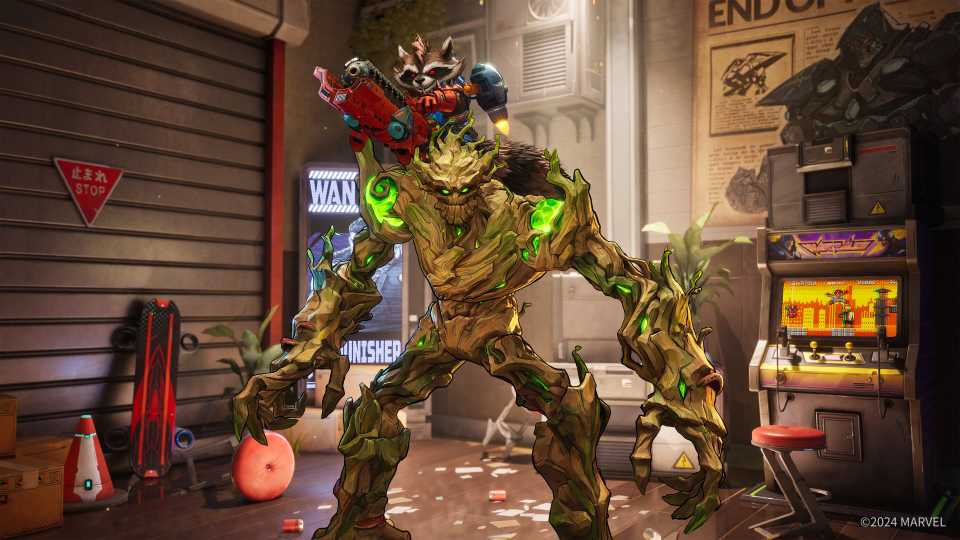
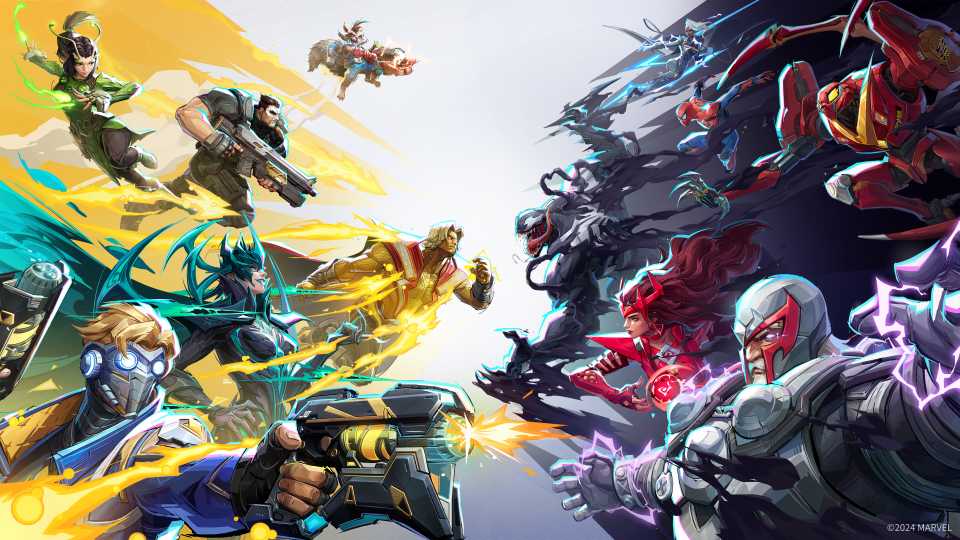
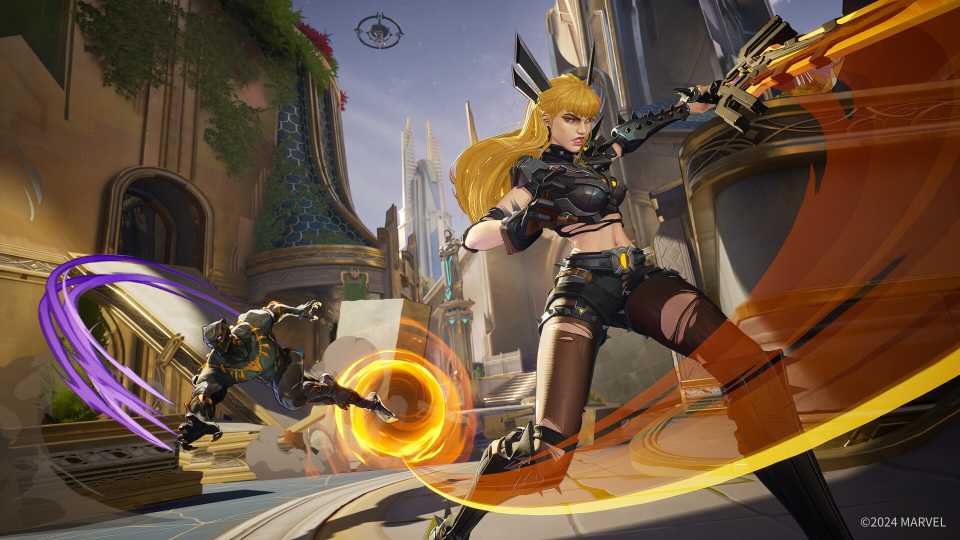
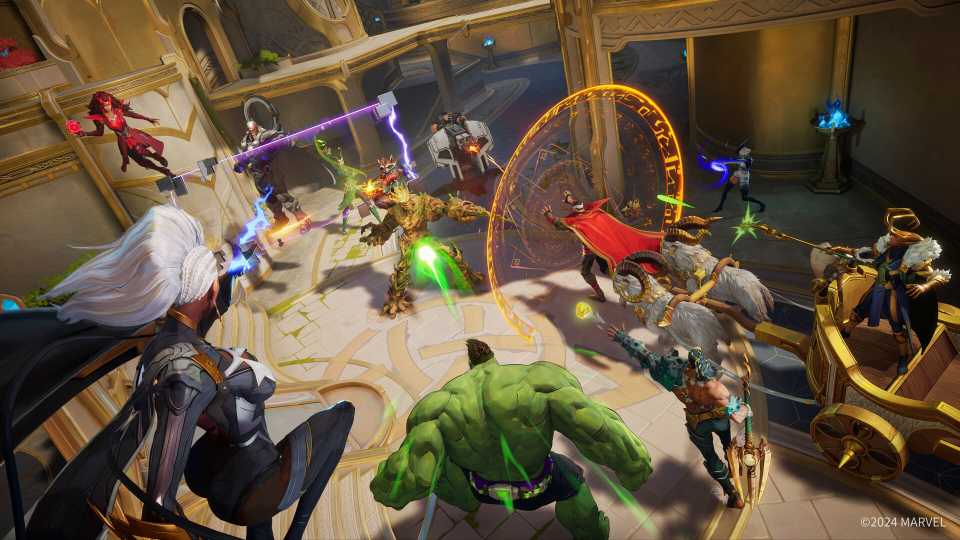
For those who grew up with the comics and movies set in the Marvel universe, Marvel Rivals presents the ultimate throwback to their childhood. In this new Hero Shooter by NetEase Games, players can choose from an iconic roaster of more than 30 Marvel heroes and utilize the team-up powers between them to seize victory.
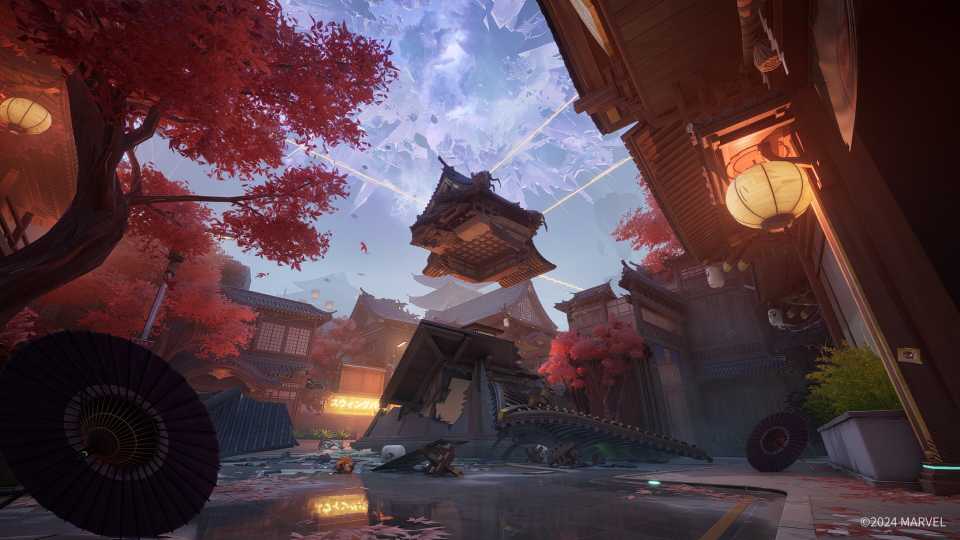
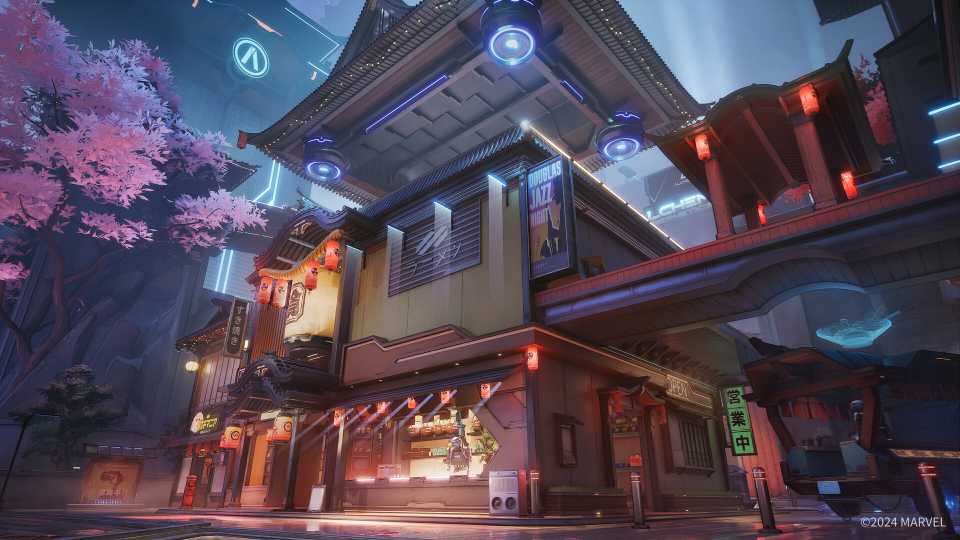
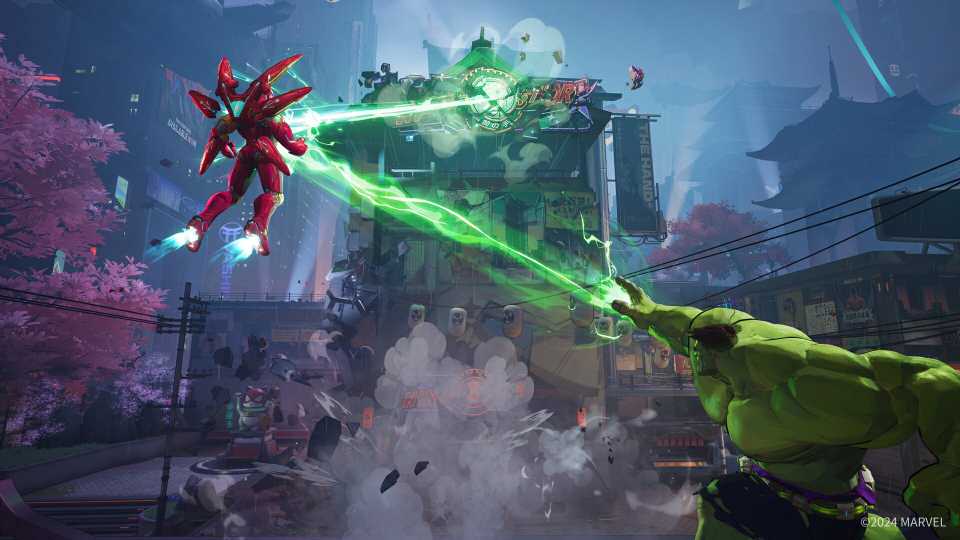
But it takes more than just mastering your abilities and honing your skills to truly excel at the game. Without optimizing your graphical options, you'll be playing at a massive disadvantage against your opponents. Thankfully, Marvel Rivals gives you plenty of options to tweak the graphics in the game to squeeze out the best performance from your hardware.

Marvel Rivals: How to Redeem Iron Man Armor Model 42
Marvel Rivals has a lot of costumes, but some will require you to redeem them manually.
Recommended PC Setting for High FPS in Marvel Rivals

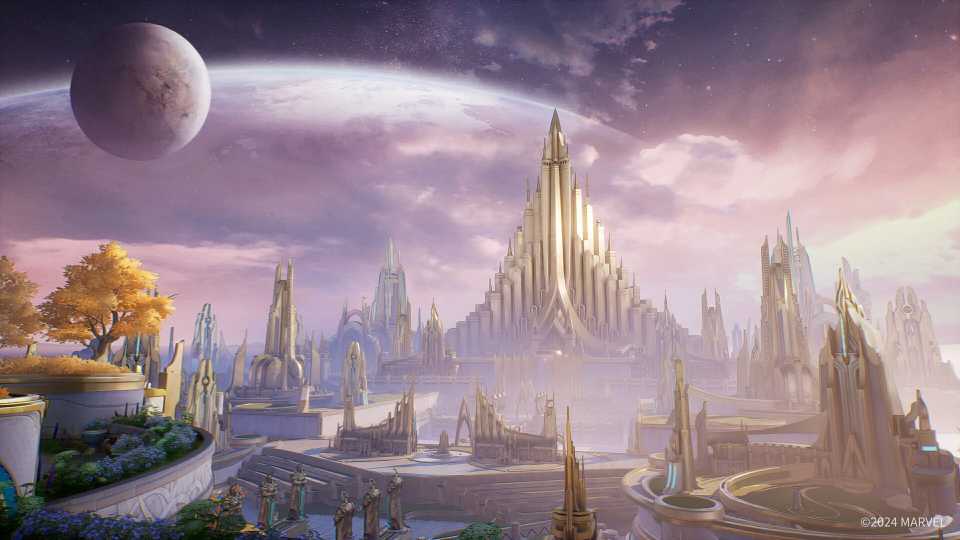
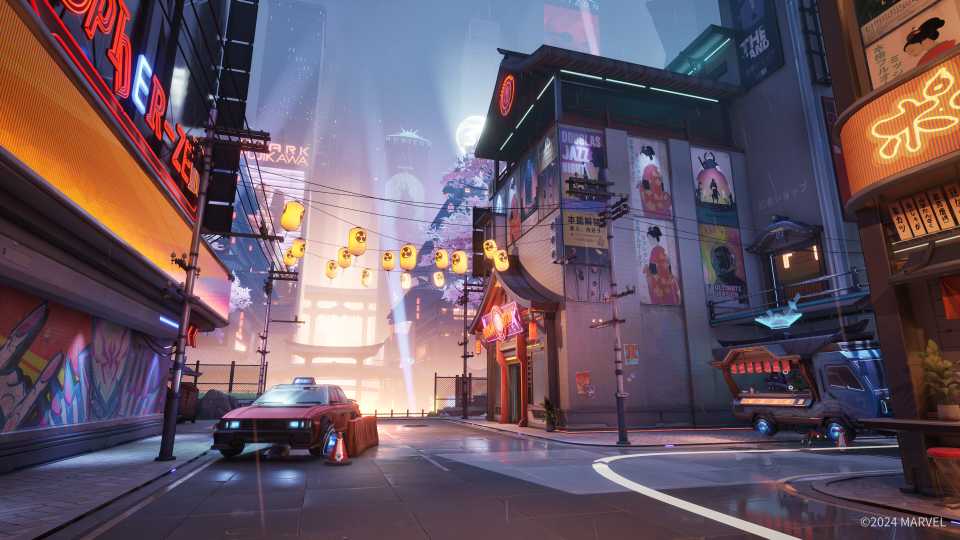
Marvel Rivals doesn't require players to own top-of-the-line hardware to get good performance. The game's system requirement is reasonable, with an RTX 2060 as the recommended graphics card. On top of that, the game offers several adjustment options to set the graphics to your liking. Whether you're after the highest visual fidelity or want to get the most FPS without any flashiness, you'll be able to experience the game the way you see fit.
Here's the setting we recommend to get the most FPS out of your hardware without sacrificing too much of the visuals.
|
Setting Type |
Setting Name |
Recommended Option |
Note |
|---|---|---|---|
|
Display |
Target Display |
Primary Monitor |
If you have multiple displays, this makes sure the game runs on your primary screen. |
|
Display Mode |
Fullscreen |
This setting ensures your system dedicates the maximum resources to the game instead of background applications. |
|
|
Aspect Ratio |
Depends on your primary Display Monitor |
- |
|
|
Resolution |
Depends on your primary Display Monitor |
- |
|
|
Anti-Aliasing and Super Resolution Type |
DLSS/Xess/FSR |
Choose DLSS for Nvidia, Xess for Intel, and FSR for AMD graphics cards. |
|
|
Super Resolution Mode |
Quality |
Offers a good balance of image clarity and performance. |
|
|
Super Resolution Sharpening |
70–80 |
Setting it at a higher value causes image distortion. |
|
|
Frame Generation Mode |
Off |
Turning it on increases input lag. |
|
|
Low Latency Mode |
Nvidia Reflex Low Latency. |
Reduces input lag and increases responsiveness. Requires an Nvidia graphics card. |
|
|
Brightness |
50 |
Has no impact on performance. Adjust according to taste. |
|
|
Limit FPS |
Off |
- |
|
|
V-Sync |
Off |
- |
|
|
Graphics |
Graphics Quality |
Custom |
- |
|
Global Illumination |
SSGI - Low Quality |
Adjusts Global Illumination. Higher settings offer better lighting, but the performance cost is high. We recommend setting it low for best performance. |
|
|
Reflection Quality |
Screen Space Reflection |
Affects the quality of reflections. Screen Space Reflection has low performance hit. |
|
|
Model Detail |
High |
Makes the hero models look more realistic. The performance impact is low when set to high. |
|
|
Post-Processing |
Low |
Reduces the quality of in-game visual effects. High impact on performance. |
|
|
Shadow Detail |
Medium |
Affects the quality of shadows. Medium offers realistic shadows without compromising performance. |
|
|
Texture Detail |
High |
Higher setting increases the clarity of object textures in the game. |
|
|
Effects Detail |
Low |
Enhances the quality of ability effects and scenes. Set it to low to avoid a massive performance hit. |
|
|
Foliage Quality |
Medium |
Affects grass and other in-game foliage. Medium offers a good balance. |
You can click on the Optimize button under Optimized Settings option to let the game choose the best graphical preset for you.
While our recommended PC settings can serve as a baseline, if you're playing on old hardware, adjust the options further to get the most in-game FPS. Refer to the notes we dropped beside each option while adjusting until you strike a good balance of visuals and performance in Marvel Rivals.


Marvel Rivals



-
 OpenCritic Reviews
- Top Critic Avg: 78 /100 Critics Rec: 84%
- Released
- December 6, 2024
- ESRB
- T For Teen // Violence
- Developer(s)
- NetEase Games
- Publisher(s)
- NetEase Games



WHERE TO PLAY




- Engine
- Unreal Engine 5
- Multiplayer
- Online Multiplayer, Online Co-Op
- Cross-Platform Play
- Limited - console crossplay, no PC crossplay
- Cross Save
- No
- Franchise
- Marvel
- Number of Players
- 1-6
- Steam Deck Compatibility
- Unknown
- PC Release Date
- December 6, 2024
- Xbox Series X|S Release Date
- December 6, 2024
- PS5 Release Date
- December 6, 2024
- Platform(s)
- PlayStation 5, Xbox Series X, Xbox Series S, PC
- Genre(s)
- Third-Person Shooter, Action, Multiplayer
- How Long To Beat
- 7.5 hours
- X|S Optimized
- Yes
- File Size Xbox Series
- 20 GB
