


Summary
- To enhance gameplay in Marvel Rivals, disable automatic web-swinging for Venom and Spider-Man in settings.
- Enable teammate health bars when playing support and tank characters for situational awareness.
- Activate the KO sound cue option to differentiate between ally and enemy takedowns.
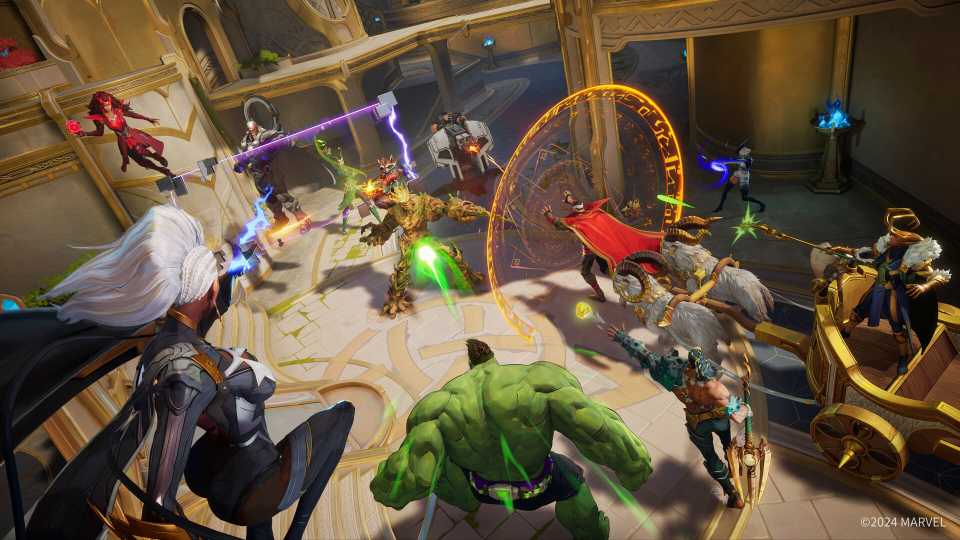
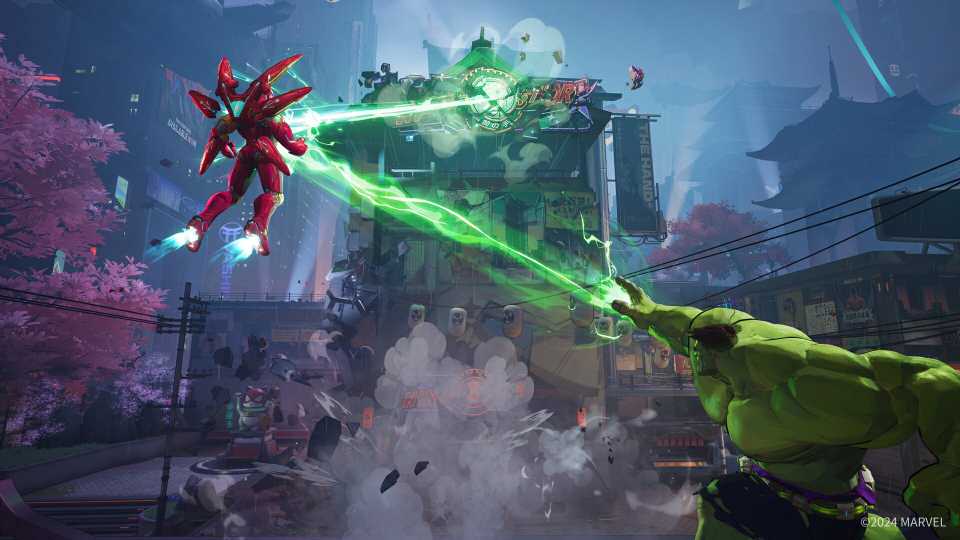
The chaotic nature of hero shooters like Marvel Rivals, with its fast pace and large number of visual effects, can make it difficult to keep track of developments during the match. Because of this, Marvel Rivals players often share gameplay and settings tips to improve performance and situational awareness.
For Venom and Spider-Man mains to better dominate the battlefield, one golden tip is to disable the automatic web-swinging option in the Marvel Rivals settings. With this turned off, players can better control the mobility of the two heroes, making traversal less chaotic. For Strategist and Vanguard players, the game's support and tanks, enabling the health bars of allies is an essential setting for highlighting nearby players who need protection.

Underrated Marvel Rivals Duelist Has a Surprisingly High Win Rate
Marvel Rivals already has several fan-favorite characters, but one Duelist surprises with a good win rate despite their low popularity.
This time, Redditor pxp121kr has shared a valuable tip for Marvel Rivals players, allowing them to hear a sound when allies and enemies are downed. They explain that to activate the setting, players need to navigate to the “audio” tab in the settings menu, and then select the combat mix tab. Scrolling down the page, players will find the option “KO sound cue.” Players should check the box for both ally and enemy knockdowns in adition to adjusting the volume to taste. Some players expressed surprised that they didn't know about this option, and others were perplexed that it wasn't enabled by default. After all, this is an important tool for identifying when it's time to retreat or press onward during team fights.
How to Activate the KO Sound Cue Option in Marvel Rivals
- Go to the Setting menu in Marvel Rivals.
- Select the Audio section and then the Combat Mix section.
- Under “KO Sound Cue,” select the checkboxes for the options: Announce when a teammate is KO'd, and Announce enemy KO.
Meanwhile, other comments gave extra information, explaining that the sound cue emits a “happy sound” when an opponent is downed, and a “sad sound” when a teammate is killed, helping to distinguish the difference between the two. One player entered a quickplay match to test the setting and said that, for them, the difference was “like night and day.” However, other comments would have liked the sound cue to be louder. More comments said that, despite the differences between Marvel Rivals and Overwatch 2, NetEase's game should have a feature similar to Blizzard's shooter: a warning in chat when a player changes characters.
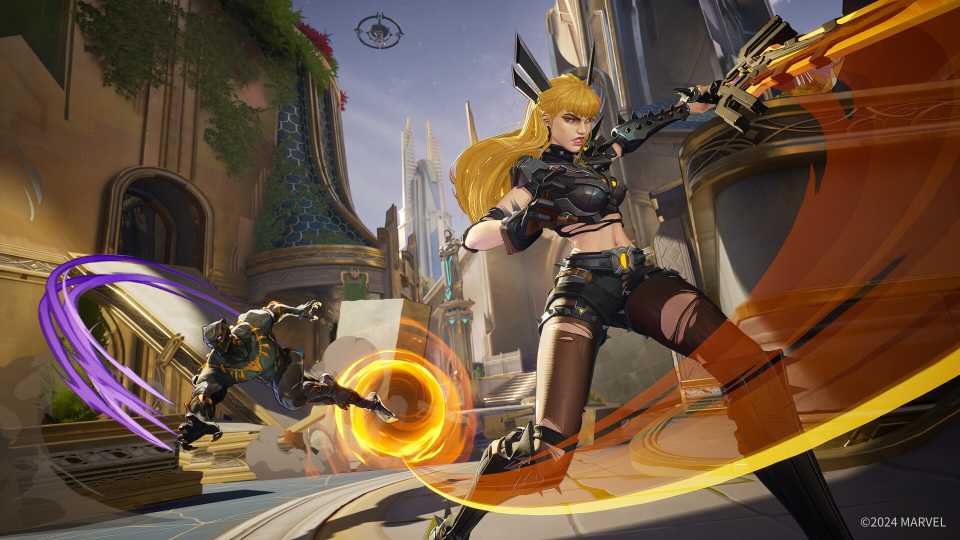
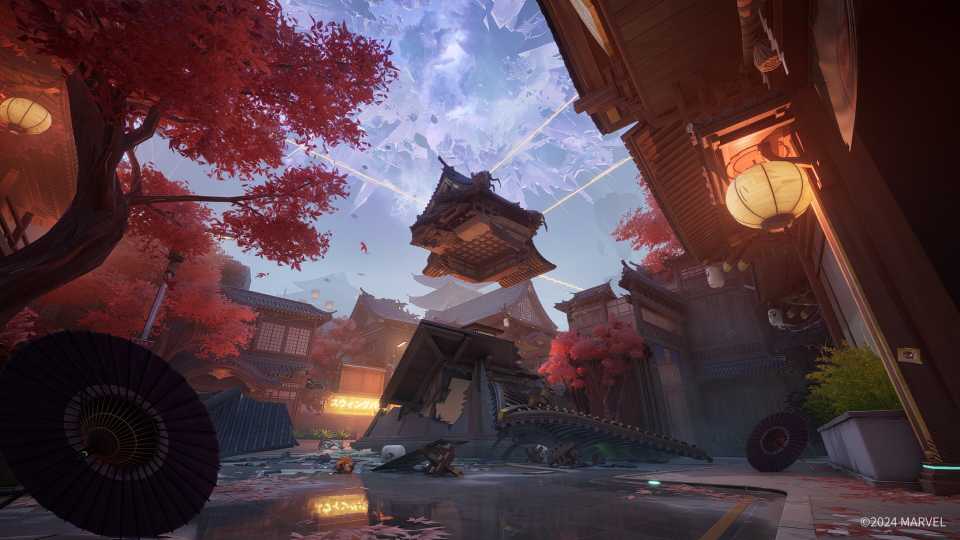
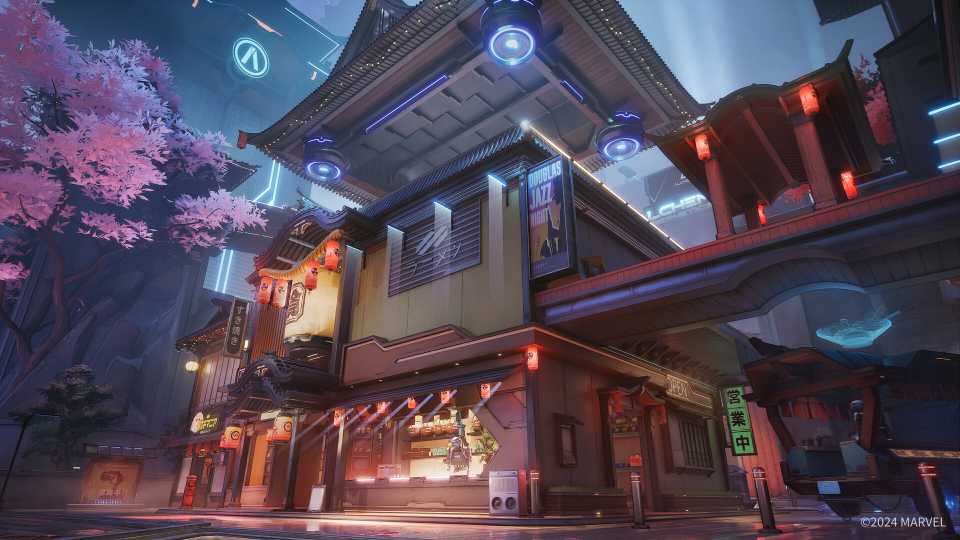
Marvel Rivals was released just over a month ago and has been a huge hit with players, pitting Marvel heroes and villains in 6v6 matches with maps inspired by the House of Ideas lore. Despite this, the community has often noticed points where the game needs to improve to deliver a better player experience. With Marvel Rivals receiving updates periodically, fans wait to see what quality-of-life options may arrive in future patches.


Marvel Rivals



-
 OpenCritic Reviews
- Top Critic Avg: 78 /100 Critics Rec: 84%
- Released
- December 6, 2024
- ESRB
- T For Teen // Violence
- Developer(s)
- NetEase Games
- Publisher(s)
- NetEase Games





WHERE TO PLAY




- Engine
- Unreal Engine 5
- Franchise
- Marvel
- PC Release Date
- December 6, 2024
- Xbox Series X|S Release Date
- December 6, 2024
- PS5 Release Date
- December 6, 2024
- Platform(s)
- PlayStation 5, Xbox Series X, Xbox Series S, PC
- OpenCritic Rating
- Strong
- Genre(s)
- Third-Person Shooter, Action, Multiplayer
