


On June 17, Mojang Studios officially released Minecraft’s Chase the Skies drop for Minecraft: Bedrock Edition and Minecraft: Java Edition. Here, players can finally take to the skies atop Minecraft’s first official flying mount with the new Happy Ghast mob. Players can further explore Minecraft’s 60+ biomes in a brand-new way by activating the Vibrant Visuals Graphics, adding new dynamic lighting, realistic water, and more to the game. However, some gamers may miss out on Chase the Skies’ full potential if they skip the new free add-on Vibrant Memories.

Minecraft's Chase the Skies Update is a Match Made in Heaven With an Undersung World Type
Minecraft's Chase the Skies update gives players an all-new way to take flight, which is particularly useful in a somewhat niche world type.
Minecraft’s Vibrant Memories Add-On Explained
Developed by recurring Minecraft Marketplace partner Oreville Studios, Vibrant Memories is Oreville’s latest Minecraft add-on that debuted for free on June 18, just one day after Chase the Skies. Essentially, Minecraft’s Vibrant Memories add-on is a way for players to access an in-game photo mode similar to photo modes found in other AAA games such as Horizon: Forbidden West and Marvel’s Spider-Man 2. After initially downloading and activating the add-on, gamers will find two new important items: the Vibrant Memories Handbook and the Vibrant Memories Settings. As the name suggests, the Handbook will direct players on how to navigate the add-on’s photography, while the gear-like Settings item will allow players to edit photo settings such as Freecam Rotation.
In the Handbook, players will primarily utilize three sections: Introduction, Cameras, and Memories. Vibrant Memories’ Introduction is essentially a how-to guide on how to utilize each new mechanic in the add-on. To actually begin taking photos, players will need to position their Minecraft avatar into their ideal setting for their photo. They’ll then have to use the handbook to create a camera item and add it to their hotbar. From here, players can take pictures in third-person and access the Camera Edit Menu to alter numerous aspects of the shot, including:
- Camera Position
- Camera Weather
- Hide Player
- Save Player Position
Oreville Studios’ Vibrant Memories add-on is compatible with Minecraft’s new Vibrant Visuals Graphics Mode.
How to Edit and Utilize Minecraft Vibrant Memories’ Photos
After taking a picture or a few, players can then return to the Handbook and access the Memories section to create their very own Photo Albums. These aren’t actual photo album books but are rather short slideshow videos. Here, players can alter how long the transition time is between each photo, edit the transition color, and even add Minecraft background music to play over the album video. Once the album is complete, players can play the slideshow and watch a short video album of their photos, complete with the date the album was created and zoom out shots of each image. Players can further edit each photo in the album to include titles as well as coordinates for where the picture was taken.
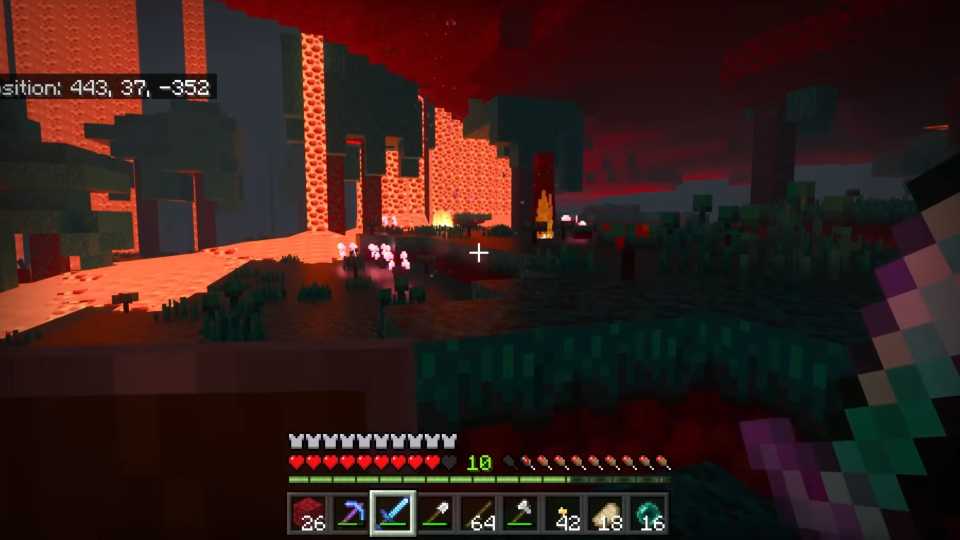
With Minecraft's Vibrant Memories add-on, players can now create fun and unique photos wherever and whenever they want to their heart’s desires. For example, if players want to take an epic shot of them fighting Elder Guardians in Minecraft's underwater ocean monuments, Vibrant Memories will allow players to do so. Similarly, if players are flying around with friends in a flock of Happy Ghasts, players can easily capture the moment with Vibrant Memories’s cameras. Vibrant Memories’ cameras can even be used in the hostile Nether and End dimensions to immortalize hectic battles against otherworldly monsters. In short, Vibrant Memories is another splendid add-on for players to enhance their Minecraft journeys.






-
 OpenCritic Reviews
- Top Critic Avg: 90 /100 Critics Rec: 84%



WHERE TO PLAY



- Engine
- LWJGL, PROPRIETARY ENGINE
- Genre(s)
- Sandbox, Survival
