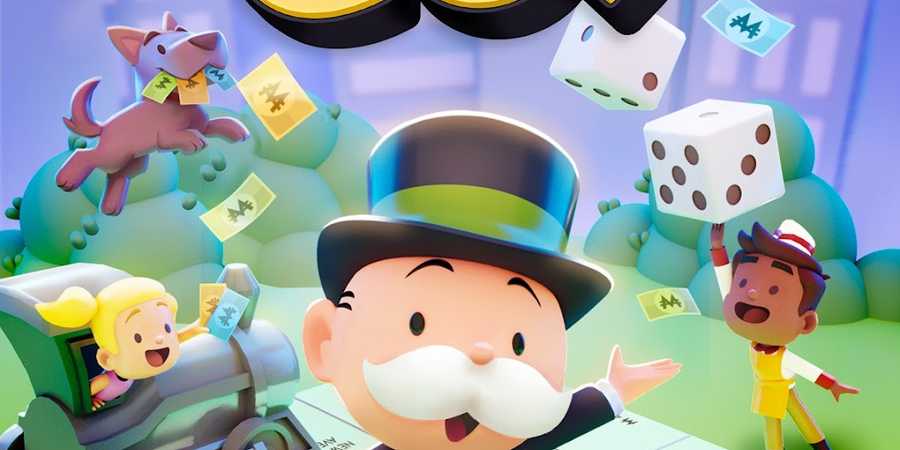
Monopoly GO brings the familiar gameplay of buying properties, collecting rent, and aiming to bankrupt opponents to a digital platform. On this digital board, players can use a variety of tokens to move around the board. These tokens can be customized to add a personal touch to the game.
Tokens in Monopoly GO range from classic pieces like the top hat, thimble, and penguin to unique and themed tokens, such as the Deadpool and Wolverine tokens. One unique token that players have a hard time finding is the classic Mr. Monopoly token. This guide breaks down how you can get this token and add it to your token shelf in Monopoly GO.

Monopoly GO: How to Claim Marvel Storm & Rocket Raccoon Tokens
Get your hands on the limited-edition Marvel Storm and Rocket Raccoon Tokens in Monopoly GO using this quick guide.
How To Get Mr. Monopoly Token
Mr. Monopoly token in Monopoly GO is a special token that represents the iconic figure himself. The only way to get Mr. Monopoly token is by inviting ten friends to join Monopoly GO. Remember, only friends who have never played Monopoly GO before will contribute to your reward count.
Here’s how you can invite friends to Monopoly GO:
Friend Codes
Friend Codes are unique identifiers assigned to each player in Monopoly GO. Players can share their friend codes with others to add them to their friend list. You can find your unique friend code in the Add Friends section of the Friends and Family menu.
Invite Link
Instead of a code, players can also use an invite link in Monopoly GO to invite their friends. You can find your unique invite link in the Add Friends section of the Friends and Family menu.
Facebook Invite
Monopoly GO players can also select friends on Facebook and send them a game invitation. This method is convenient for those who already use Facebook and want to invite friends to the game quickly.
Once you get Mr. Monopoly token, you’ll be given the option to immediately equip it. Simply tap on the "Equip" button to change your player token.
How To Change Your Tokens in Monopoly GO

As you progress in Monopoly GO, you’ll unlock more tokens and grow your token collection. If you want to change your current token, follow the steps below:
- Click on the three horizontal lines icon, usually located in the top right corner of the screen.
- Tap on the My Showroom option from the menu.
- Scroll through the list of tokens you've unlocked.
- Once you've selected a token, tap on the Equip button to change your current token.

Monopoly Go!
- Released
- April 11, 2023



WHERE TO PLAY