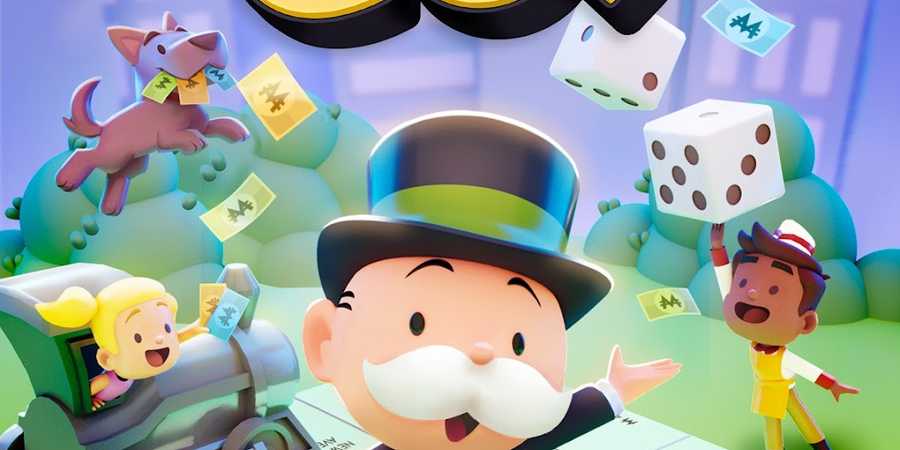
While Monopoly GO retains the core mechanics of the classic board game, it adds new features and mechanics to make it an engaging and rewarding experience for players. From regular free dice links to the premium rewards program, called Tycoon Club, there’s something for everyone. Like most mobile games, Monopoly GO lets players redeem exclusive Reward Codes for even more surprises. This guide covers everything you need to know about Reward Codes and how to claim them in Monopoly GO.

Monopoly GO: Tycoon Racers Schedule (February 2025)
For those wondering, here’s when the next Tycoon Racers minigame should be happening in Monopoly GO.
What are Reward Codes in Monopoly GO?

Unlike Dice Links in Monopoly GO that can be used to redeem free rolls, Reward codes are special alphanumerical codes that can be redeemed to unlock unique in-game benefits. They’re a great way to enhance your Monopoly GO experience and unlock exclusive prizes.
Reward codes grant access to rare or limited-edition items that cannot be obtained through regular gameplay. You can redeem your unique Reward Code by visiting the official Monopoly GO website.
If you've been invited to Monopoly GO's Tycoon Club, you can access the Tycoon Club menu to enter Reward Codes. By tapping on the Tycoon Club, you'll be directed to a webpage where you can find the option to input a code and claim your exclusive rewards.
How To Get And Use Reward Codes In Monopoly GO

Monopoly GO takes a different approach to Reward Codes compared to other games. These codes are not readily found online, which adds another layer of exclusivity.
To get a Reward Code, players will need to purchase the new Hasbro & Scopely Monopoly GO board game. Inside the game box, they will find a unique alphanumerical code that can be redeemed on the website for one-of-a-kind prizes, like the premium Gold Mr. Monopoly player token.
After purchasing the board game and receiving your Reward Code, follow these steps to redeem it:
- Visit the official Monopoly GO website.
- Navigate to the Reward Codes section.
- Enter the Reward Code into the designated field.
- Hit the GO! Button. If the Reward Code you’ve entered is valid, the rewards will be automatically added to your Monopoly GO game account.
It's important to note that the rewards will be credited to the game account that is linked to your Facebook account. If you use multiple Facebook accounts to log into Monopoly GO, make sure you're using the correct one when redeeming the code, or the rewards may go to the wrong account.

Monopoly Go!
- Released
- April 11, 2023



WHERE TO PLAY