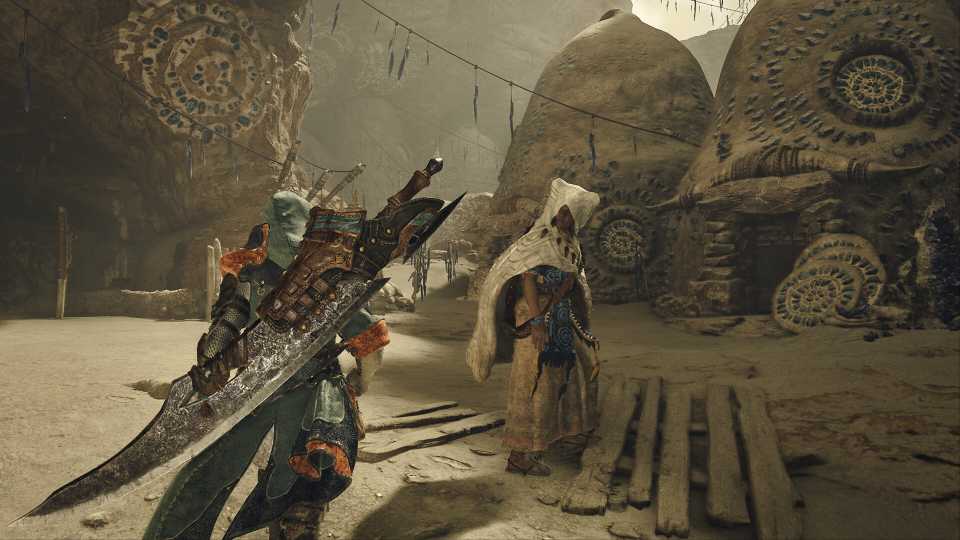
Monster Hunter Wilds starts out the game with you customizing the appearance of your hunter and their trusty Palico. Your character will appear constantly not only when playing the game but also close up during story cutscenes throughout the game.
Equipping different armor will change the appearance of what your character is wearing, though you can also choose to hide your helmet to always see the character you created. You can also choose to go back and change a lot of aspects of your character and their Palico whenever you want; here's how.

Monster Hunter Wilds: How to Upgrade Armor
Players who want to add defense to their armor pieces in Monster Hunter Wilds can learn about the game’s armor upgrade mechanic here.
How To Change Your Appearance In Monster Hunter Wilds
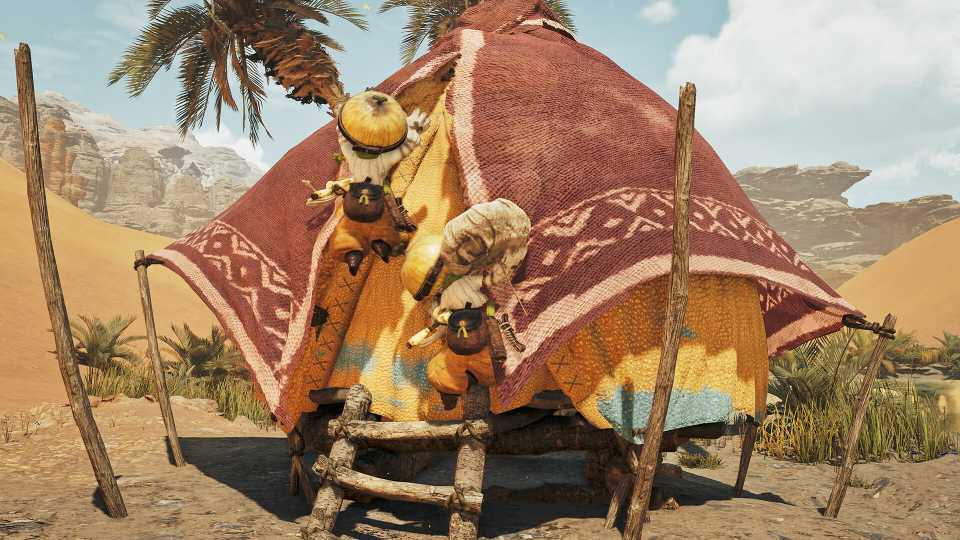
You can choose to go back and change the appearance of your character and their Palico anytime at your tent in camp. You'll need to progress the game just a bit to unlock the base camp though this happens within the first hour of the game. From the entrance of the base camp, your tent will be off and to the right of the main entrance, and you can stop by any time.
Your tent can also be found at other camps set up throughout the game and pop-up campsites.
In your tent, tab over to the Appearance menu, which is the final menu to the right, with the first option being Change Appearance. In the following menu you can choose to change the appearance of your main character or their Palico:
|
Character |
Palico |
|---|---|
|
Hair |
Pattern |
|
Eyebrow/Eyelash |
Long-Haired |
|
Eye Color |
Ear Fur Type |
|
Mouth |
Eyes |
|
Facial Hair |
Facial Fur Type |
|
Makeup/Face Paint |
Tail Shape |
|
Voice Pitch |
Marking 1 |
|
Bearing |
Marking 2 |
|
Clothing |
Felyne Language |
|
Underclothes |
Voice Pitch |
While you're given the ability to change a lot about your character, there are some restrictions as you can't change your character's gender, and making a change like that would instead require you to create a new character.

Monster Hunter Wilds: How To Save
Saving your game in Monster Hunter Wilds happens automatically – but don't forget to manually save the game, too.
How To Change Armor Appearance In Monster Hunter Wilds
The armor and weapon you choose to use will also change the appearance of your character, though you can also choose to have what is seen not match what is actually equipped if you prefer a different look that the stats of your favorite armor give. Also in your tent in the appearance menu will be the Equipment Appearance menu, which will allow you to hide different armor pieces you have equipped or equip the skin of a different armor over what you currently have equipped. Everything done in this menu is purely cosmetic, and won't affect the stats of what you have equipped.




-
 OpenCritic Reviews
- Top Critic Avg: 89 /100 Critics Rec: 95%