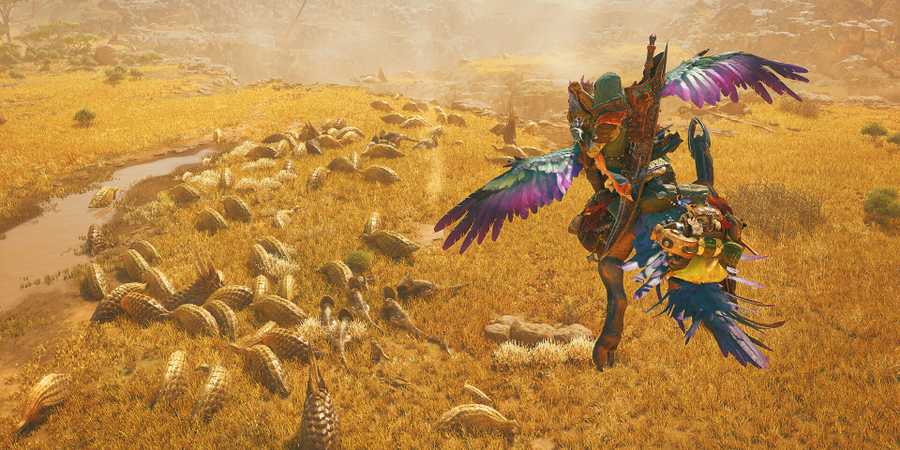
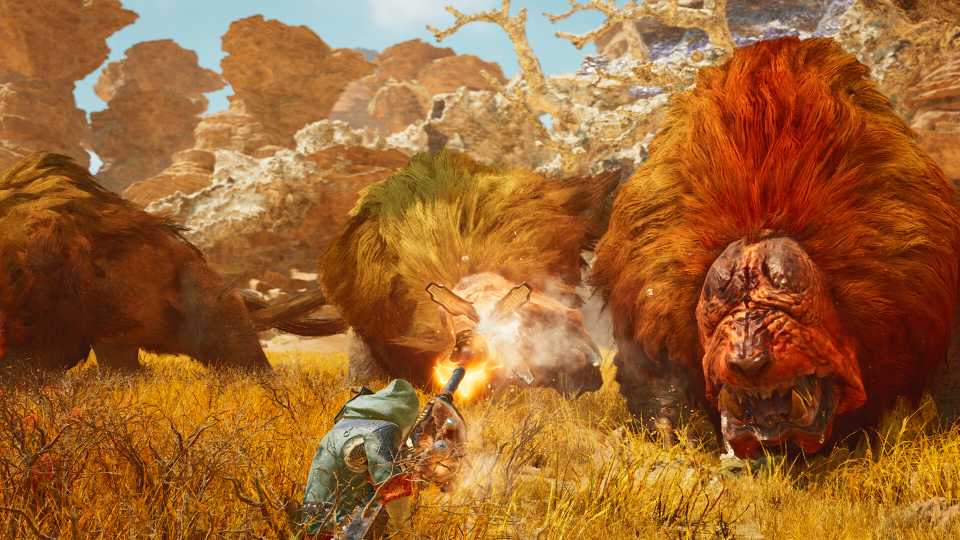
Co-op multiplayer plays a fairly important role in Monster Hunter Wilds. If players are connected to the internet when they first boot up the game, they'll be thrown into a crossplay multiplayer lobby with up to 99 other people, ensuring that there's always support available if ever they should need a helping pair of hands.

Monster Hunter Wilds - How to Rest & Change Time of Day
In Monster Hunter Wilds, different monsters will appear in various environments depending on the time of day/weather.
However, some players may not appreciate having other people randomly show up while they're attempting to complete a mission or take down a powerful foe, particularly if they're overpowered. Thankfully, there's a quick and easy way for players to switch to single-player mode in Monster Hunter Wilds without them needing to go offline.
How to Play Monster Hunter Wilds Solo

- Speak to Alma to open the Quest Counter
- Navigate to the Change Lobby Menu
- Choose the Online Single Player option
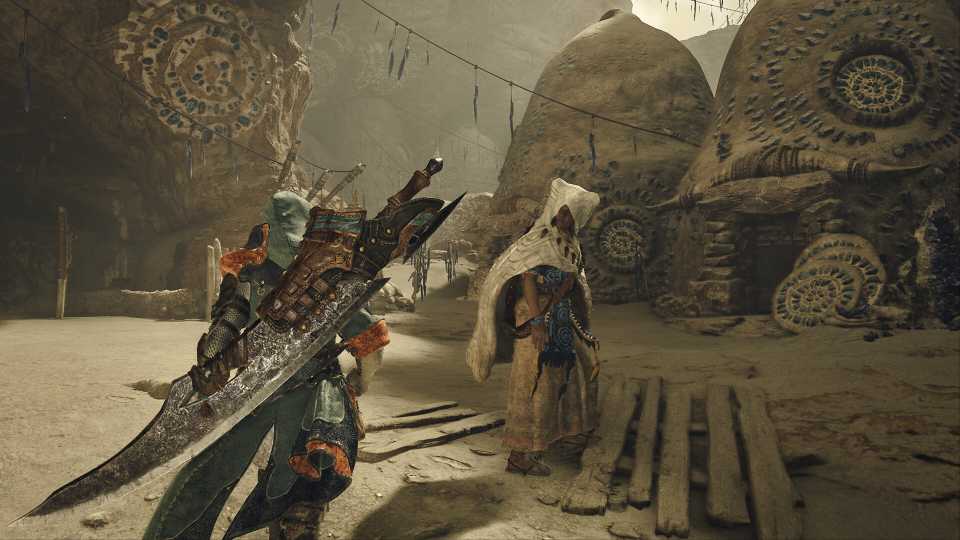
To stop other people from joining their game session, players should speak to Alma and open up the Quest Counter. They'll then need to use the shoulder buttons to navigate to the Change Lobby Menu and choose the Online Single Player option. Doing so will restart their game instance without putting them in a lobby, thus allowing them to play Monster Hunter Wilds solo without having to go offline.

If they later change their mind, players can rejoin a lobby from the same menu. In most cases, they'll want to choose the Recommended Lobby option, although those hoping to play Monster Hunter Wilds with friends may instead opt to create their own private lobby or search for the private lobby of a friend. Whichever option they choose, it should only take a few button clicks.
Can You Still Call for Support in Single-Player Mode?

Monster Hunter Wild's SOS Flare mechanic was designed with both single-player and multiplayer experiences in mind. If players are offline or playing in single-player mode, firing off an SOS Flare will call nearby NPC Support Hunters. Likewise, if players are in a multiplayer lobby and no human-controlled hunters respond to their SOS Flare within a certain amount of time, AI-controlled support Hunters will show up to help instead.

One of the big advantages of playing in single-player mode is that players can choose if and when they receive support, which isn't always the case when they're in a lobby with 99 other people. They may also find themselves growing tired of OP players who swoop in and single-handedly get the kill, or, conversely, low-level players who are constantly getting in the way.




-
 OpenCritic Reviews
- Top Critic Avg: 89 /100 Critics Rec: 95%