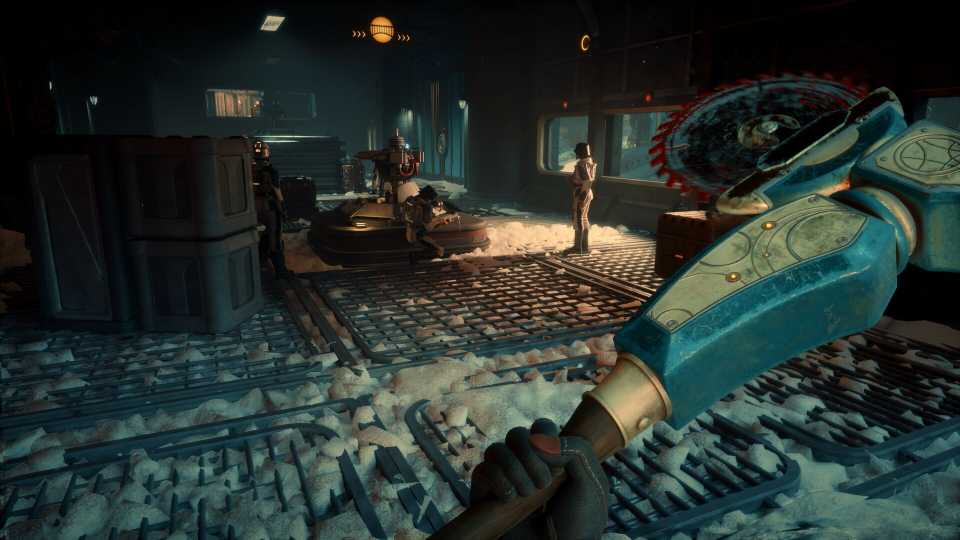
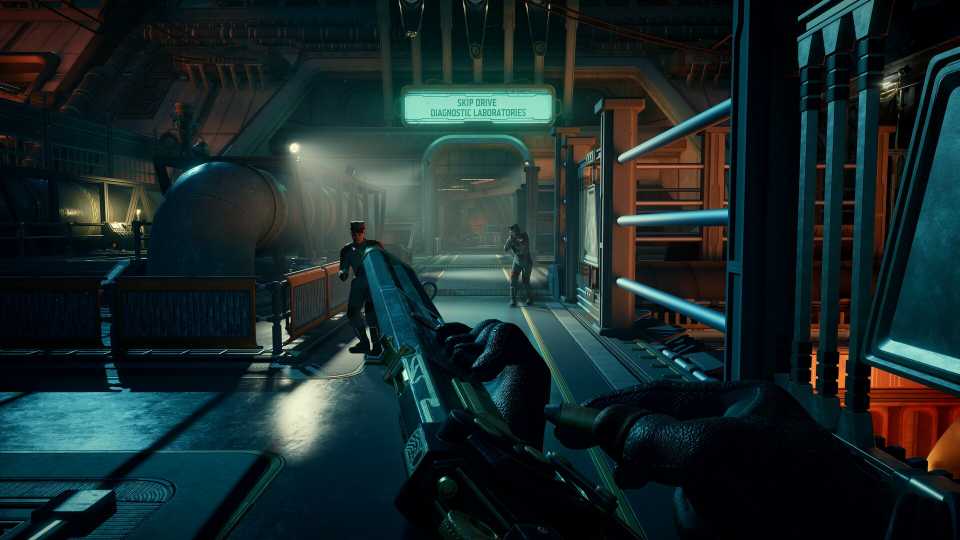
When you first start out in The Outer Worlds 2, you'll be able to switch between two weapons of your choice. These can be whatever weapons you want, but if you want to change weapons beyond those two, you'll then need to jump into the Inventory menu and change them from there. This can get a bit annoying when you're in the middle of combat. Fortunately, there's a way to unlock more weapon equip slots in The Outer Worlds 2, and in this guide, I'll explain what you need to know so you can do just that.

‘I Personally Want The Player to Understand Their Choices Are Permanent’: The Outer Worlds 2 Dev on Why Staple RPG Feature is Missing
The Outer Worlds 2's game director reveals why a staple RPG feature is missing from Obsidian's upcoming title.
Unlocking More Weapon Equip Slots in The Outer Worlds 2
You can unlock more weapon equip slots either with the use of armor mods, or by unlocking a skill/trait that grants you an extra one. I've explained the process for both below.
Using 'Extra Holster' Armor Mods

The first way to unlock an additional weapon slot is to simply buy, steal, or otherwise find an armor mod called 'Extra Holster.' As its description explains, this grants you one additional weapon slot. In my experience, you can find one of these to buy from the vendor in Paradise. You can also just steal it by heading into the door on his right, closing it, and taking it from the bottom shelf (shown in the screenshot above).
If you're having trouble finding or buying it, you can also craft the mod. It costs 25 Cloth to make and can be done so from any workbench or by accessing the crafting menus through your companion, Nile's, Field Tinkering ability.
The Extra Holster mod can also be found scattered around the world, although it is of uncommon rarity, making it a little trickier to find in the early stages of the game.
Once you've found the mod, go to a workbench and choose the Mods option. Select the piece of gear you want to equip it to and then select it from the menu on the right-hand side of the screen.
Once a mod has been equipped to a piece of gear, it can't be removed. If you unequip the piece of gear that you've attached the 'Extra Holster' armor mod to, you'll also lose the additional weapon slot. As such, choose wisely.
Unlocking the Commando Perk

The faster way to get an additional weapon equip slot is to unlock the Commando perk. This requires one stat point in either Melee or Guns and will permanently unlock it for you to use. This doesn't come with any usage requirements, so once you've unlocked it, you'll have the additional weapon slots to use forever.
It's worth noting that there are two additional weapon slots you can unlock, meaning you'll have a total of four weapon slots to use as you wish. You'll want to use a combination of the Commando perk and the Extra Holster armor mod (or two of the mods) to unlock them both.


The Outer Worlds 2



-
 OpenCritic Reviews
- Top Critic Avg: 82 /100 Critics Rec: 87%
- Released
- October 29, 2025
- ESRB
- Mature 17+ / Intense Violence, Blood and Gore, Strong Language
- Developer(s)
- Obsidian Entertainment
- Publisher(s)
- Xbox Game Studios